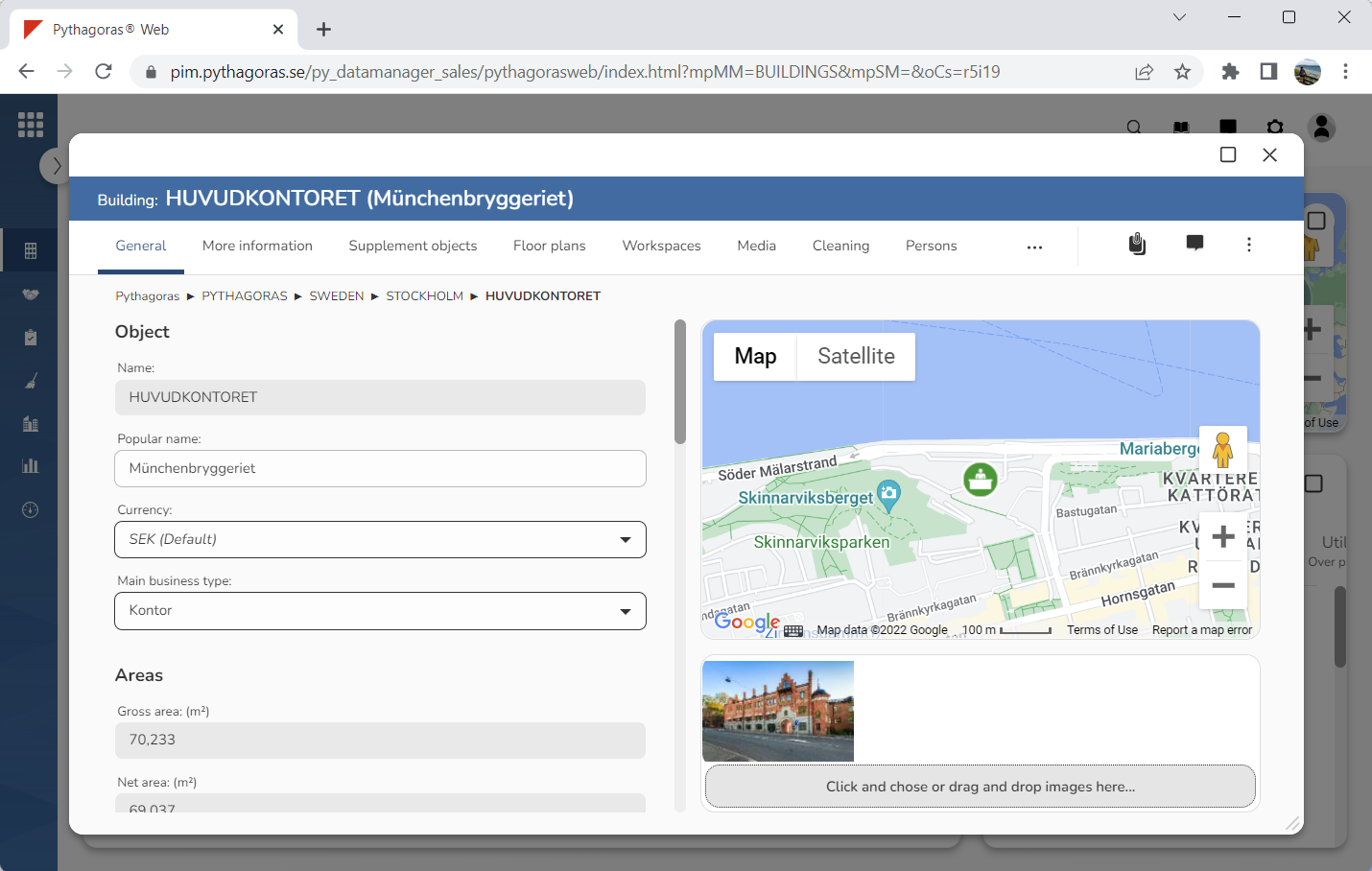
Open a building. For more information on how to do so, see section 4.6.1., 5.4.3. or 6.1.1.
Go to the building card (see image below).
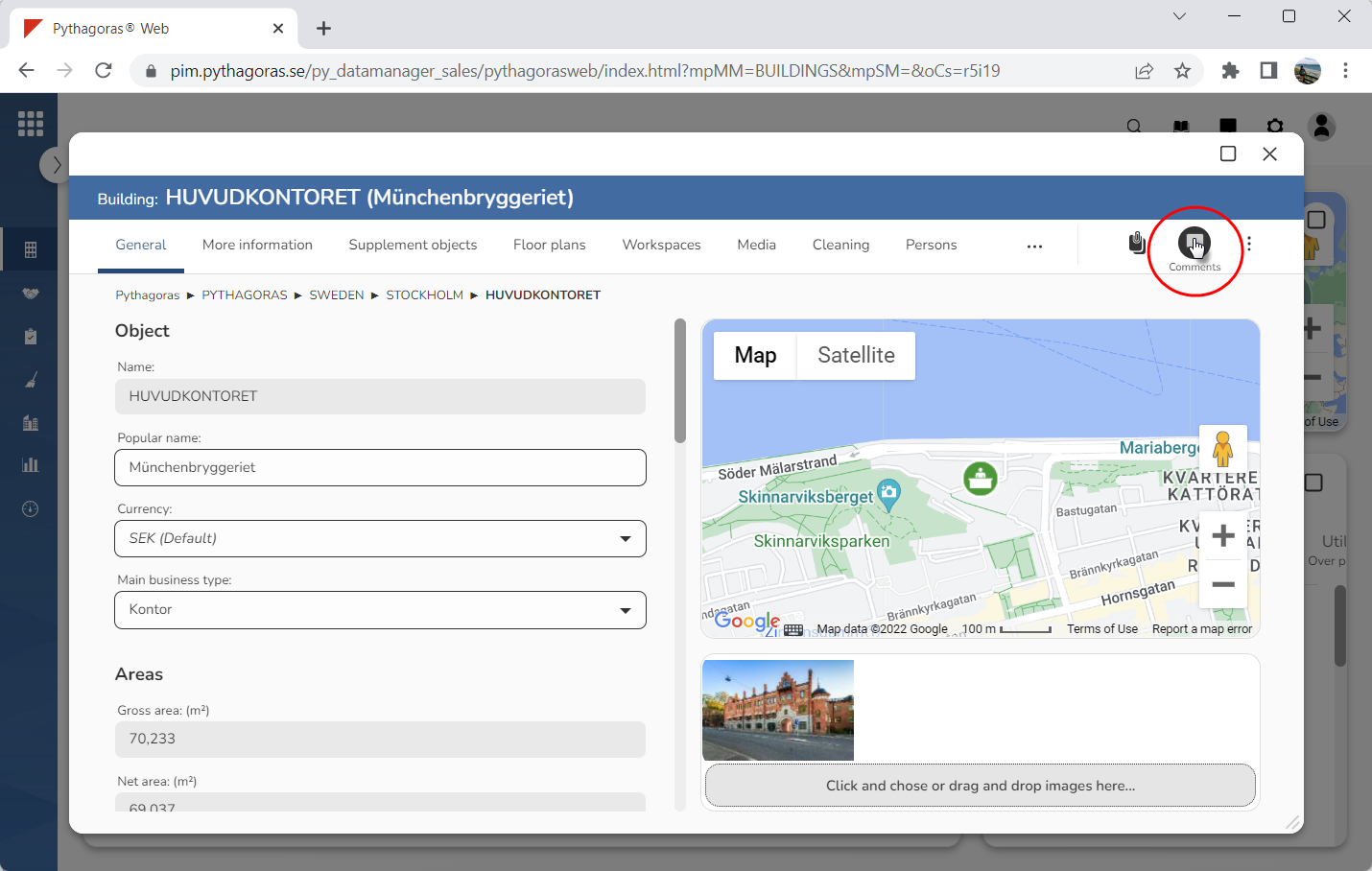
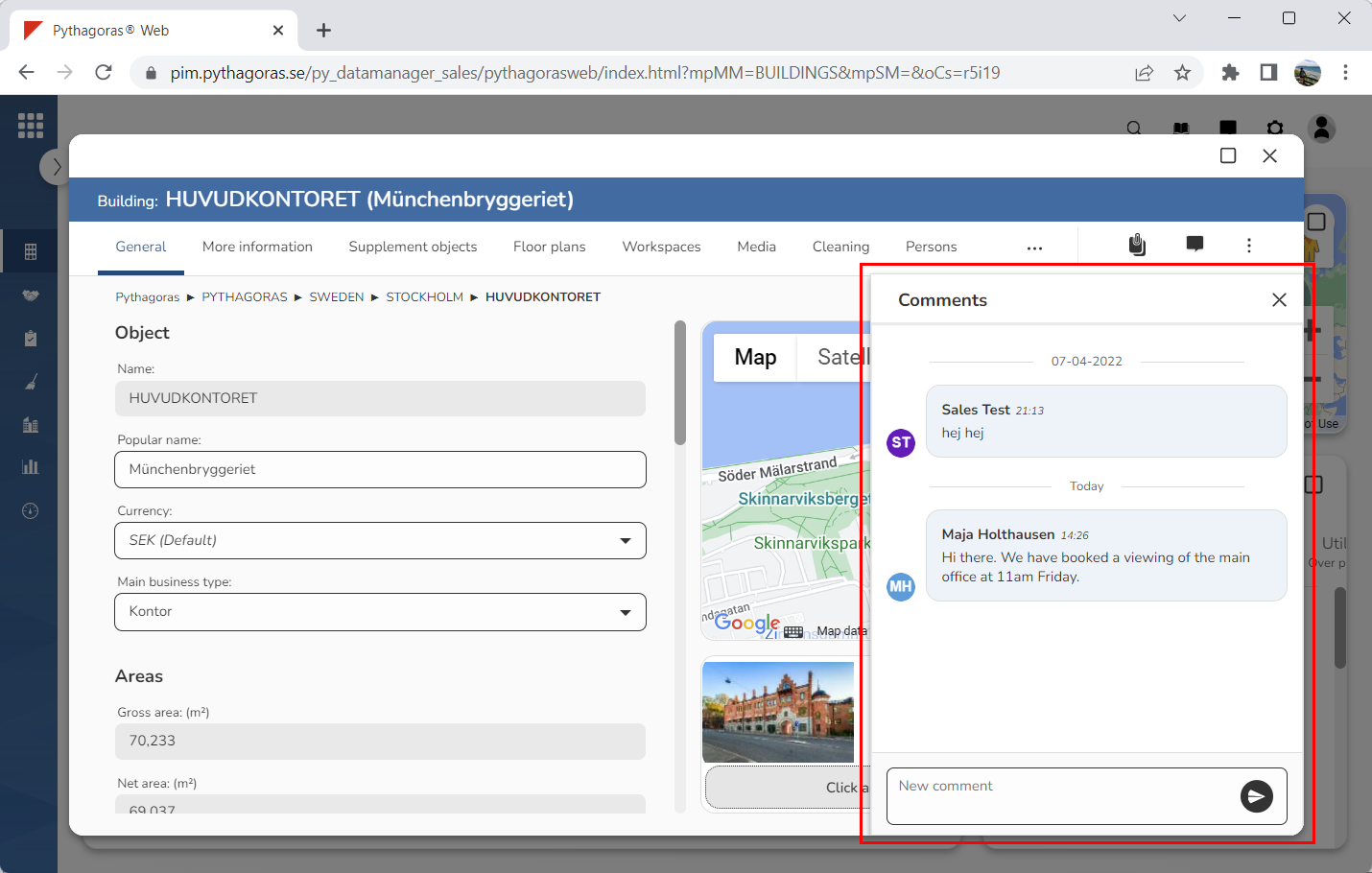
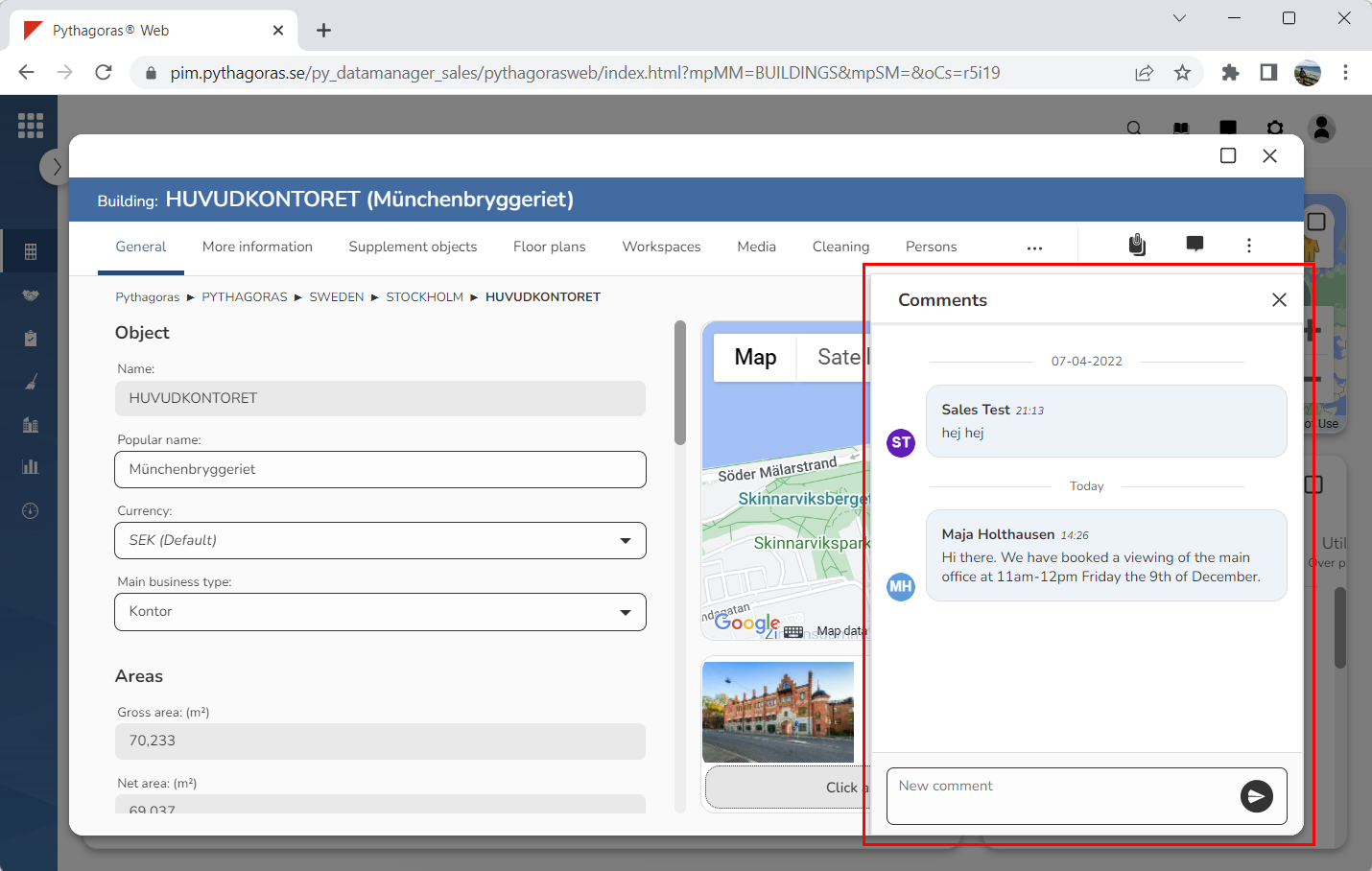
Click the icon "Comments" (see the first image below). When you do so, a comments window will open (see the second image below).
Go to the comments window.
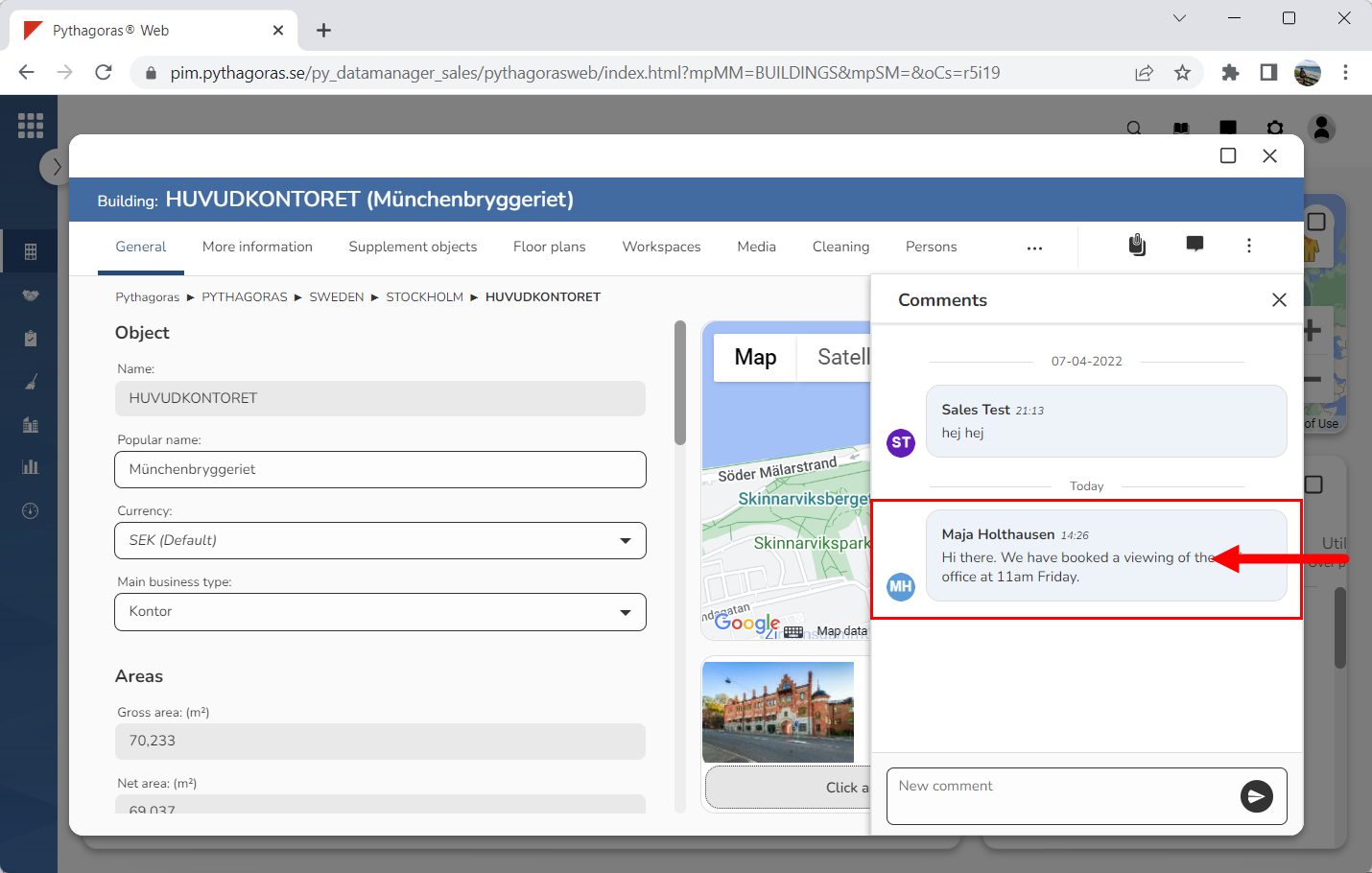
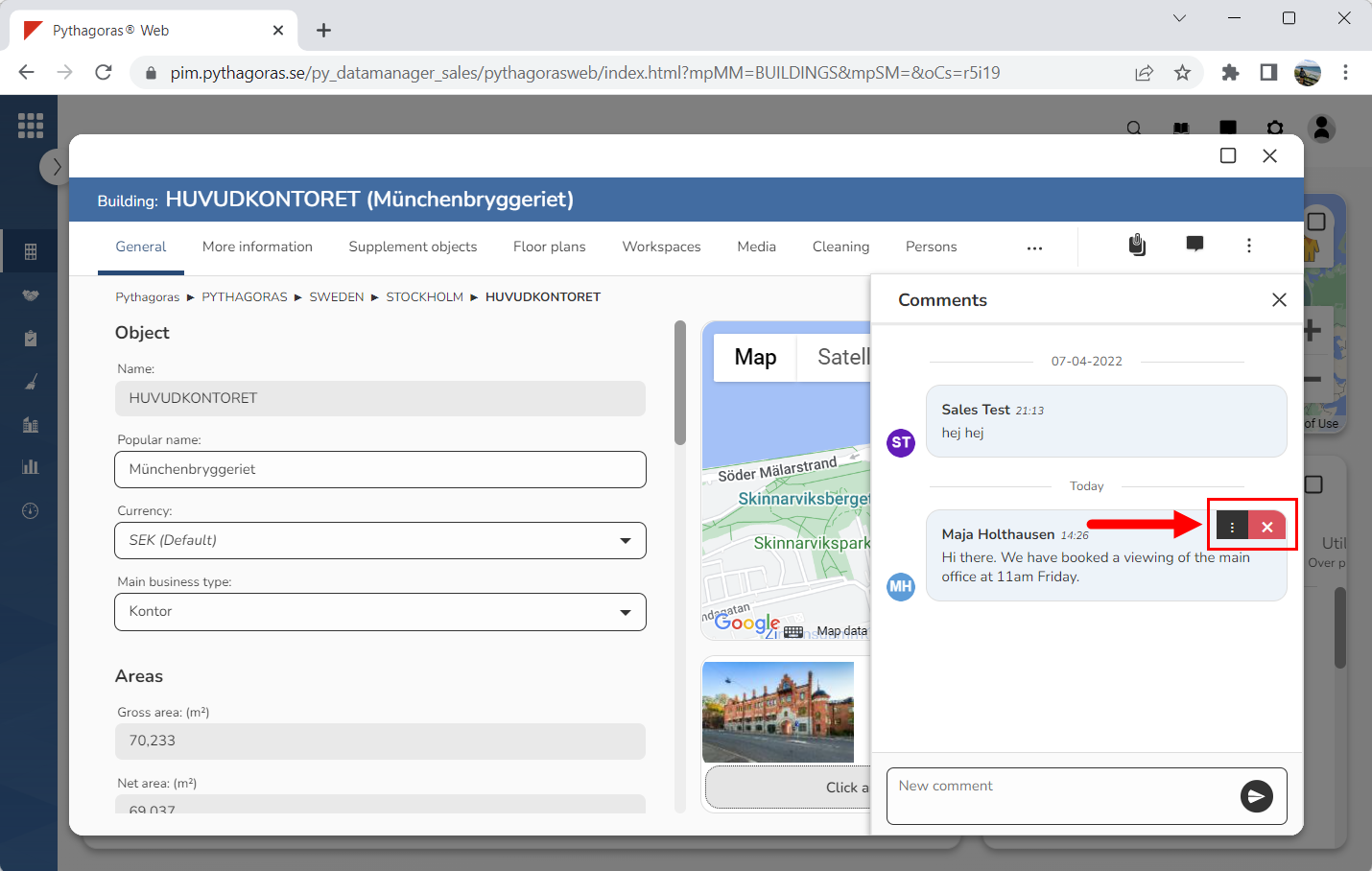
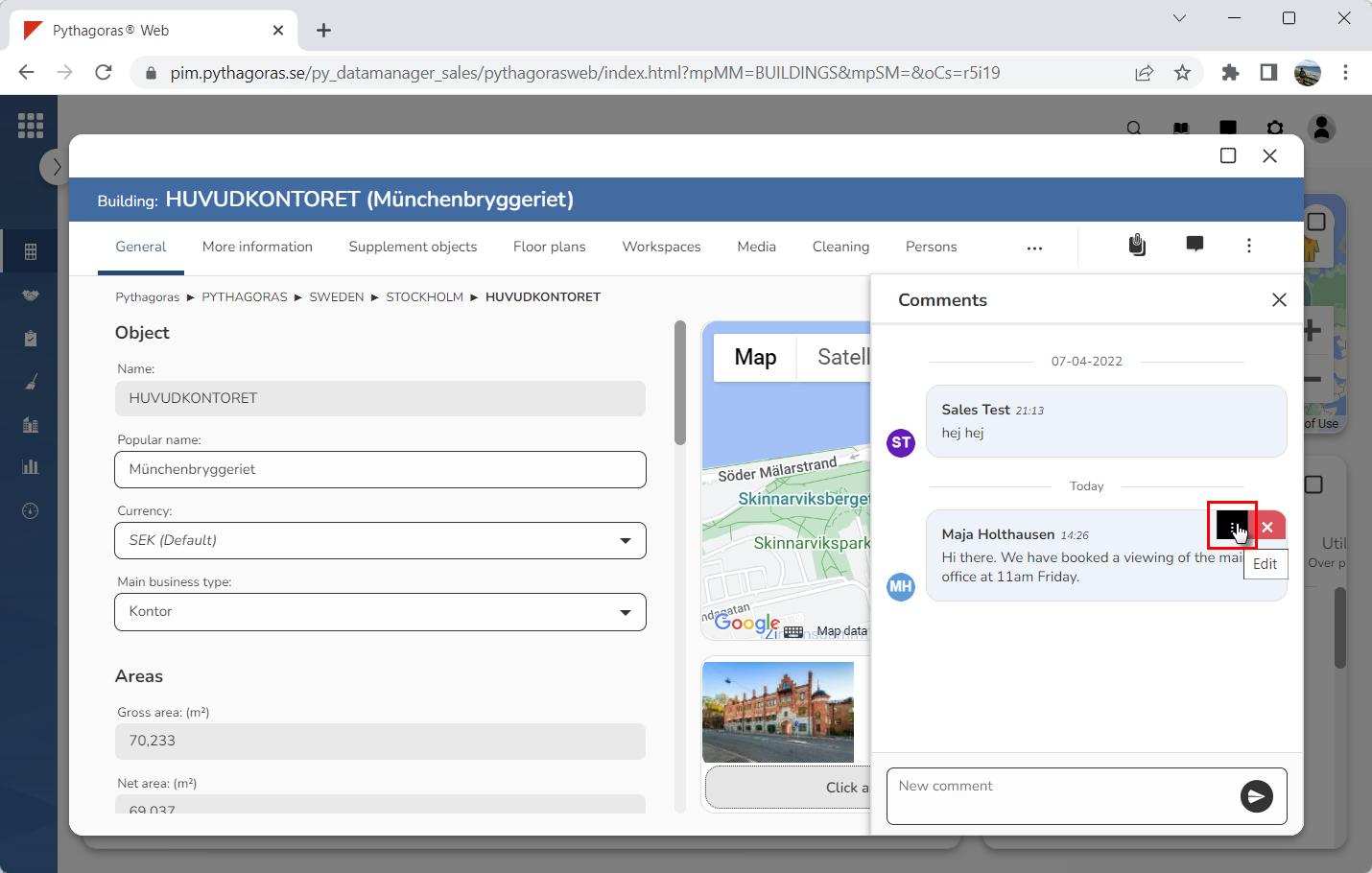
Place your cursor on the comment you wish to edit (see the first image below). When you place your cursor on a comment you will be shown two icons: "Edit" and "Delete" (see the second image below).
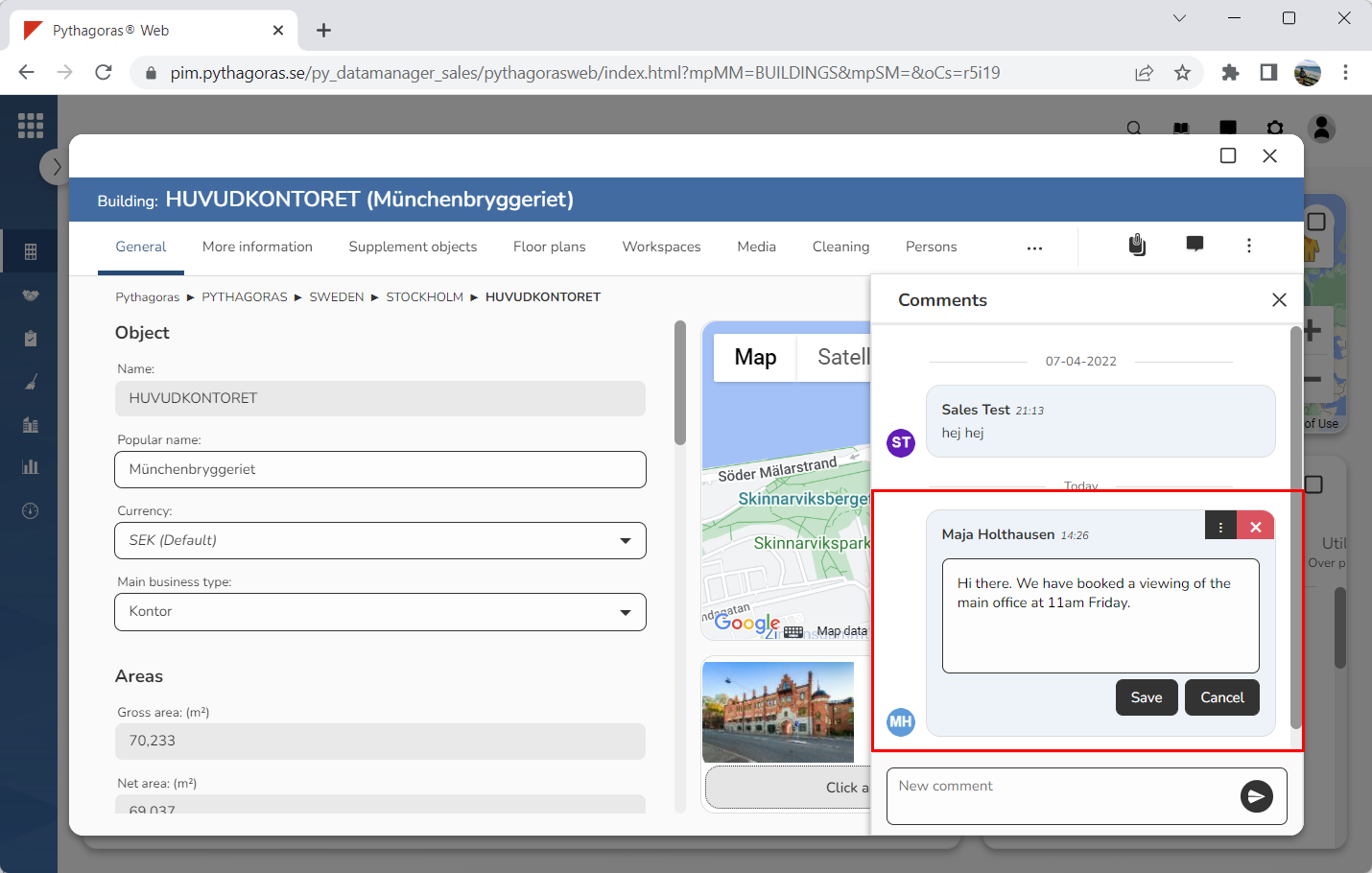
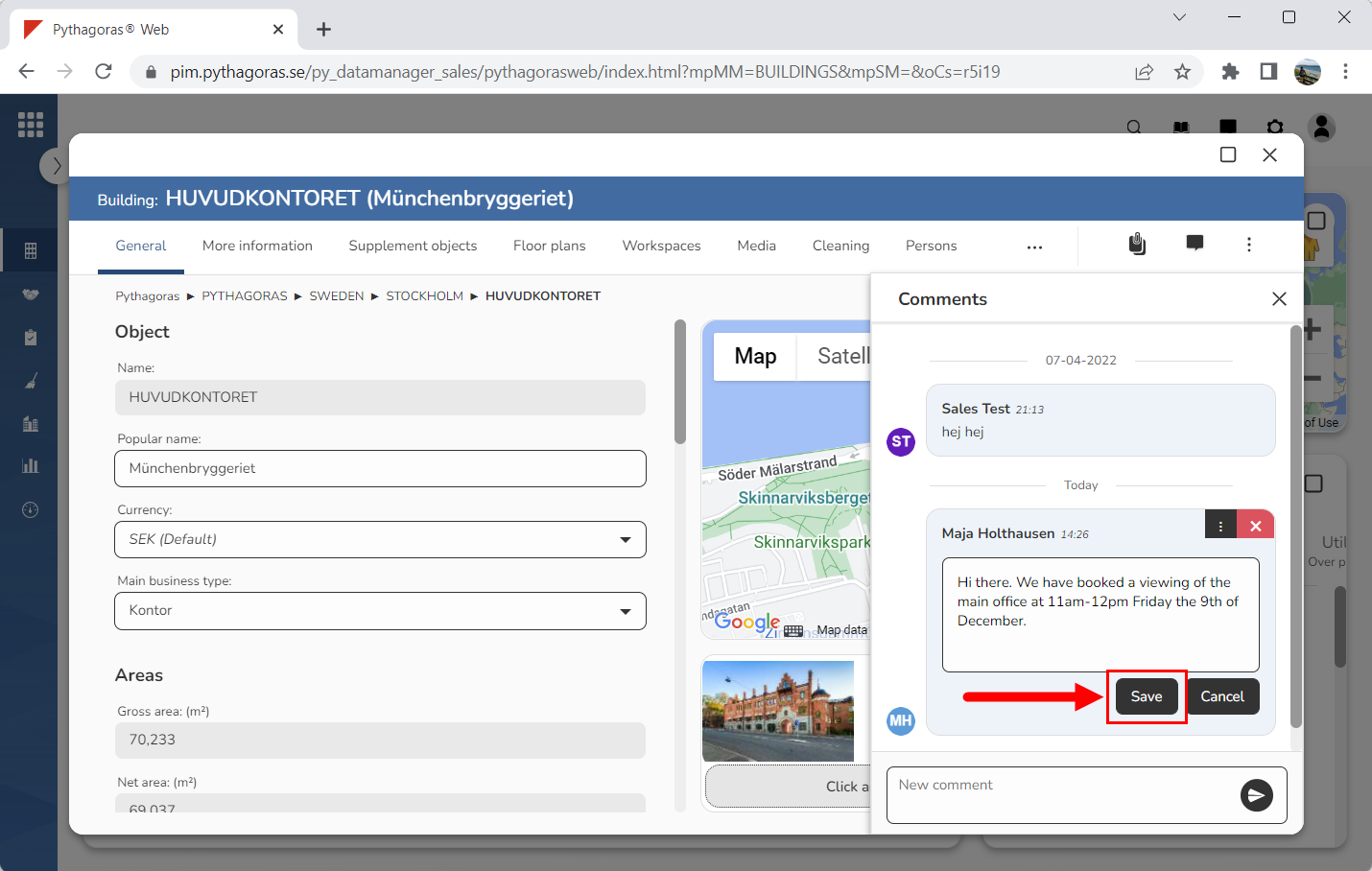
Click "Edit" (see the first image below). When you do so, the comment you are working with will unlock (see the second image below).
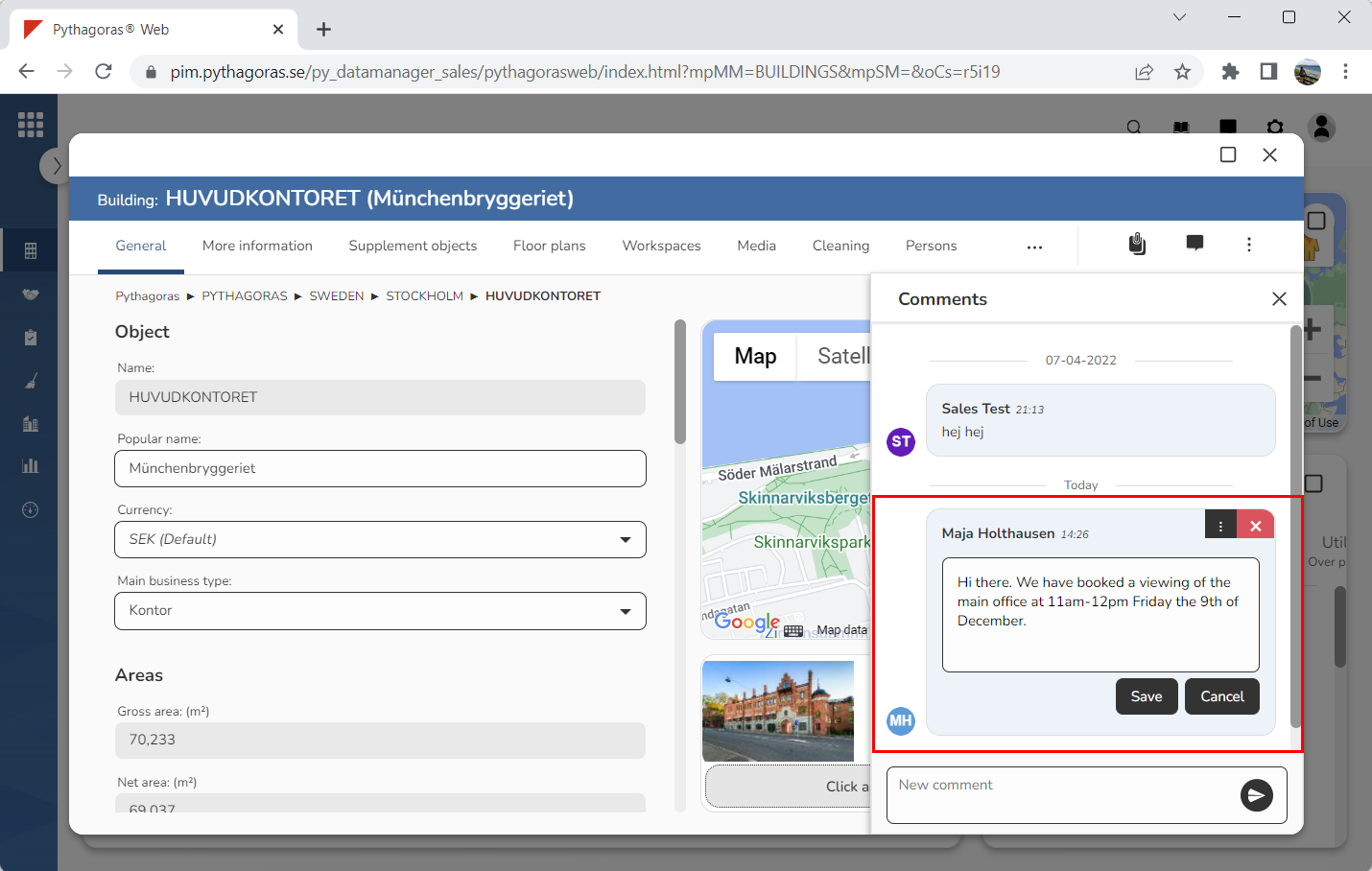
Edit the comment you are working with (see image below).
Click "Save" (see the first image below). When you do so, the changes made to the comment you are working with will be saved (see the second image below).