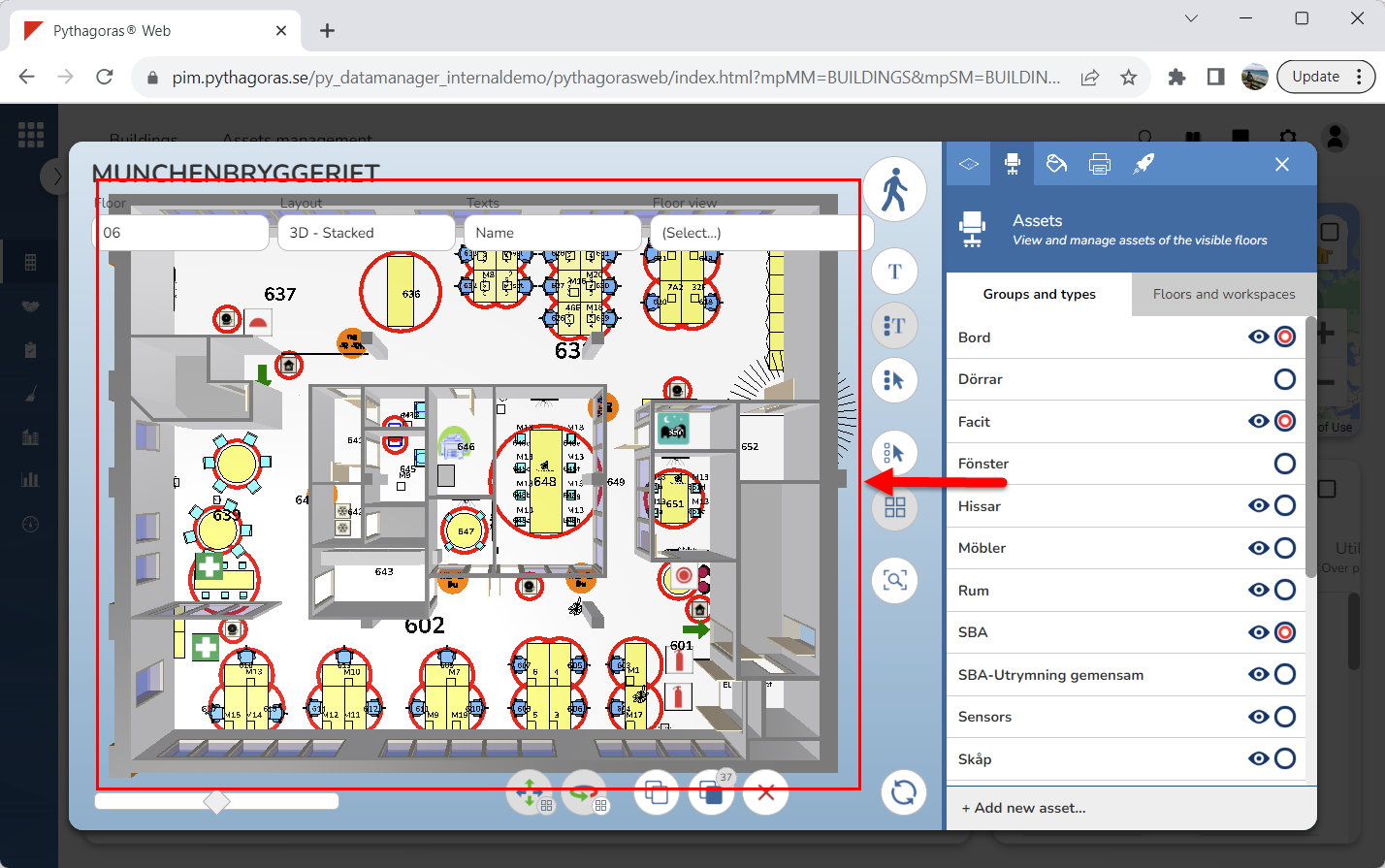
Activate the asset command. For more information on how do so, see section 9.11.2.
Go to the model (see image below).
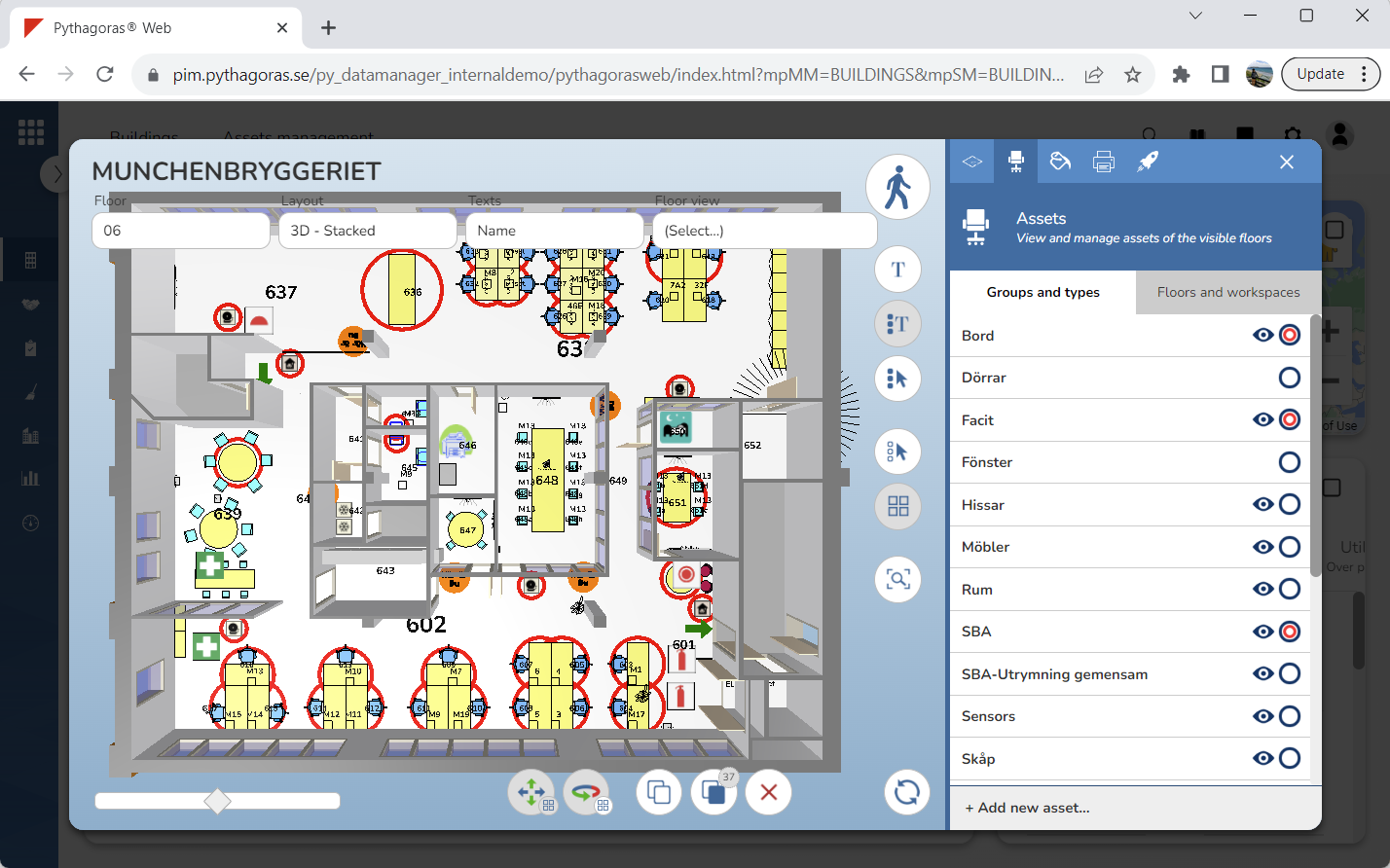
Deselect one or more selected assets by clicking one or more of the assets marked with a red circle. The asset or assets you click will no longer be marked red in the model and the graphical search field (see image below).