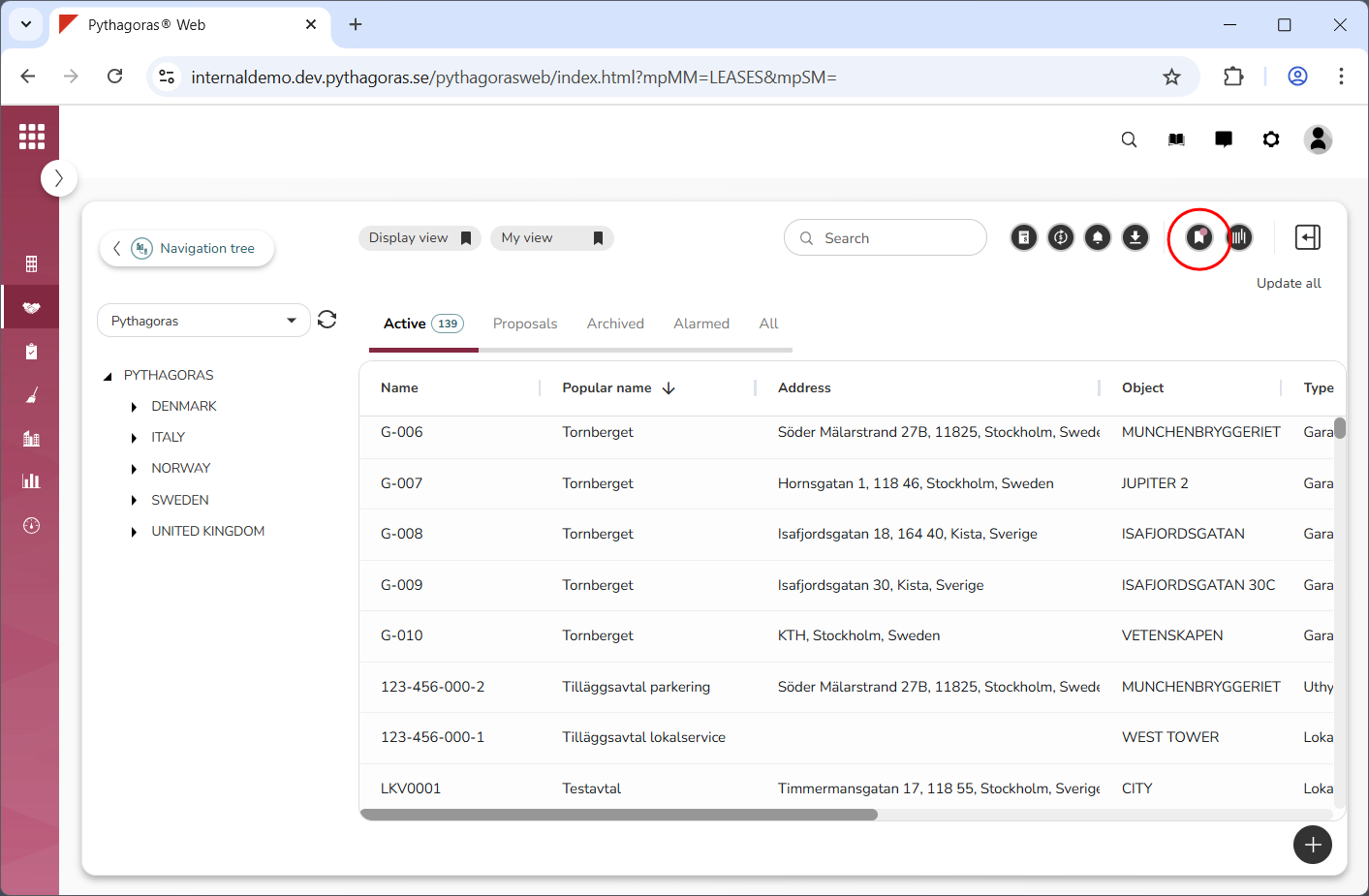
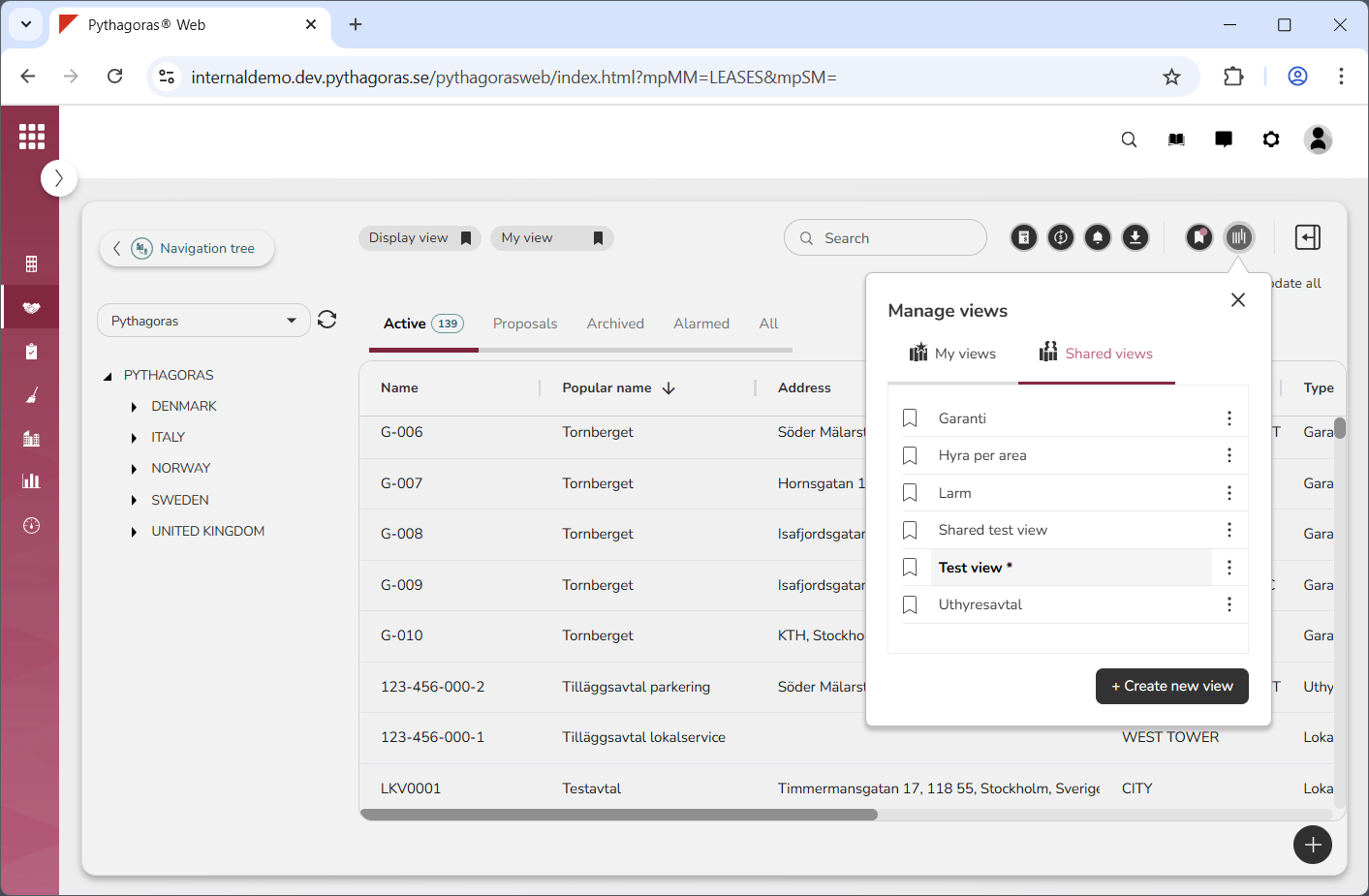
If there are unsaved changes in a view, a notice will appear next to the icon "Save view" and an asterisk next to the view in the views window (see images below).
To save the changes made in a view, you can either use the shortcut menu or the views window.
For more information on how to:
use the shortcut menu to save the changes made in a view, see section 2.4.1.
use the views window to save the changes made in a view, see section 2.4.2.