Open the debit log. For more information on how to do so, see section 6.9.7.
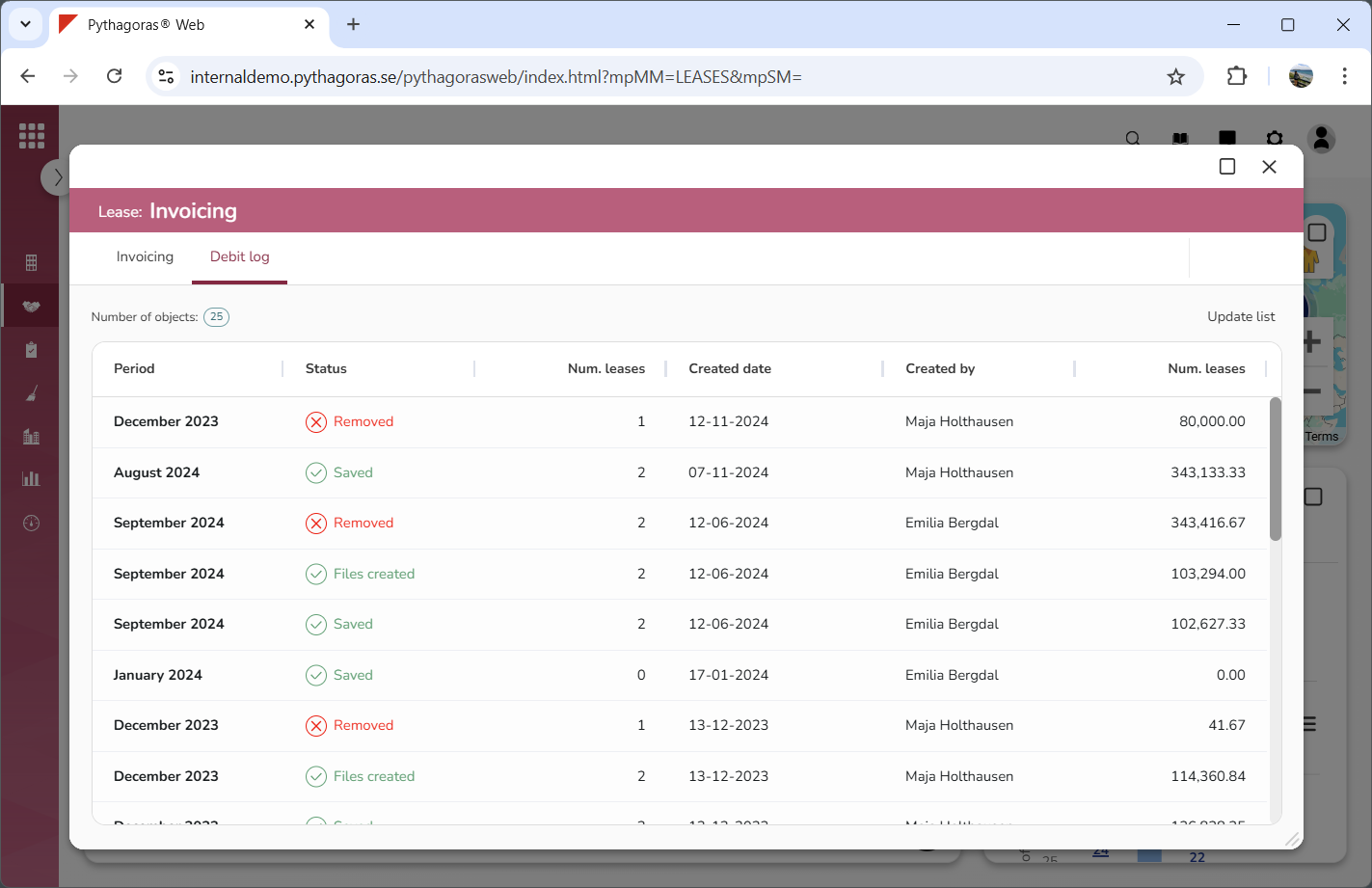
Go to the debit log (see image below).
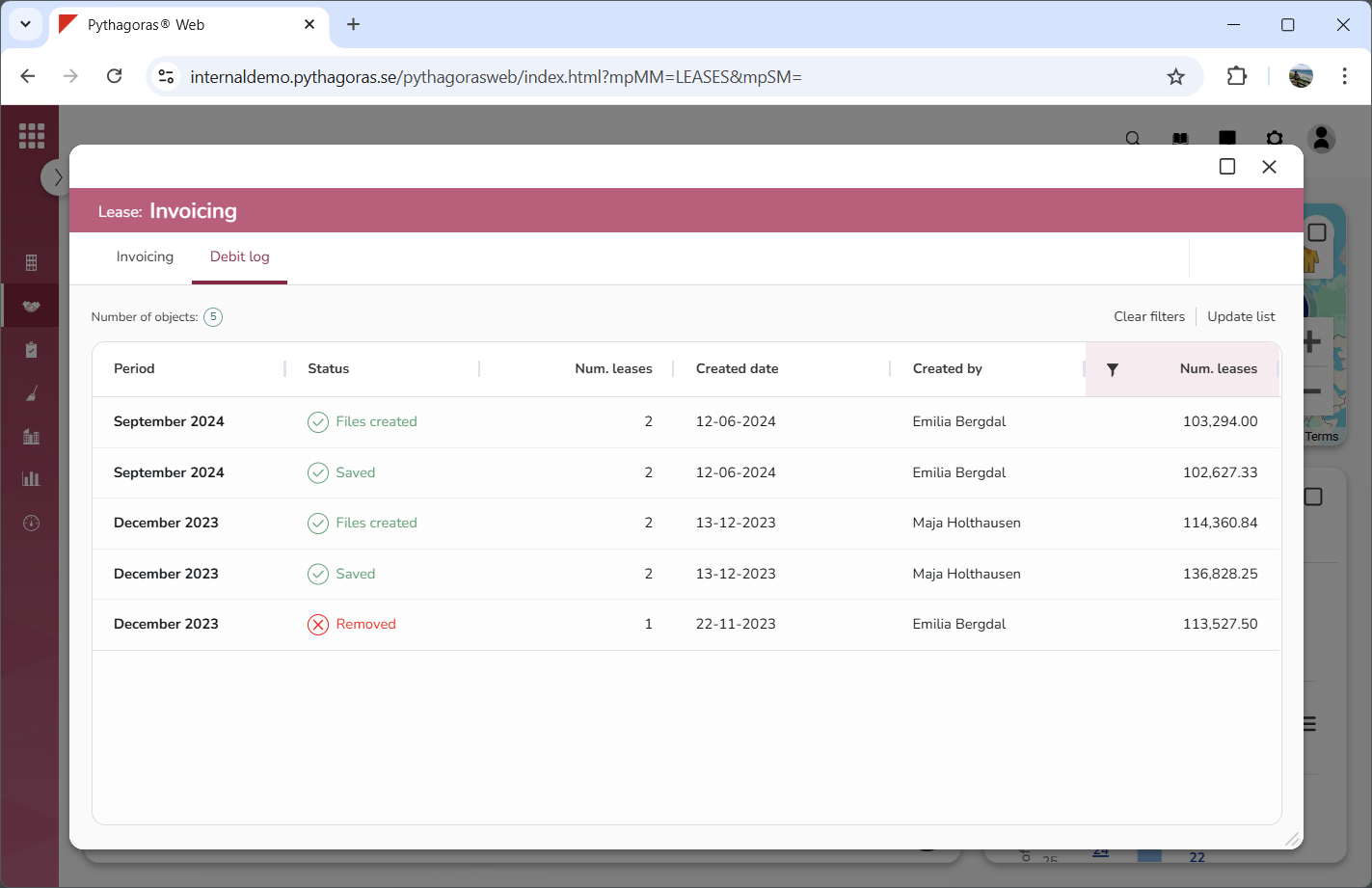
If the number of debits makes it hard for you to find the debit you wish to view information about, filter the debit log (see image below). If you do not wish to filter the debit log, you can skip this step and go straight to step 4.
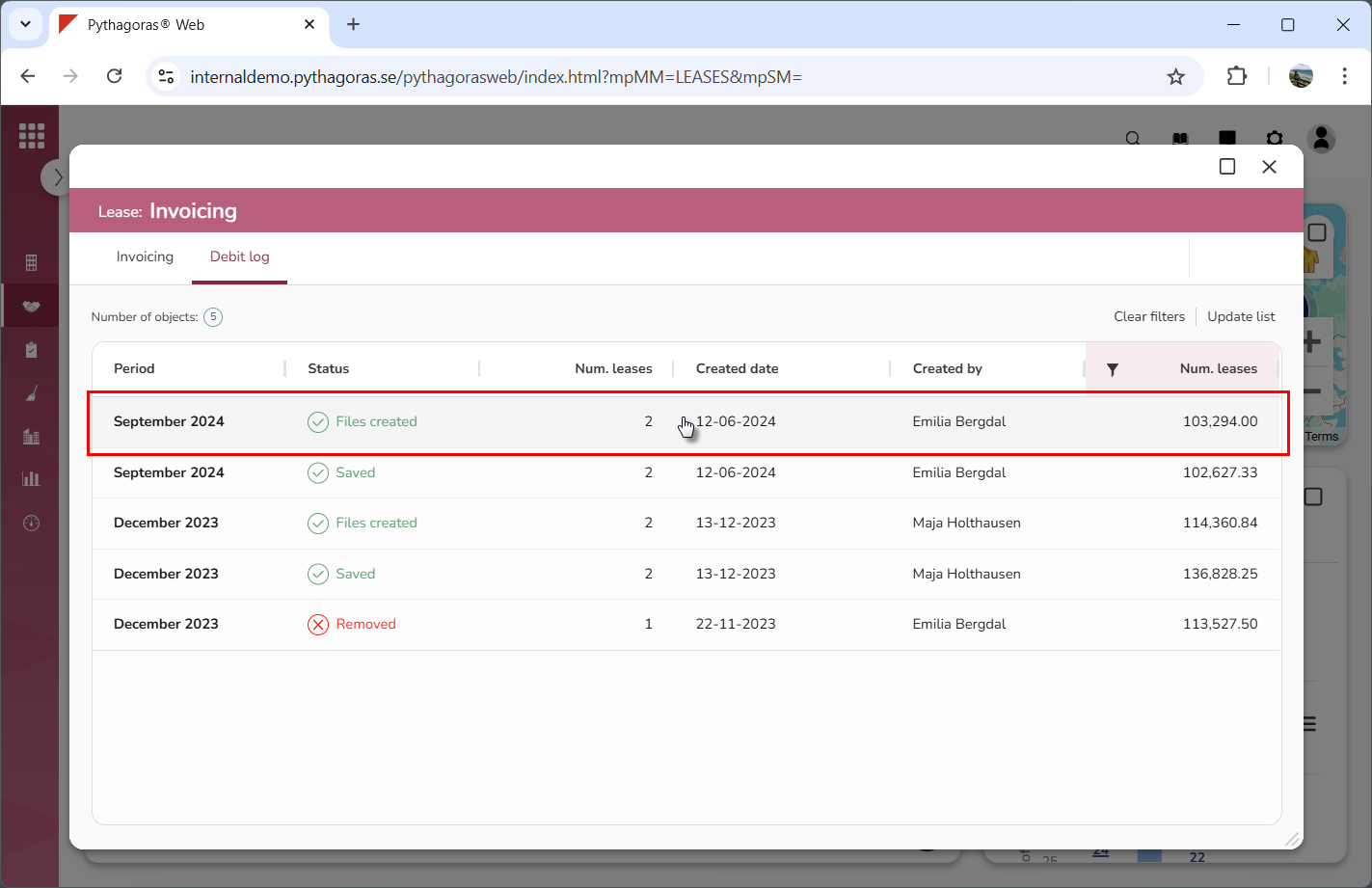
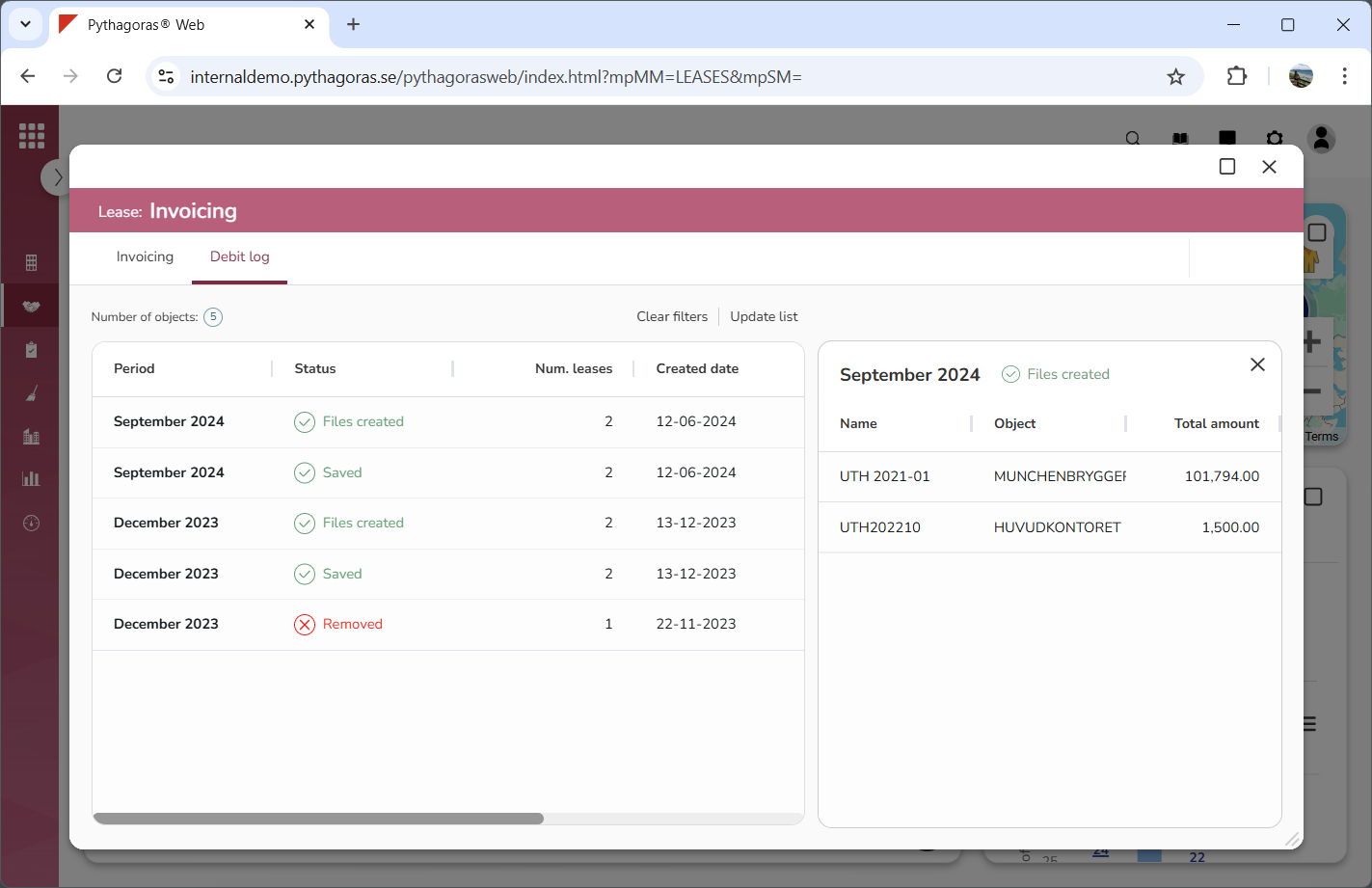
Click the debit you wish to view information about (see the first image below). Note that the debit you click will open (see the second image below). When a debit is opened you will access more information about it. For example, you will see which lease or leases invoicing basis has been created, sent, or removed for under that debit (see the second image below).