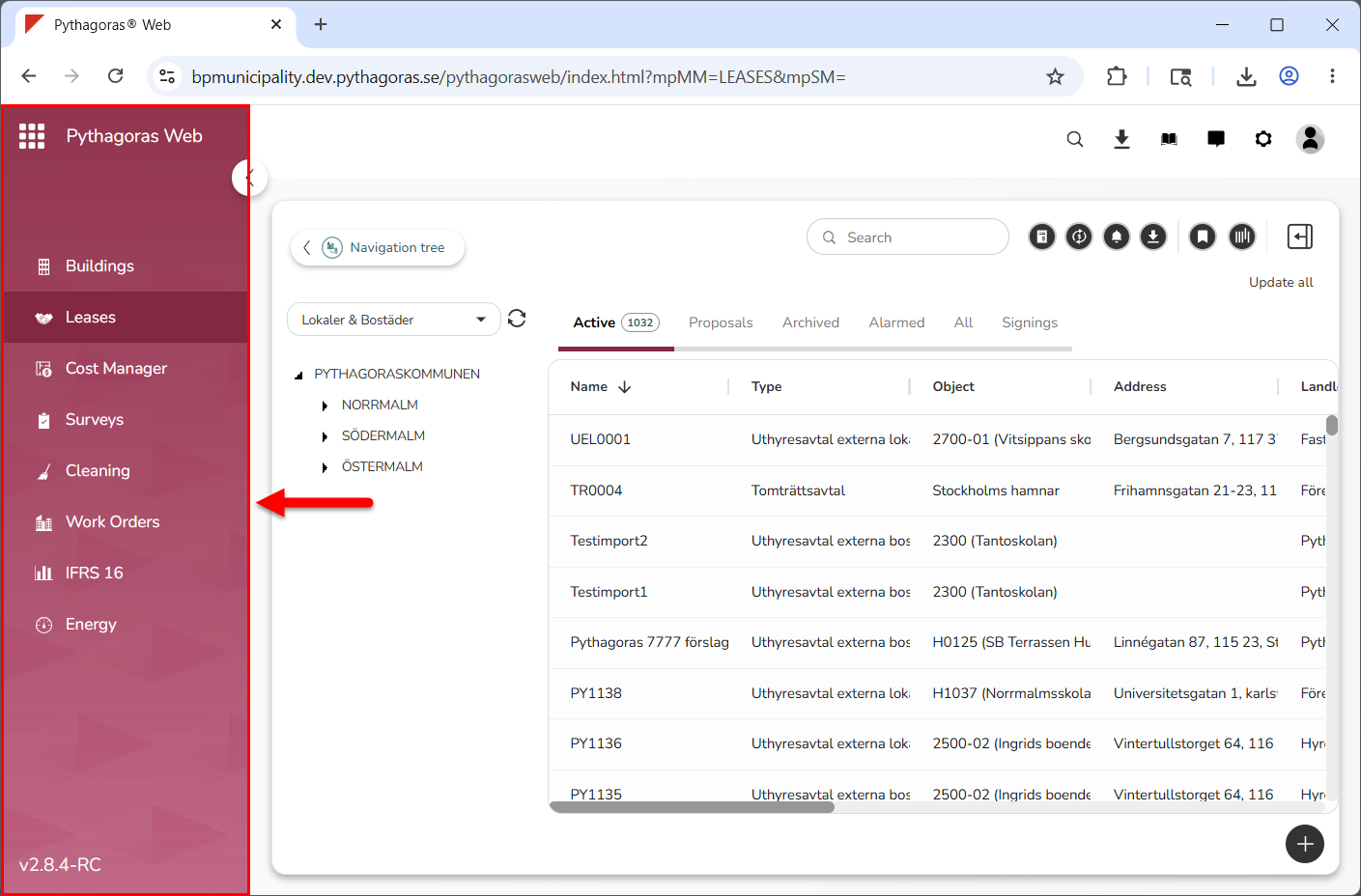
The menu is located at the far left of Leases (see image below).
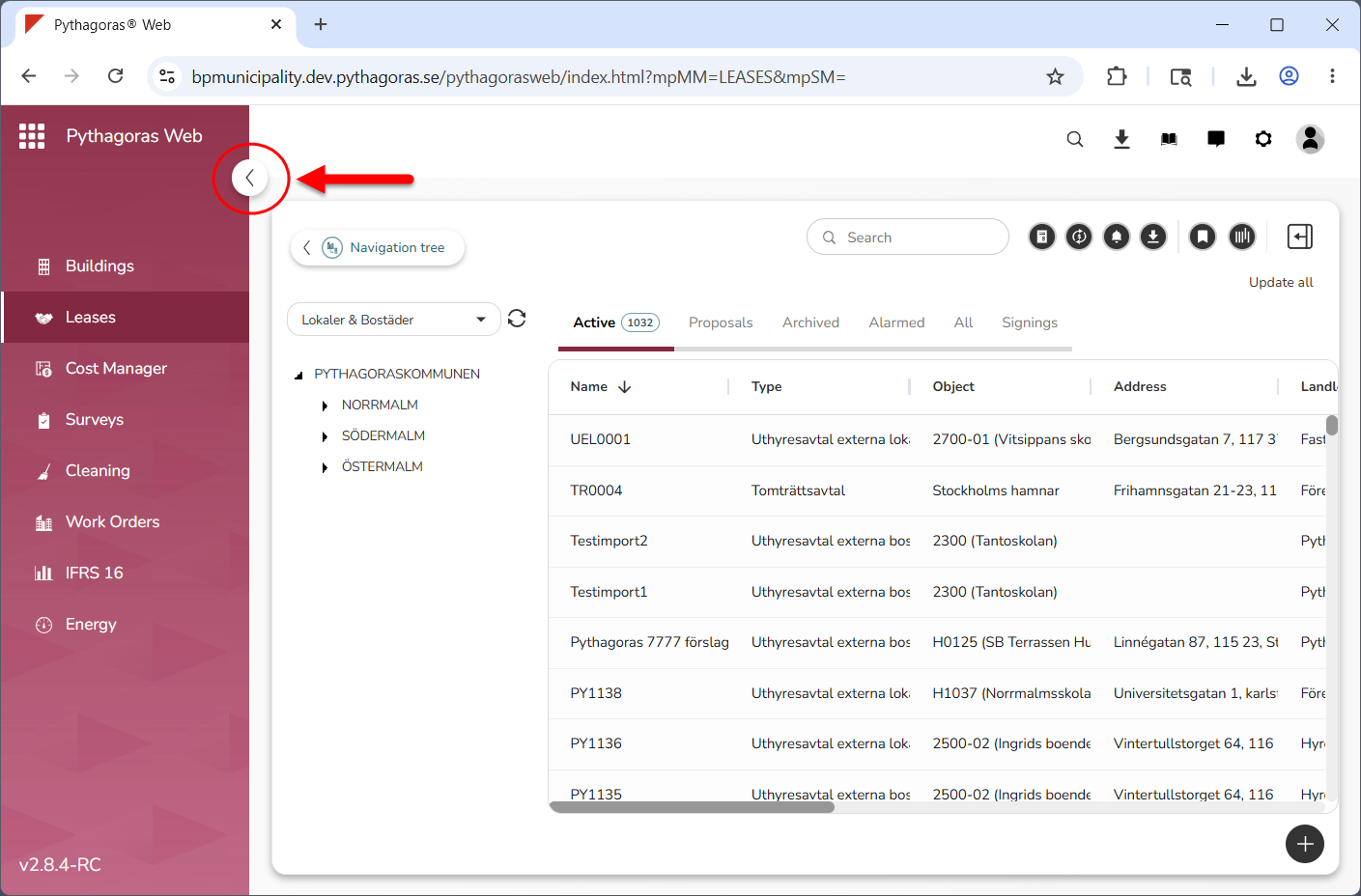
In the menu, you will find a number of tabs as well as an icon that allows you to show and hide the menu (see image below). The number of tabs you see depends on how many solutions you have access to. The menu contains one tab per solution. Via the tabs in the menu you can navigate between the solutions available to you.
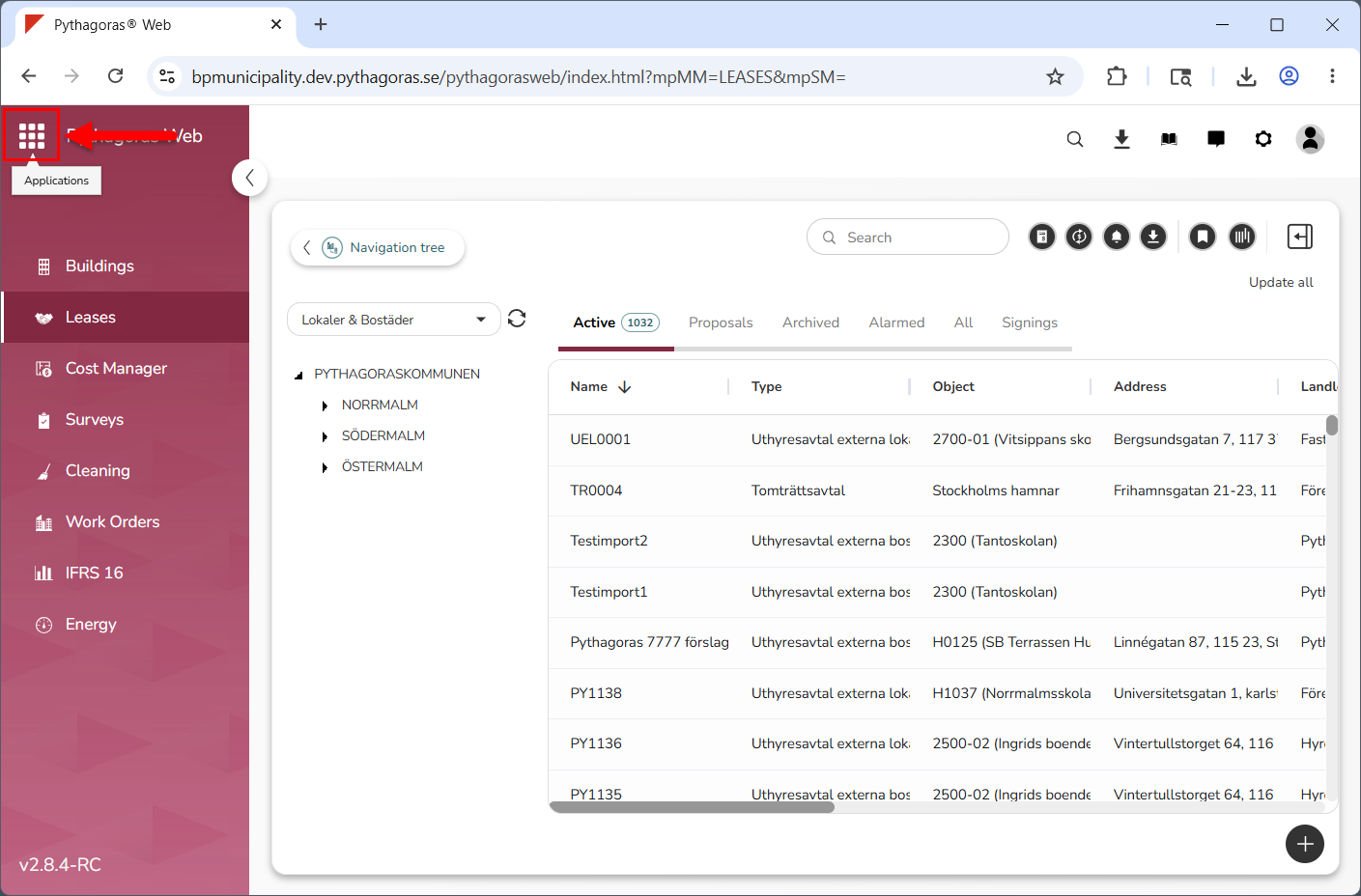
If you have access to both Pythagoras Web and My pages, there will most likely be a link between the applications. If so, you will find an applications launcher at the top of the menu (see image below). Via the applications launcher you can open My pages.
For more information on how to work with the menu, see chapter 2 in the manual for the menu and the global settings. You will find it here.