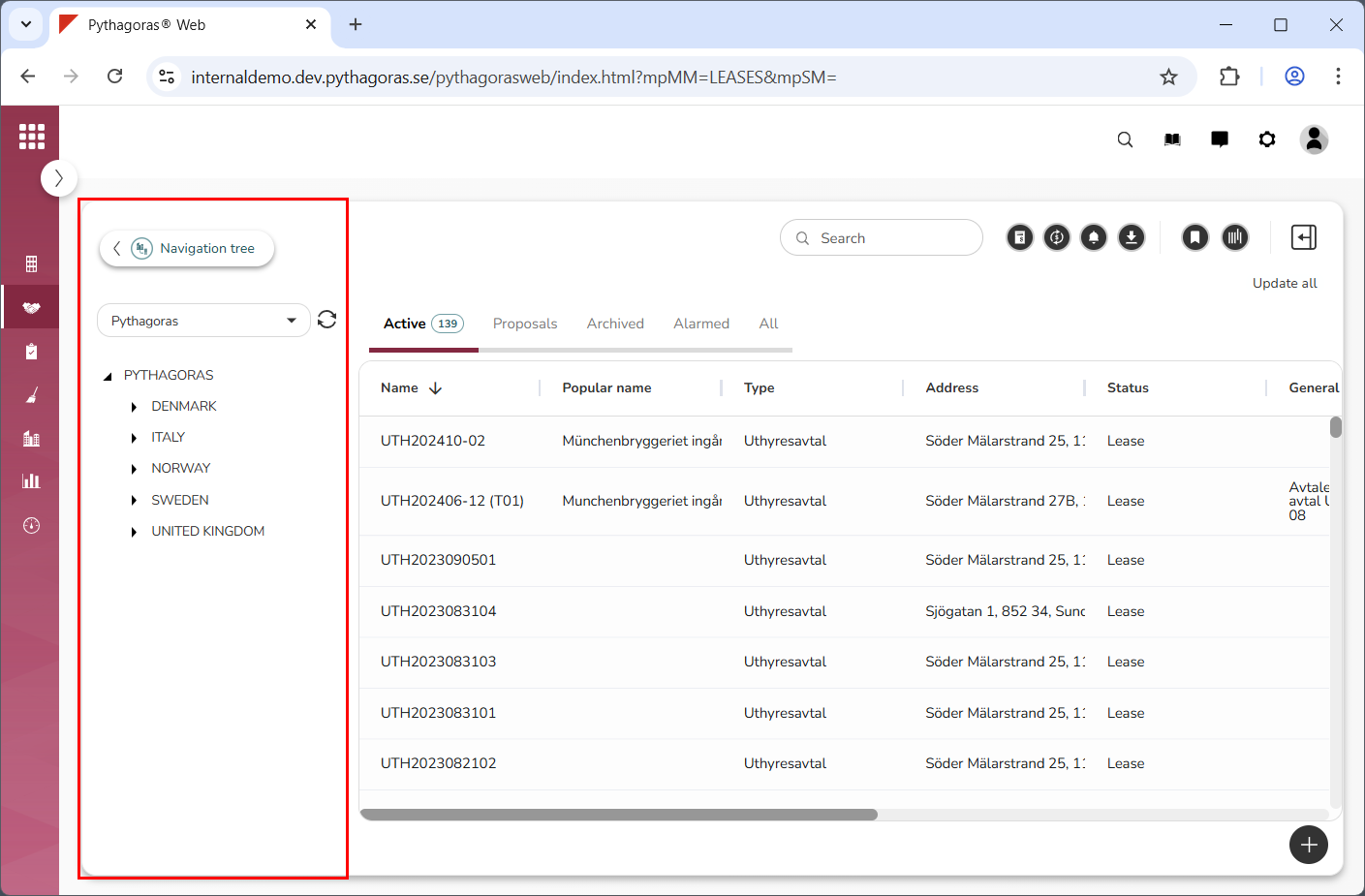
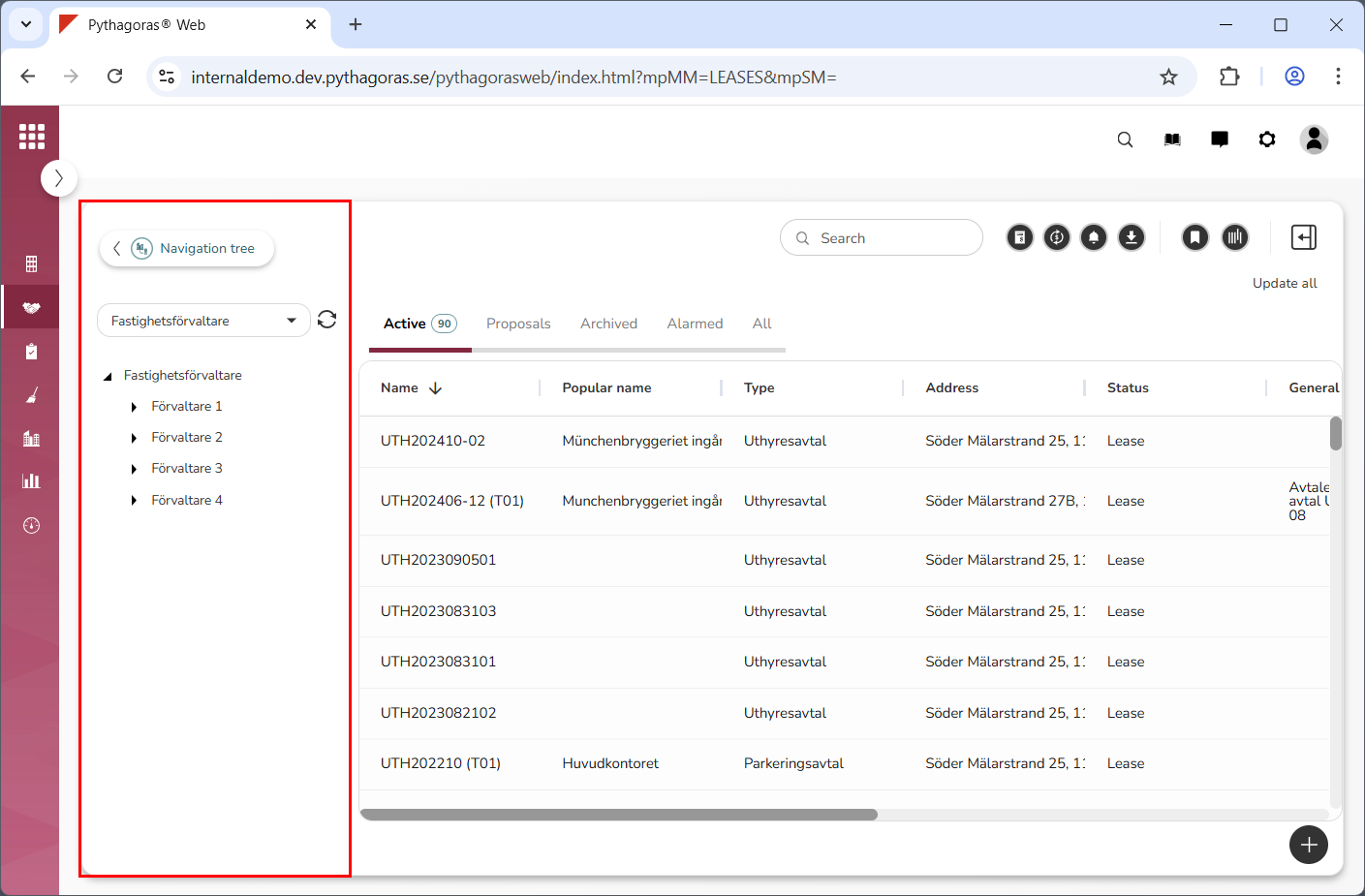
If you have access to more than one navigation tree, you can select which navigation tree to work with. Note that Pythagoras Web will remember which navigation tree you select to work with regardless of whether it is set as default in the application or not.
To select which navigation tree to work with:
Go to the navigation window (see image below).
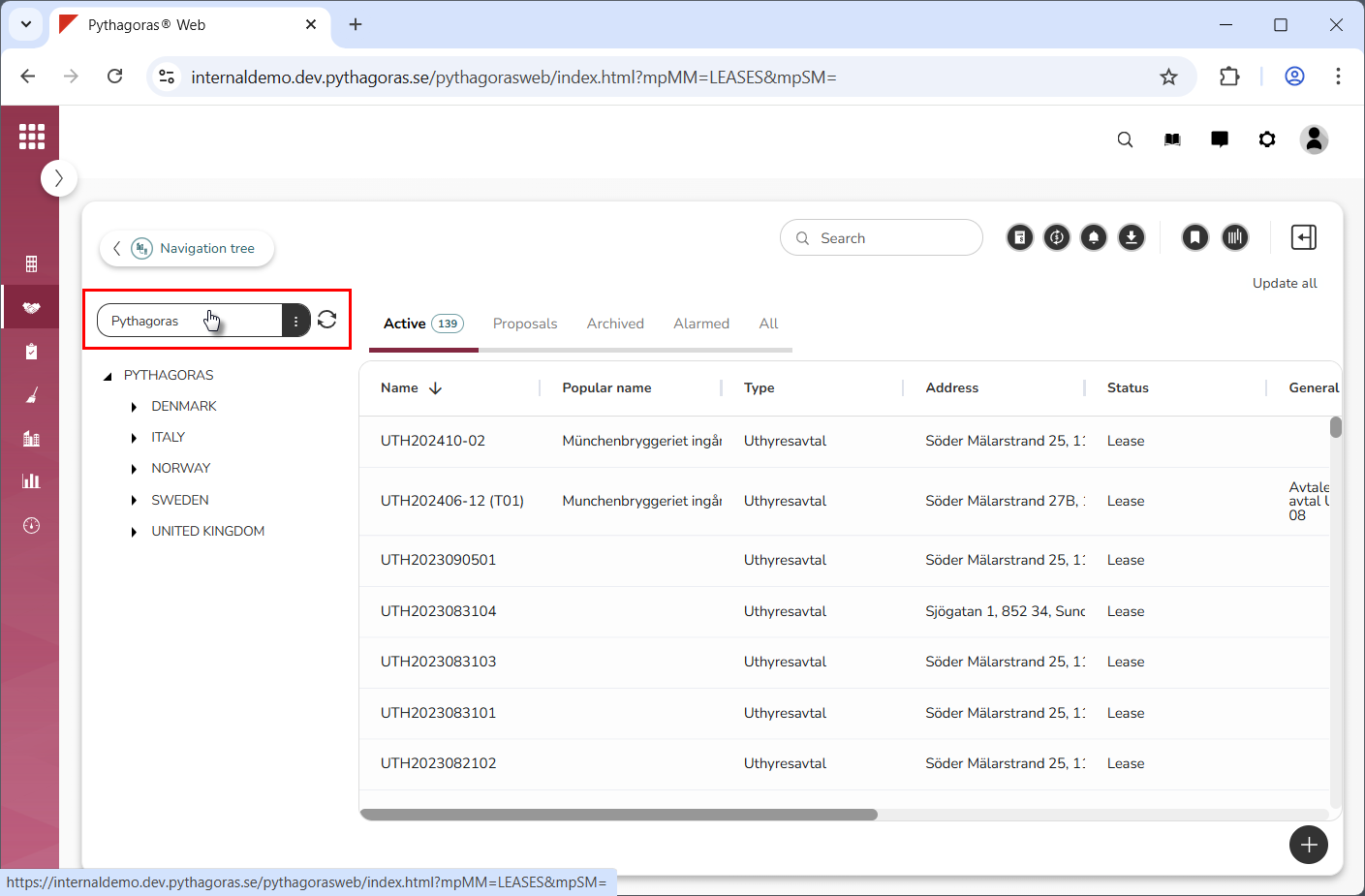
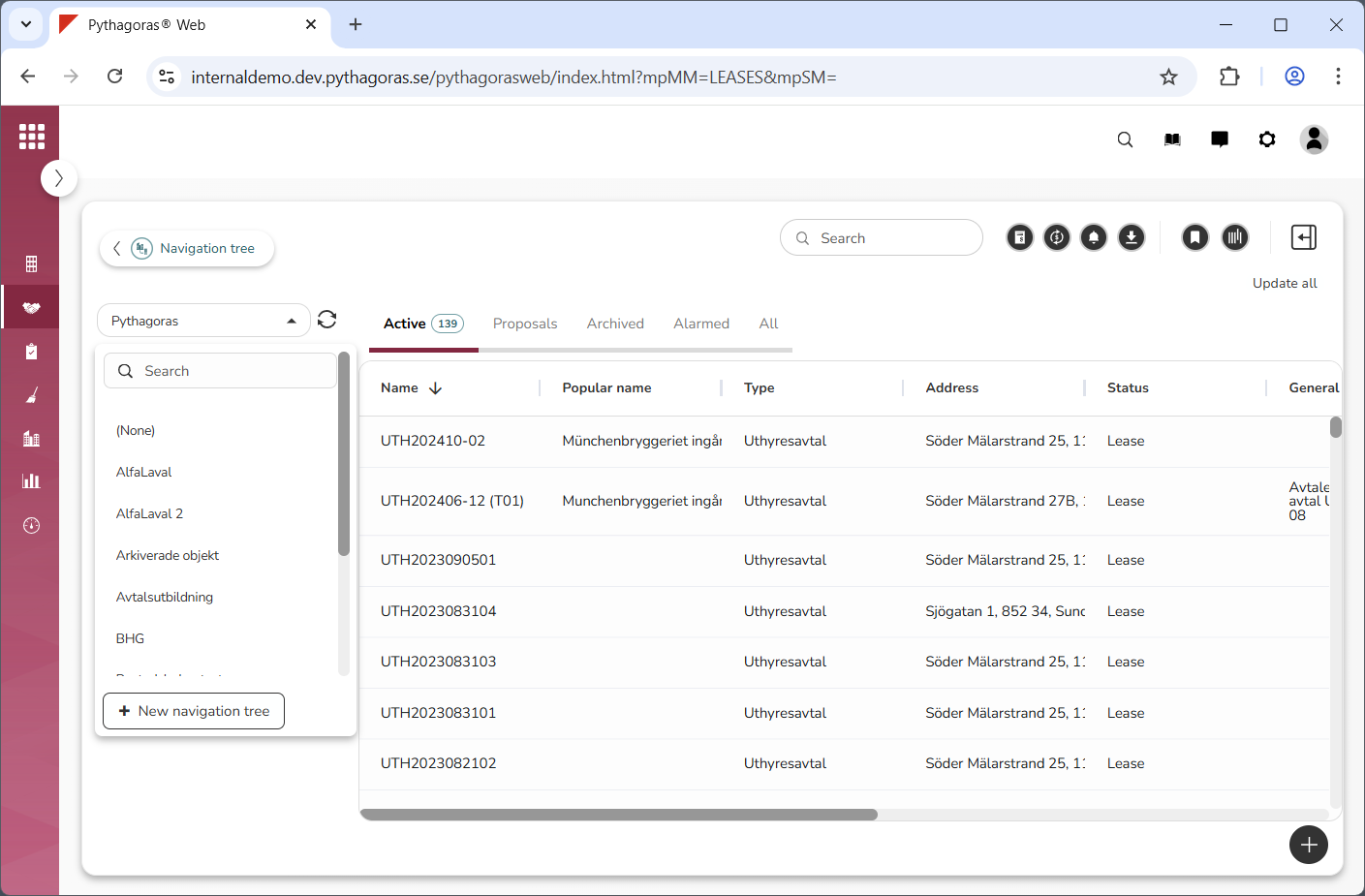
Click the field "Navigation tree" (see the first image below). When you do so, a list of navigation trees will open (see the second image below). In the list of navigation trees you will find the navigation trees available to you.
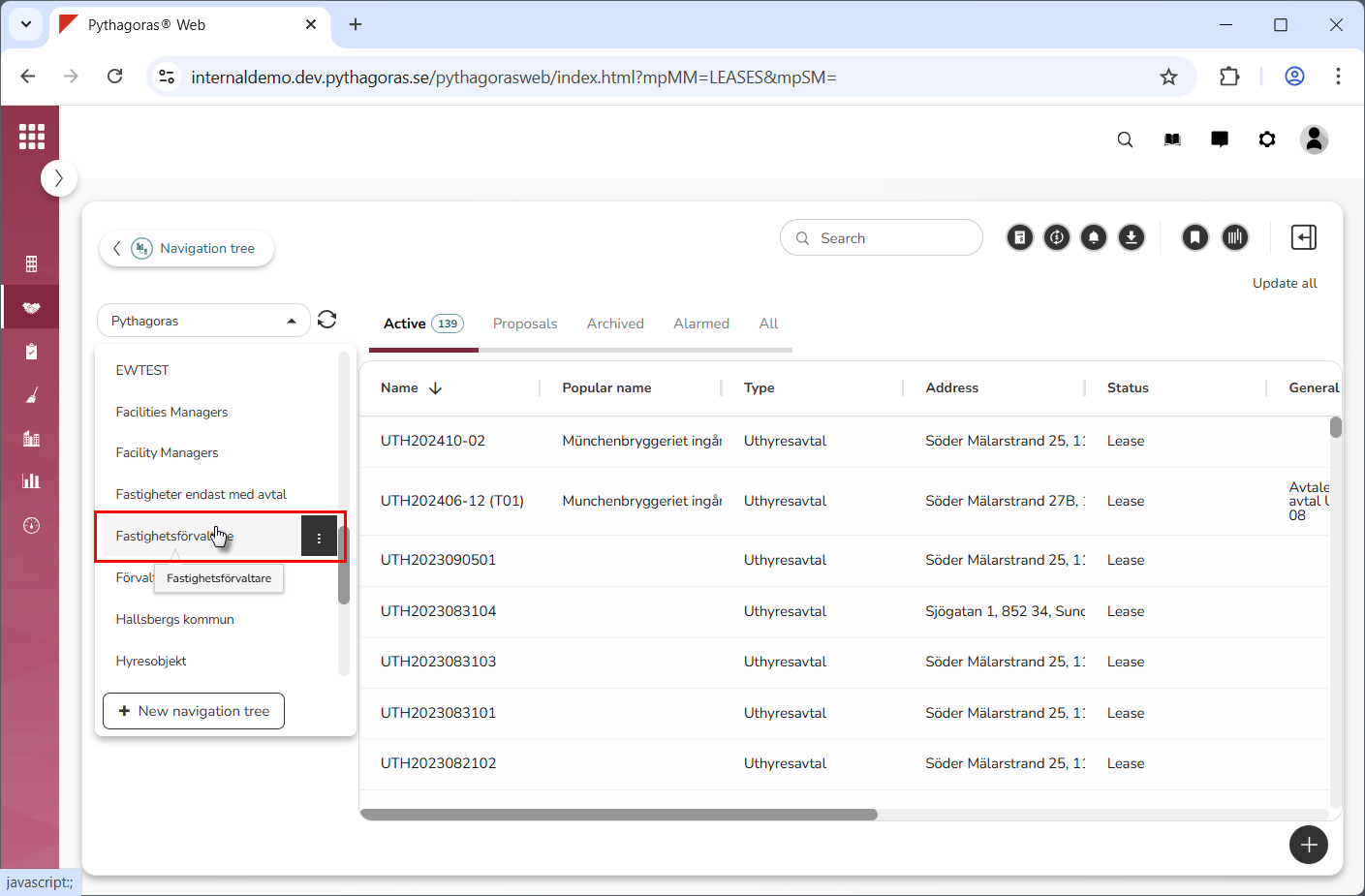
Select the navigation tree you wish to work with by clicking a navigation tree in the list of navigation trees (see the first image below). Note that the navigation tree you click will become available in the navigation window (see the second image below).