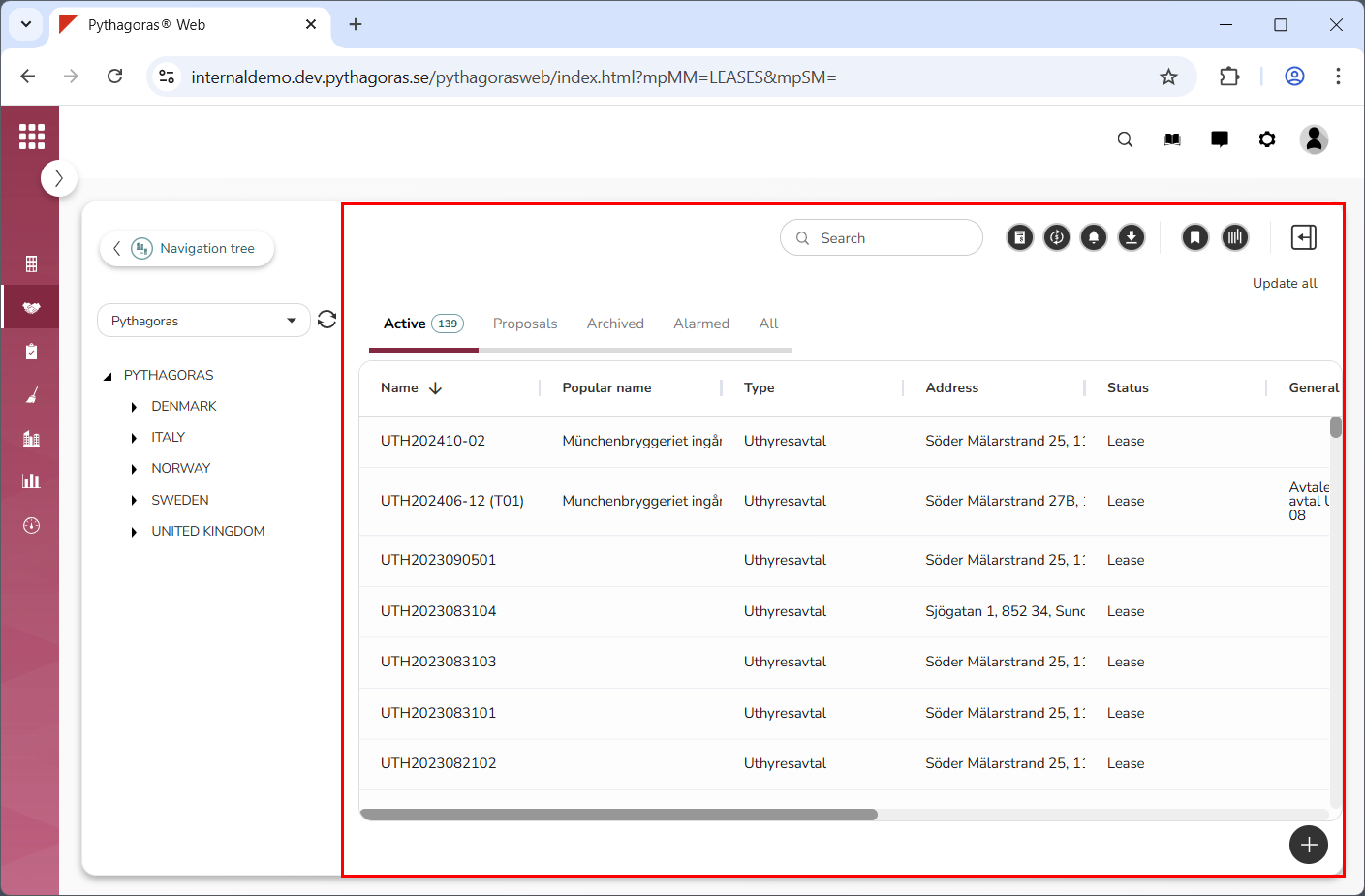
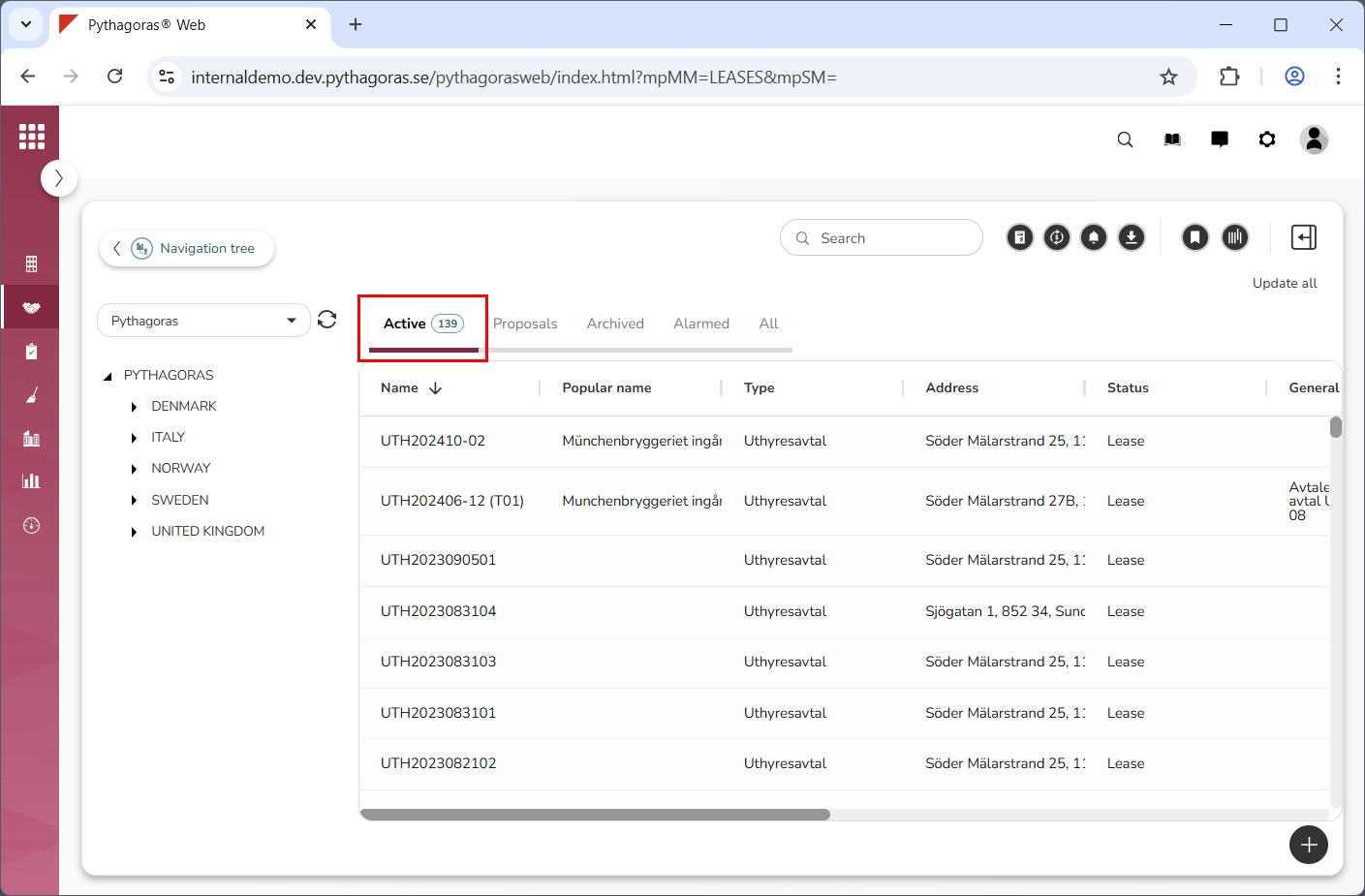
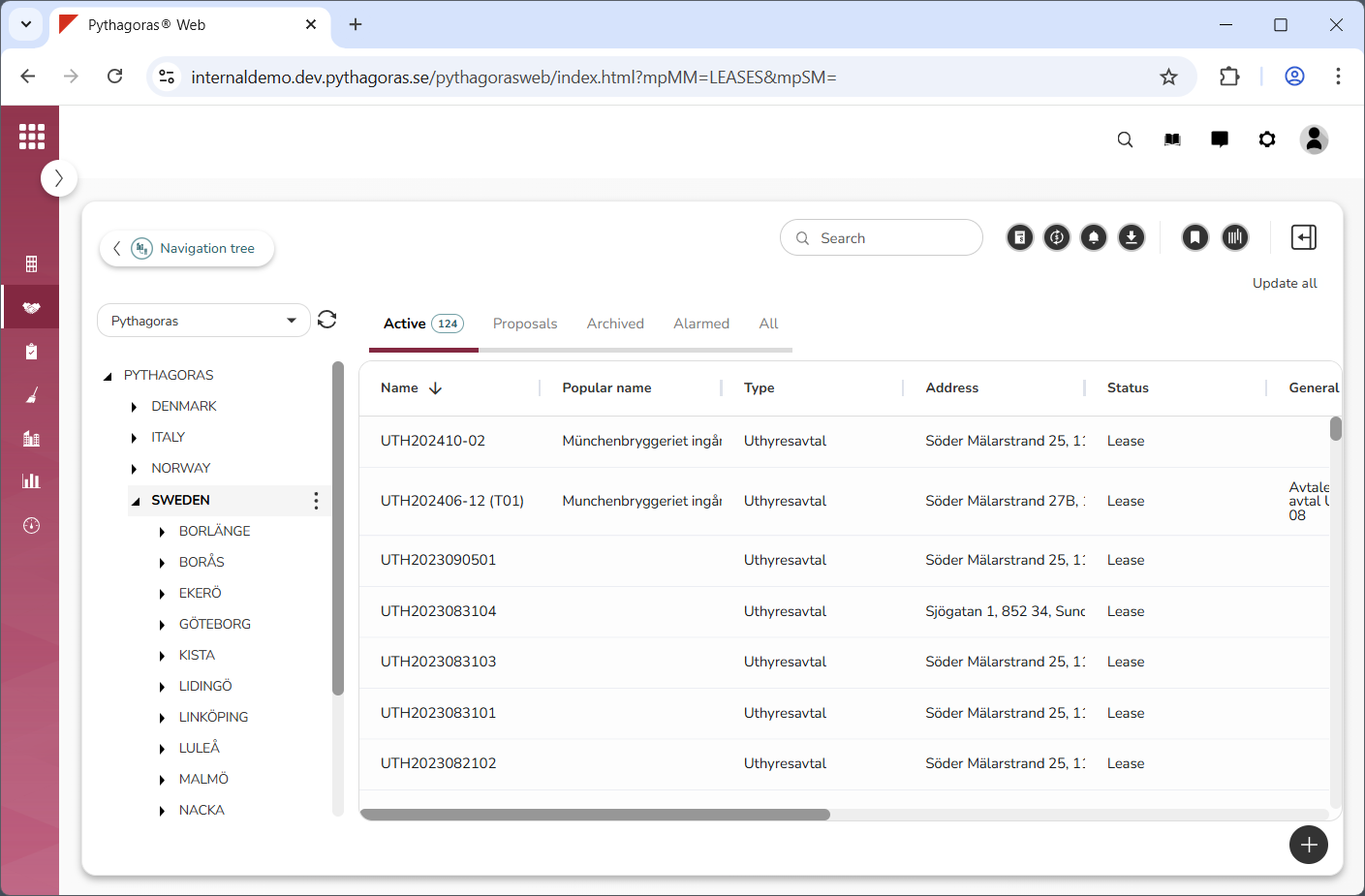
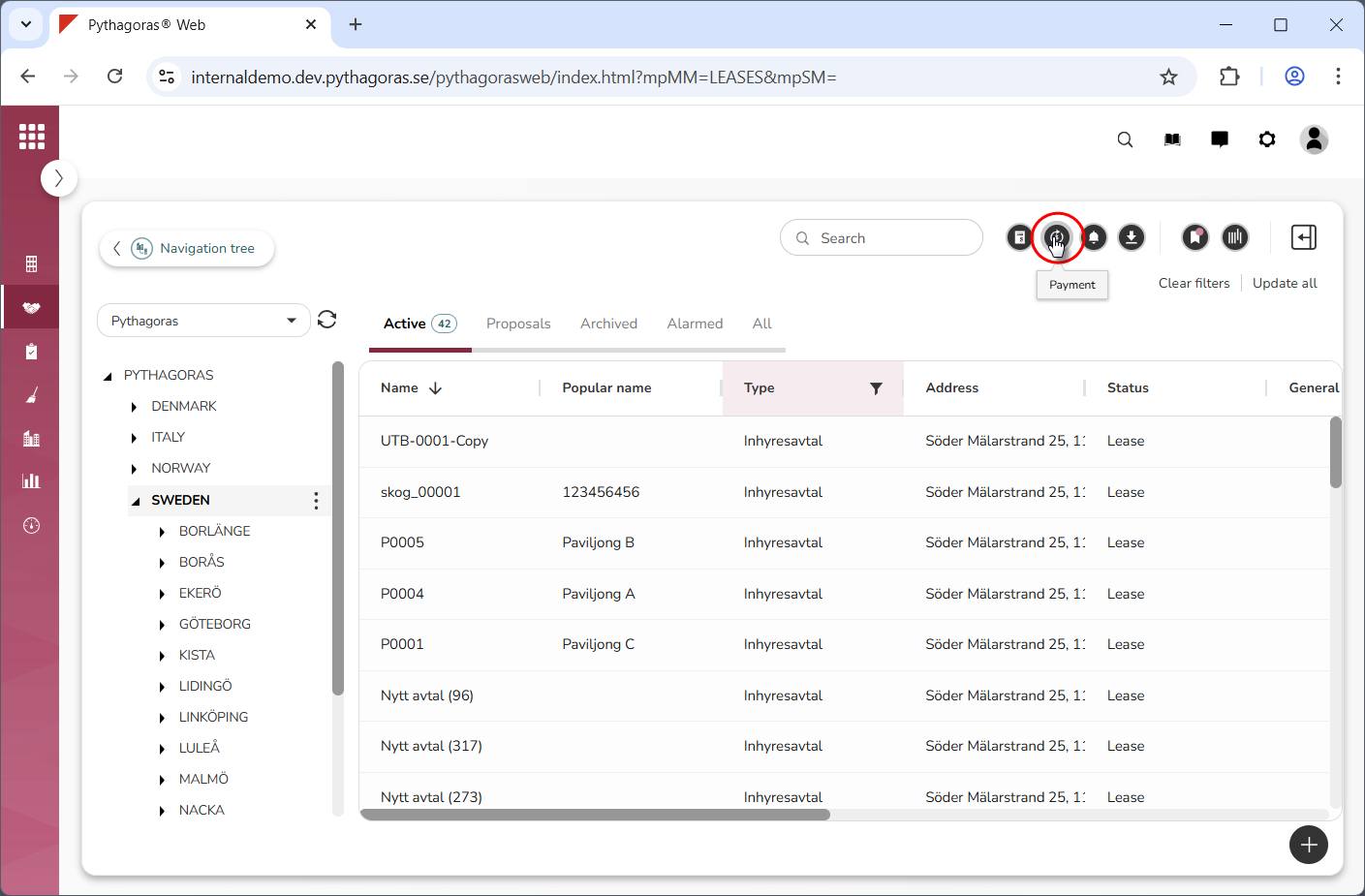
Make sure you are on the correct navigation folder in the navigation tree (see image below). Only the leases associated with the selected navigation folder will carry over to the payment window.
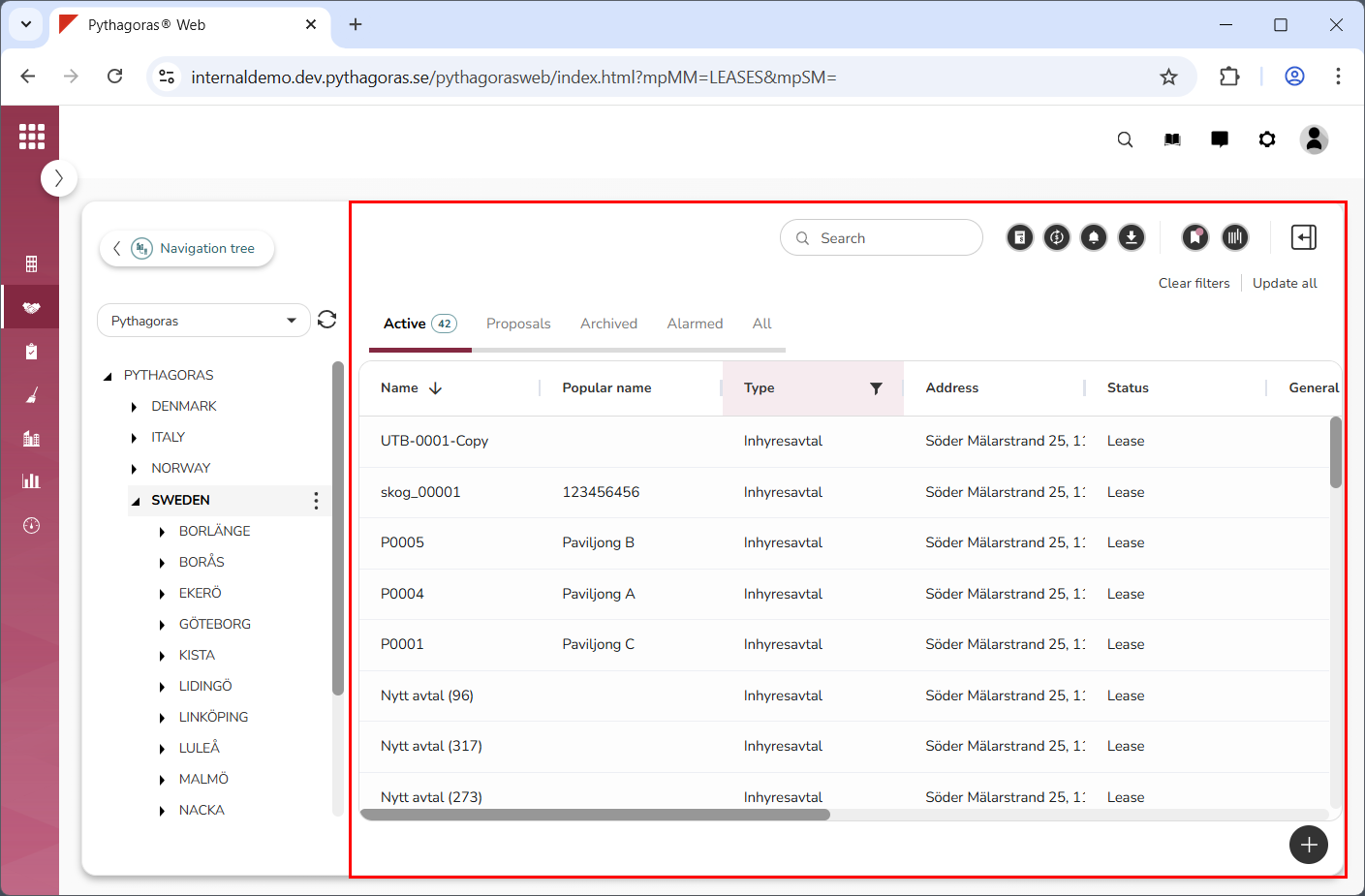
Filter the object list if you wish to limit the number of leases that are passed from the object list to the payment window (see image below). For more information on how to do so, see section 6.3. If you do not wish to filter the object list, you can skip this step and go straight to step 5.
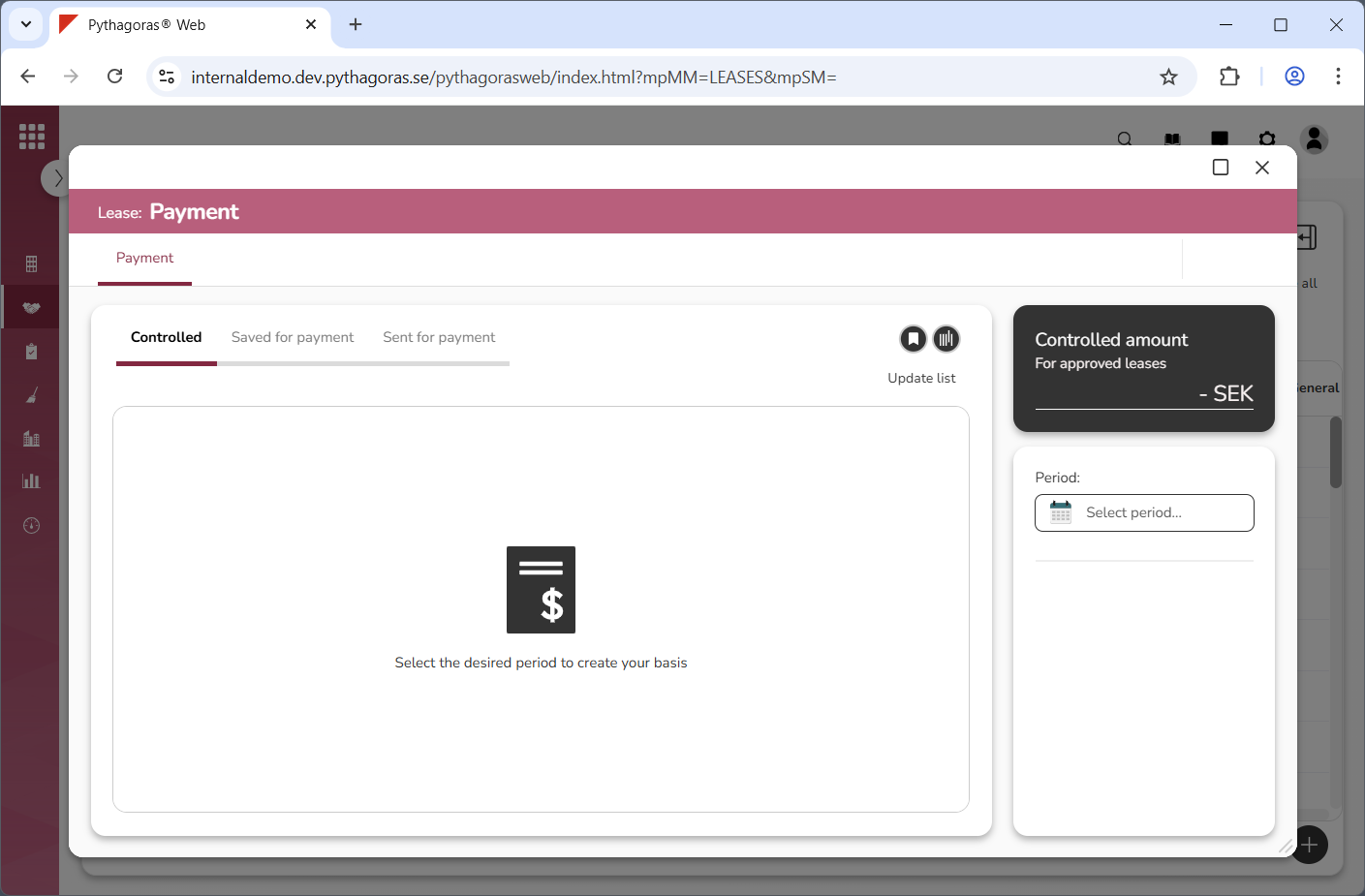
Click "Payment" (see the first image below). When you do so, the payment window will open (see the second image below).