7.2. Hide the map and KPIs
In order to hide the map and KPIs, you must first have shown them. If you have not done that, you can disregard the information in this section.
To hide the map and KPIs:
-
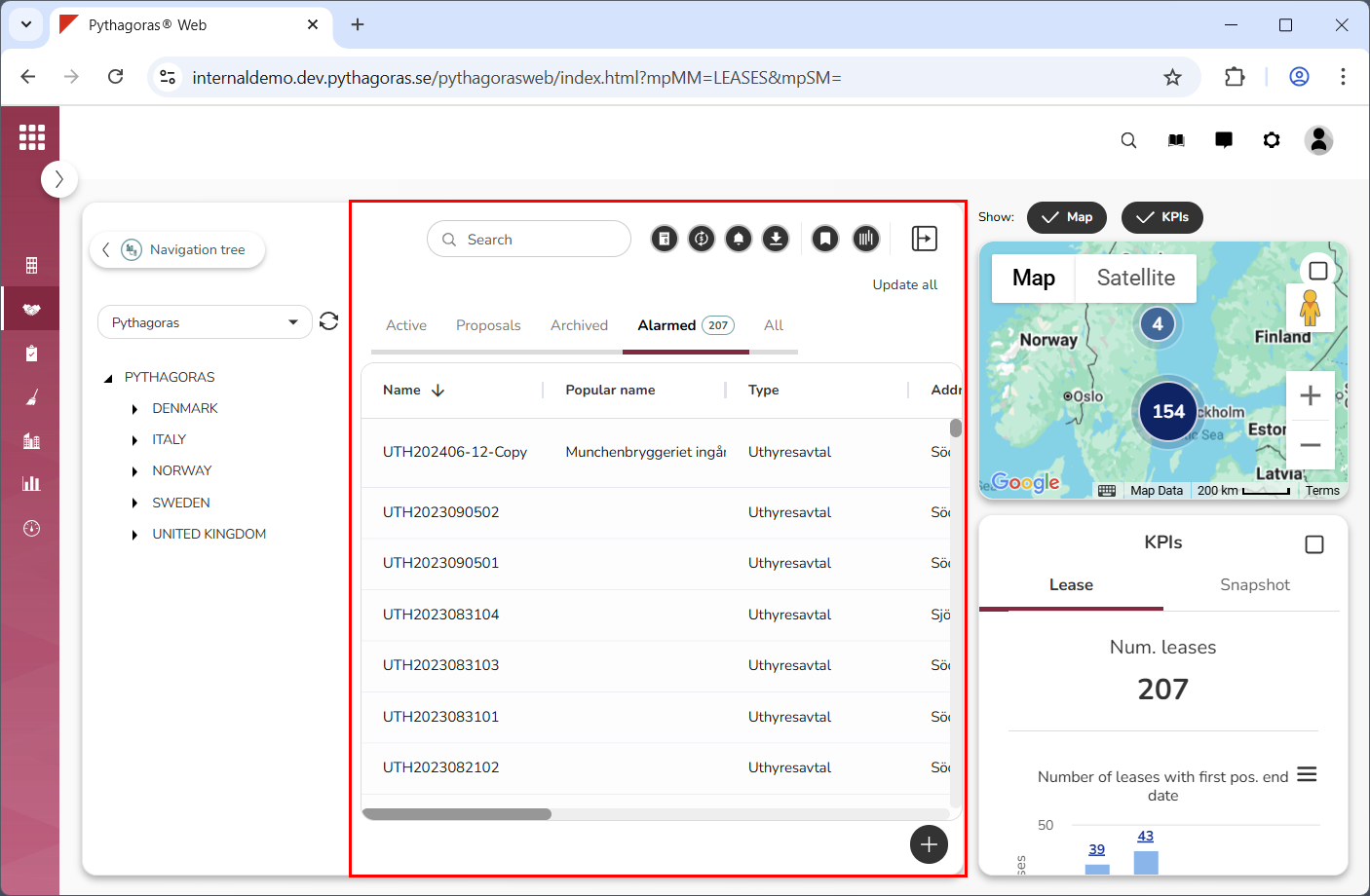
Go to the object list (see image below).
-
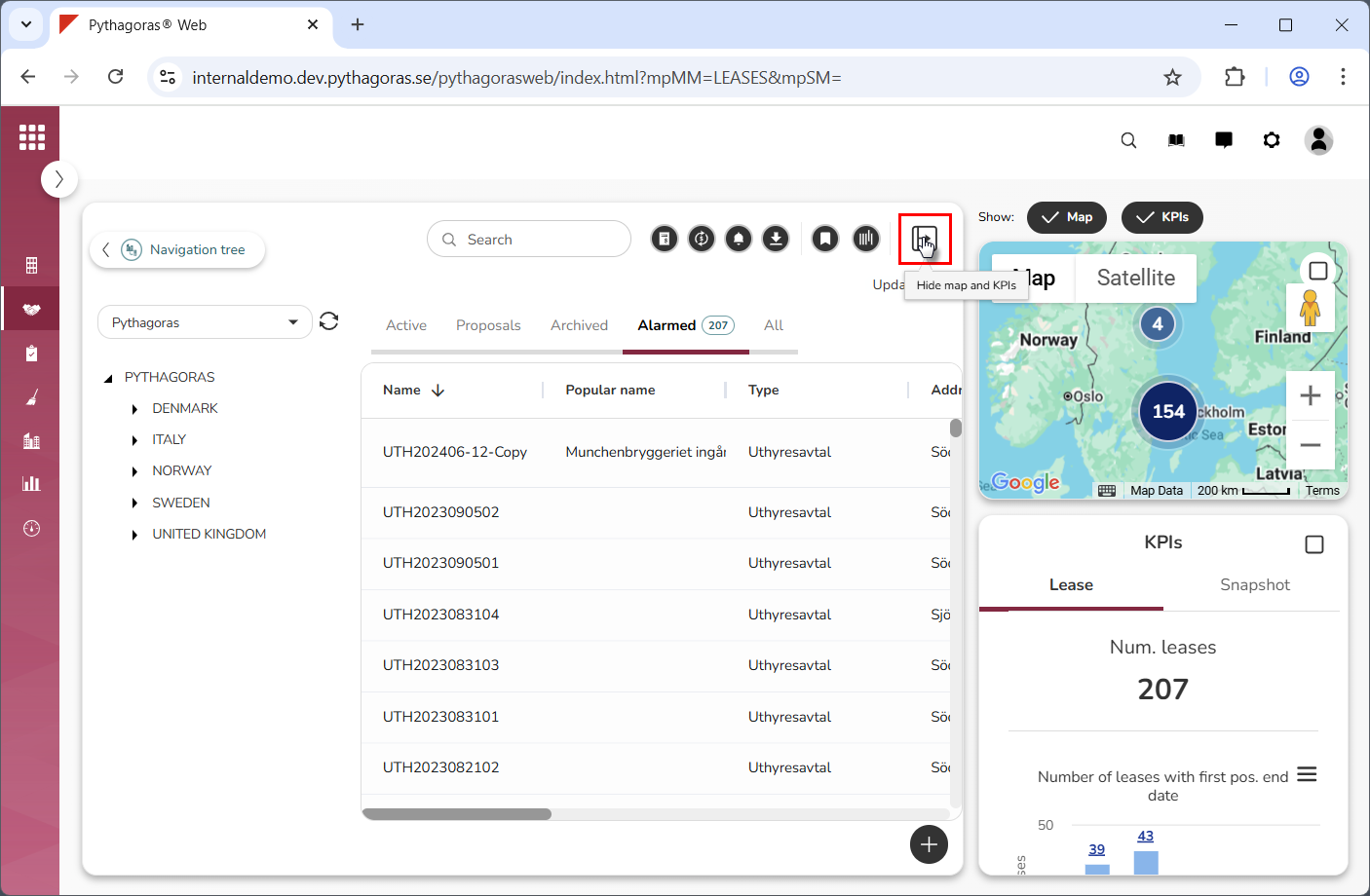
Click "Hide map and KPIs" (see the first image below). When you
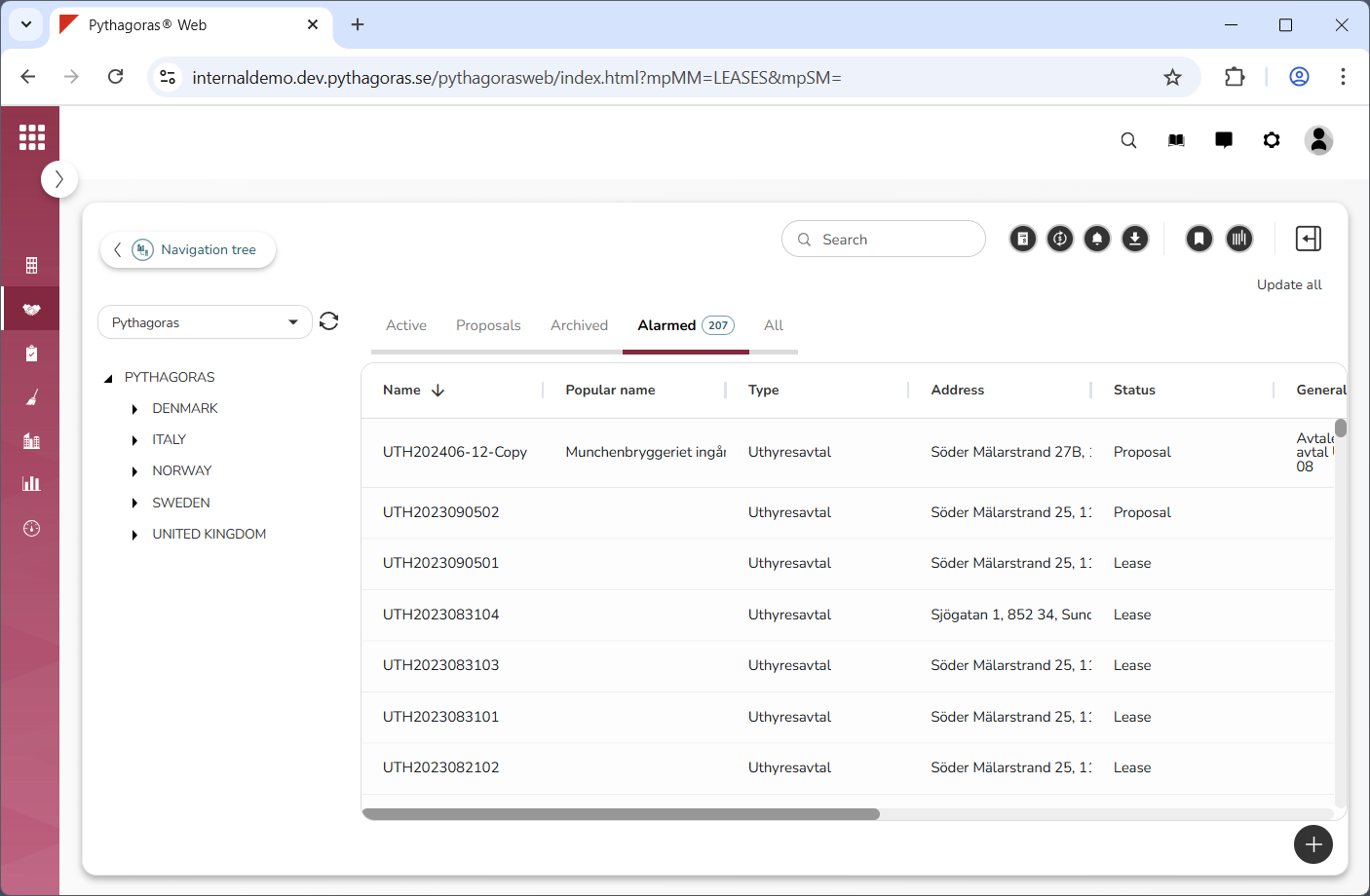
do so, the map and KPIs will be hidden (see the second image below).