2.4.1. Download the object specific folder from the document manager
To download the object specific folder from the document manager:
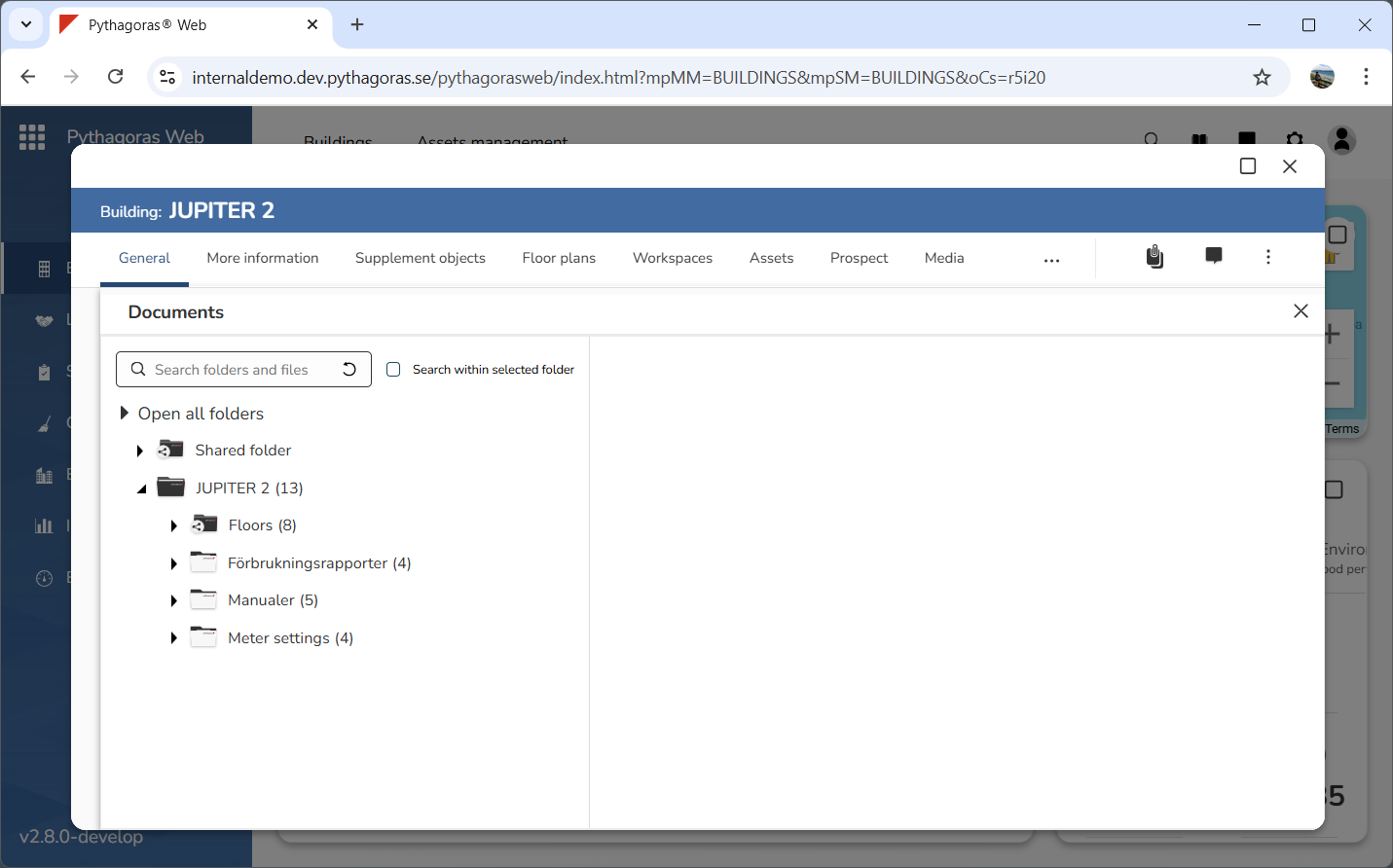
Open the document manager. For more information on how to do so, see section 2.1.
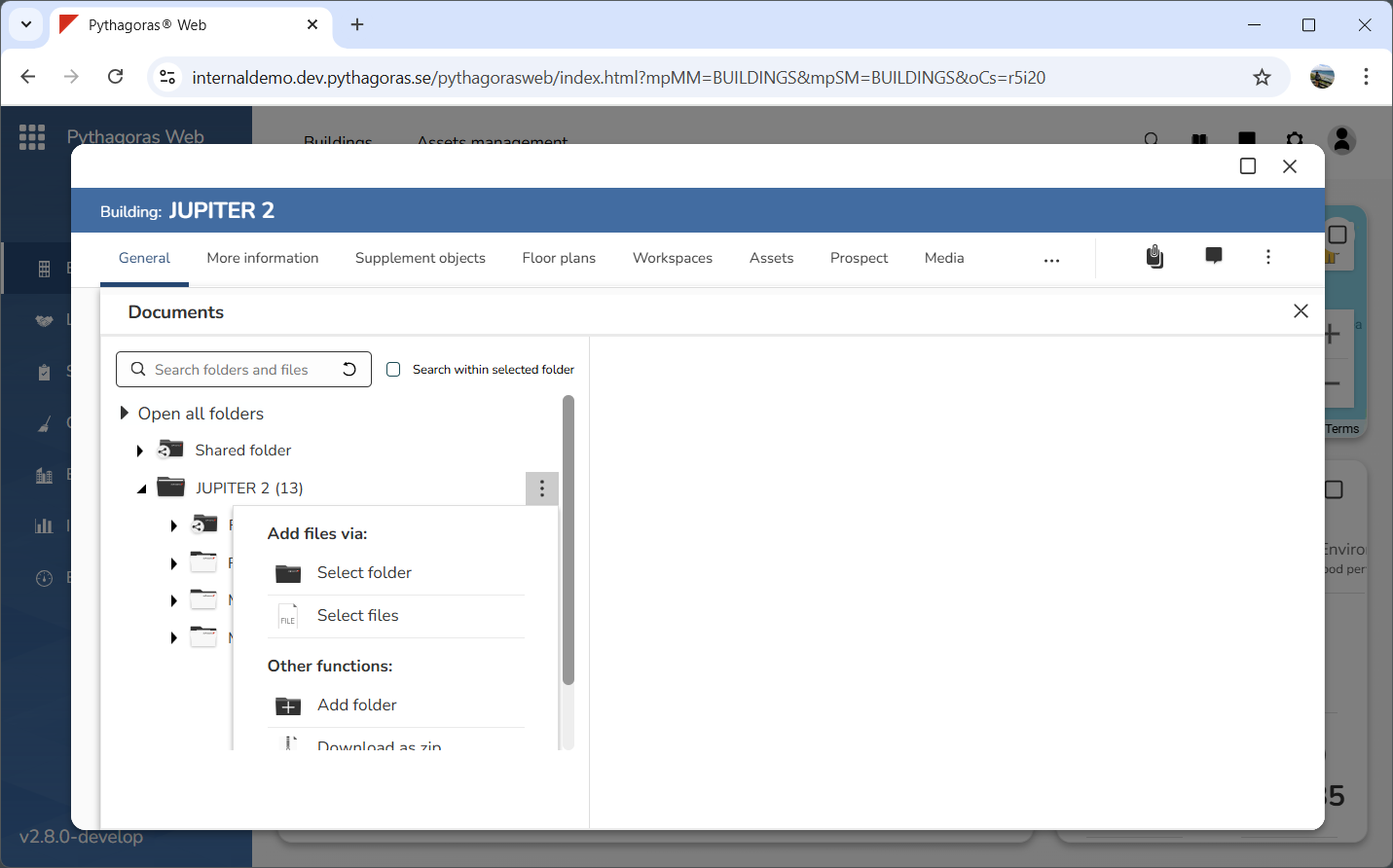
Go to the document manager (see image below).
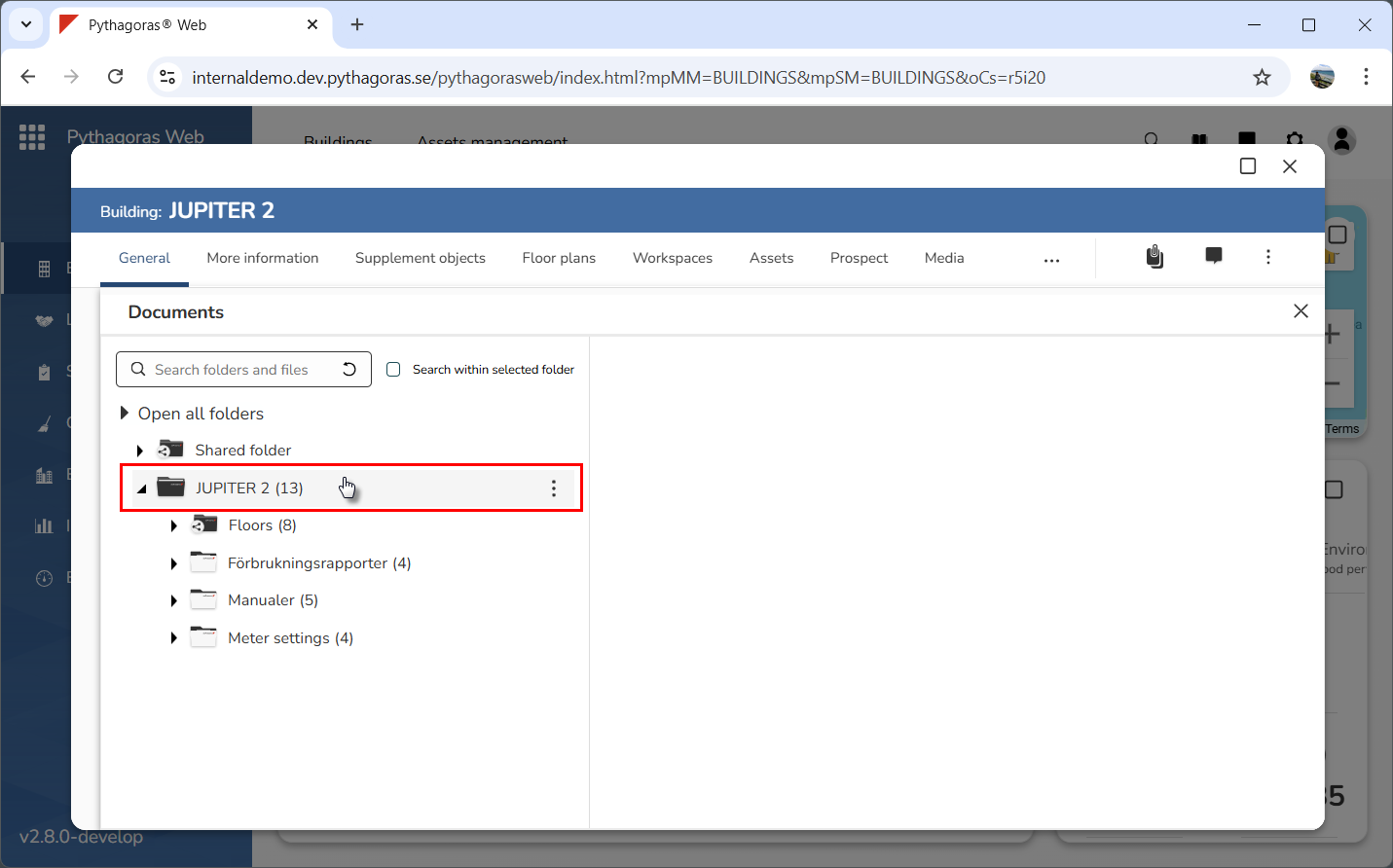
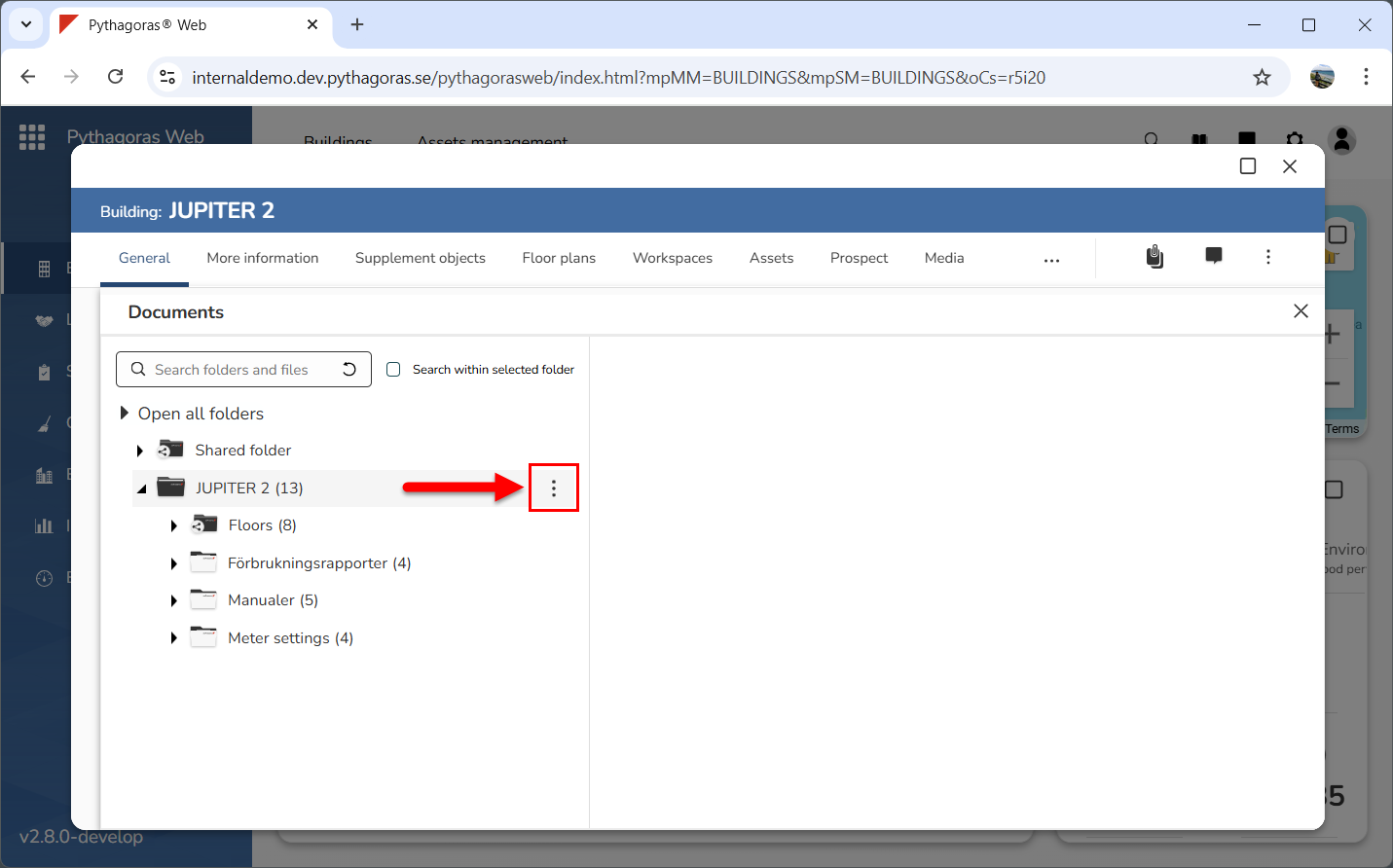
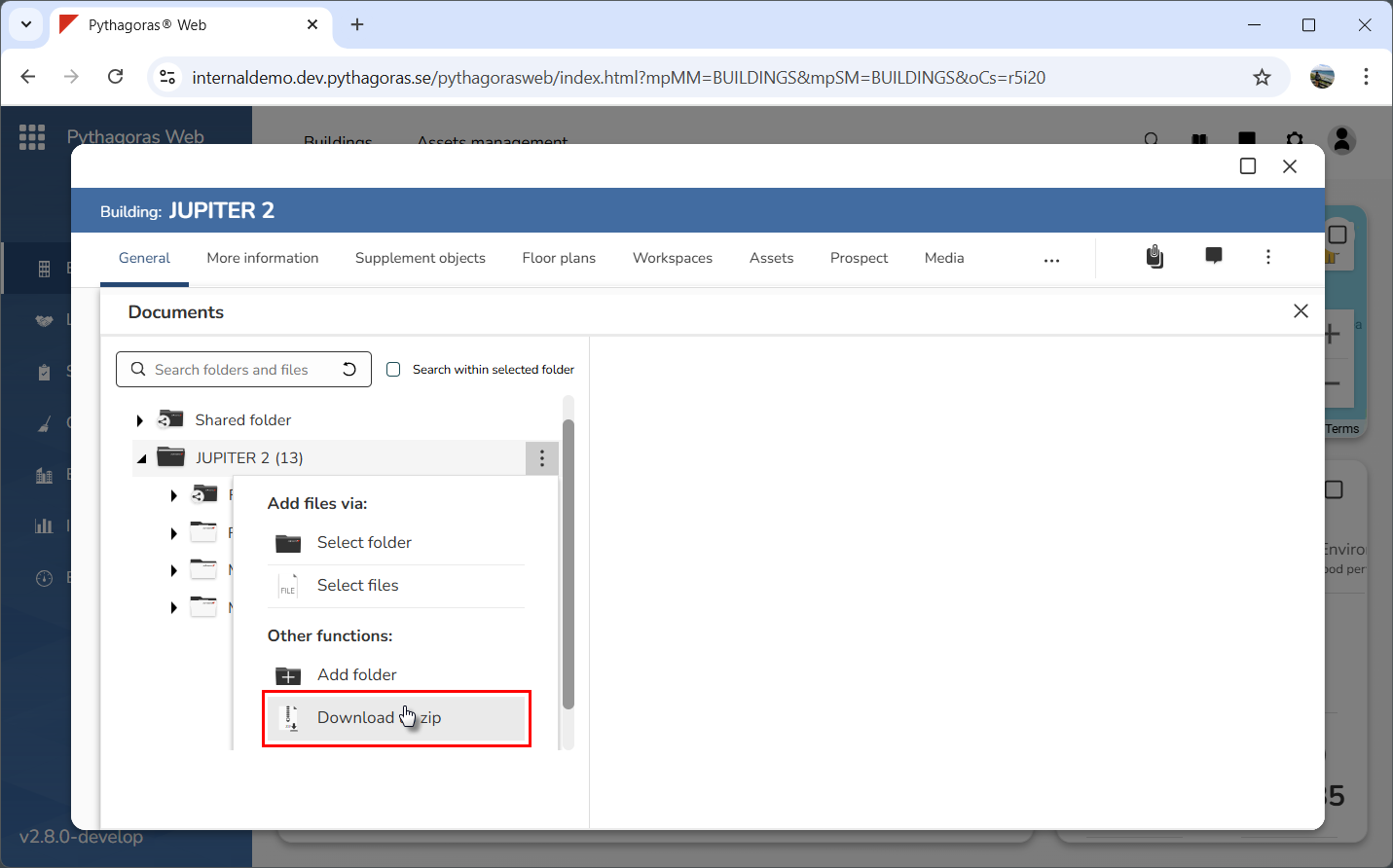
Place your cursor on the object specific folder (see the first image below). When you do so, an icon called "More options" will be shown (see the second image below).
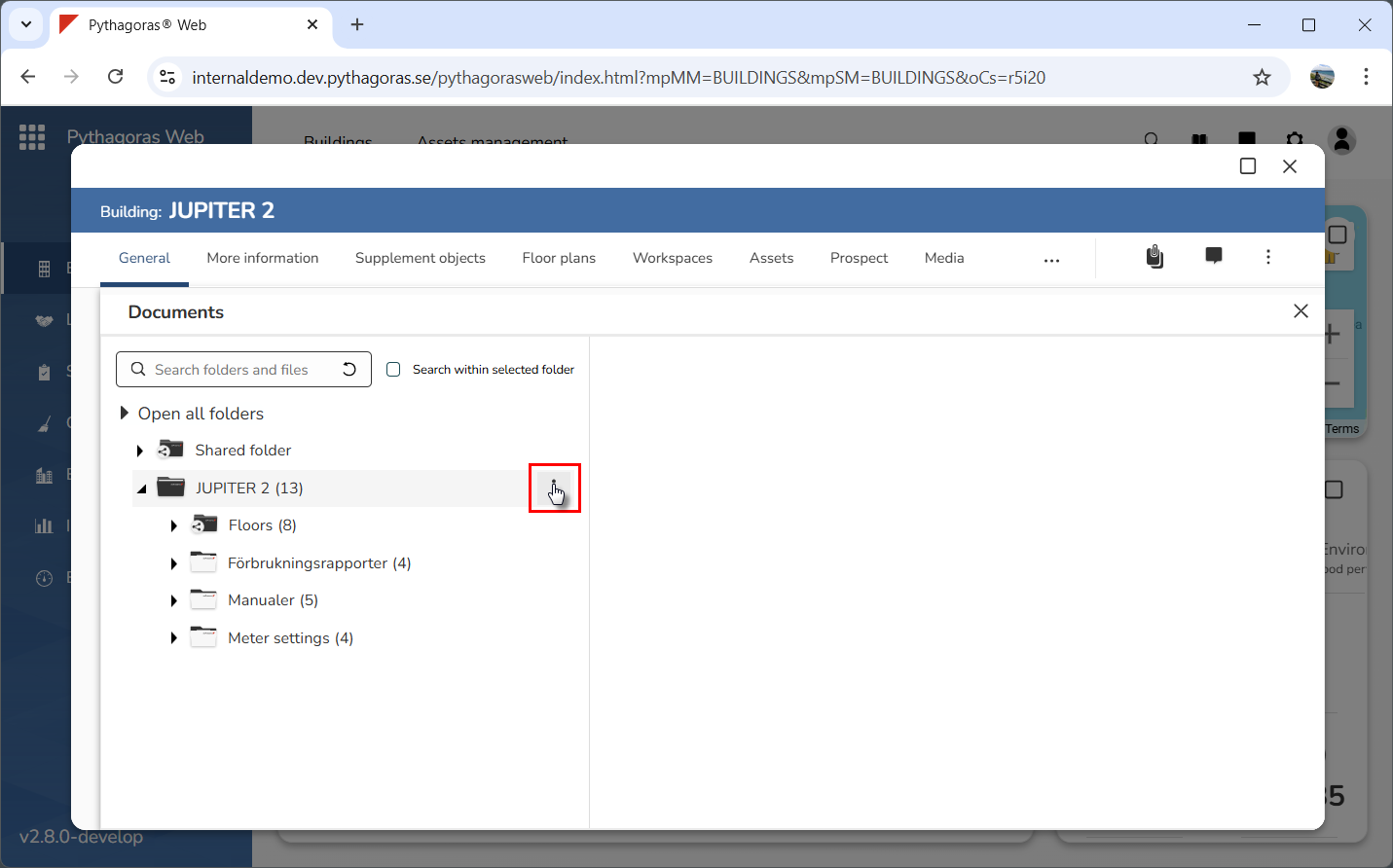
Click "More options" (see the first image below). When you do so, a menu will open (see the second image below).
Click "Download as zip" in the menu (see image below). When you do so, the object specific folder will be downloaded to your computer. Note that the object specific folder will we downloaded as a zip-file and that you will need to unzip it somewhere on your computer.