12. Working with the document manager
Pythagoras Web contains a document manager that you can open via several different types of objects. For example, buildings, navigation folders, workspaces, assets, persons, leases, work orders, land objects, lease objects, meters, cleaners, Preventive Maintenance tasks and Planned Maintenance tasks.
How the document manager looks depends on the type of document manager your organisation uses – basic or advanced. Basic document management is a standard feature in Pythagoras Web, while advanced document management is a paid feature that your organisation must purchase for you to access.
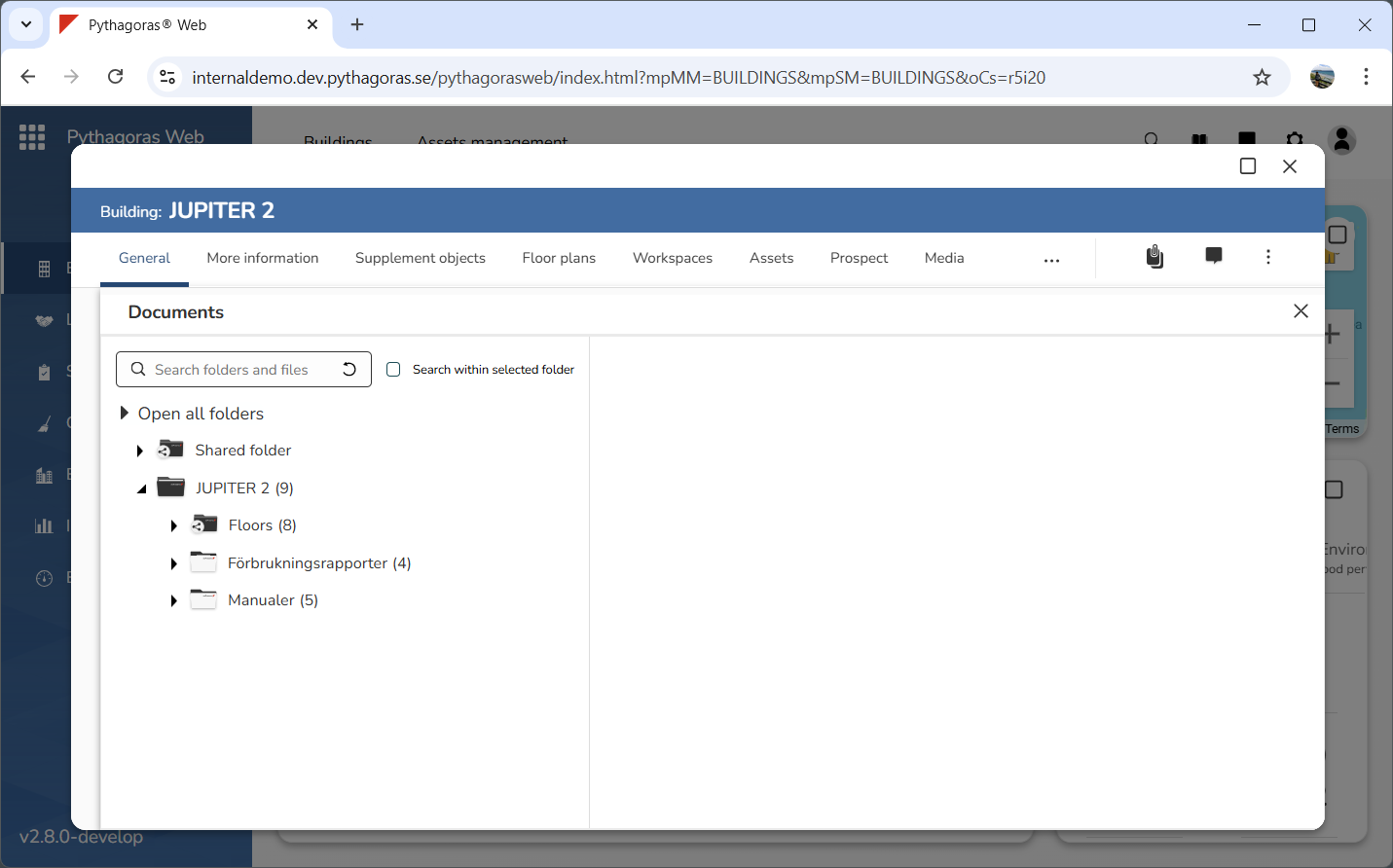
This is what the document manager looks like if your organisation is using basic document management:
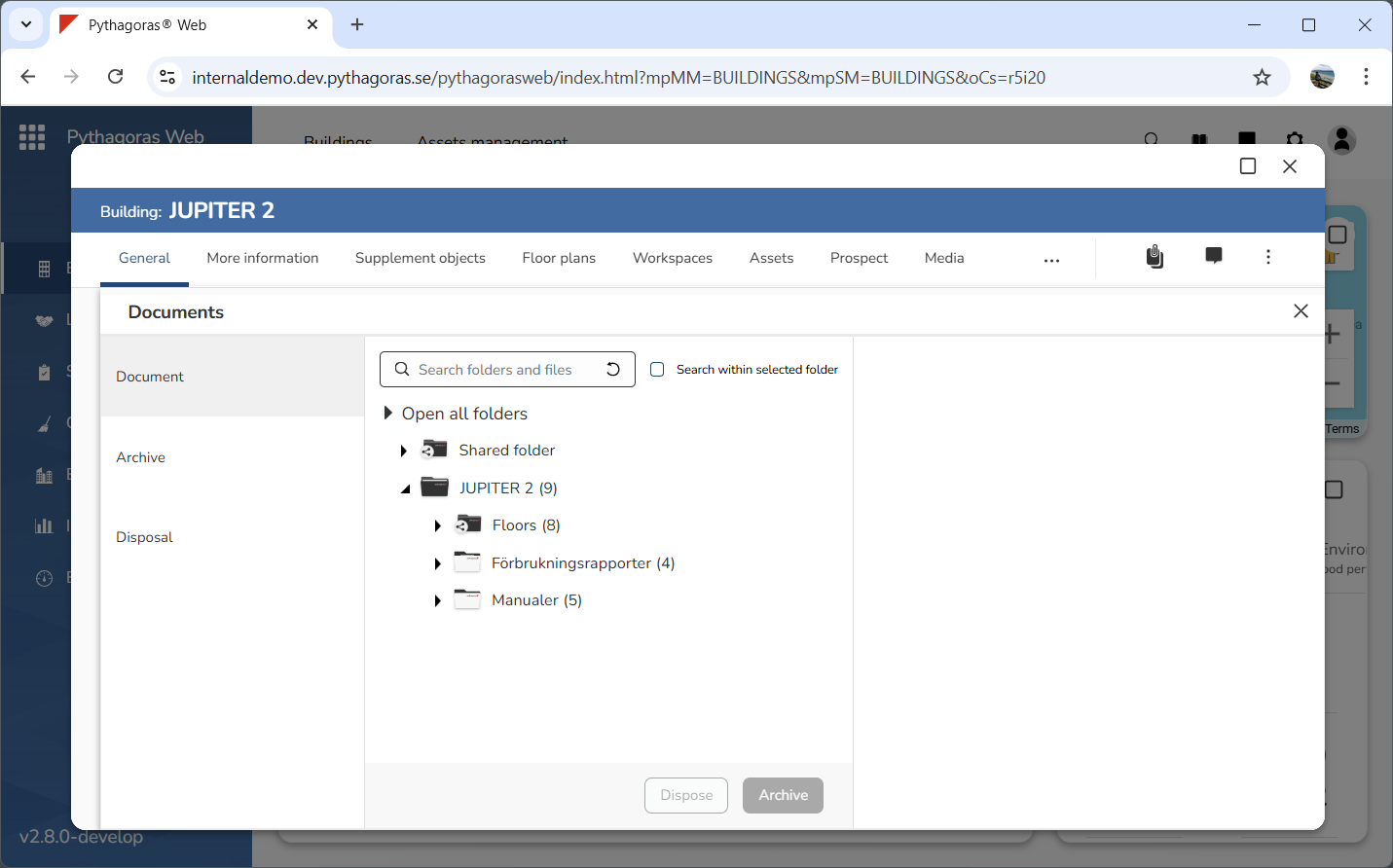
This is what the document manager looks like if your organisation is using advanced document management:
The document manager contains two main folders: one shared folder and one folder that is specific to the object you are working with. The shared folder is called "Shared folder" while the object specific folder shares its name with the object it is associated with. No matter how many folders the document manager contains, the different folders will be associated either with the shared folder or the object specific folder. The shared folder is associated with all objects available in Pythagoras Web while the object specific folder only is associated with one single object.
When working with the document manager, you can:
-
-
-
download folders and files from it
-
work with shortcuts to files within it
-
rename the folders and files available within it
-
remove folders and files from it
-
search for folders and and files within it
-
open and close all folders available in the object specific folder.
For more information on how to work with the document manager, see the manual for the document manage
r. You will find it here, but you can also open it via section 12.1.
Many of the functions in the document manager are the same regardless of whether your organisation uses basic or advanced document management. However, some functions are specific to the advanced document management. The manual referred to above is based on the basic document management since the basic document manager is a standard function.