In order for you to be able to view the area of a lease object, the lease object has to be created in Space Manager. If a lease object is created in Pythagoras Web you will not be able to view its area.
To view the area of a lease object:
Open a lease object. For more information on how to do so, see section 11.1.
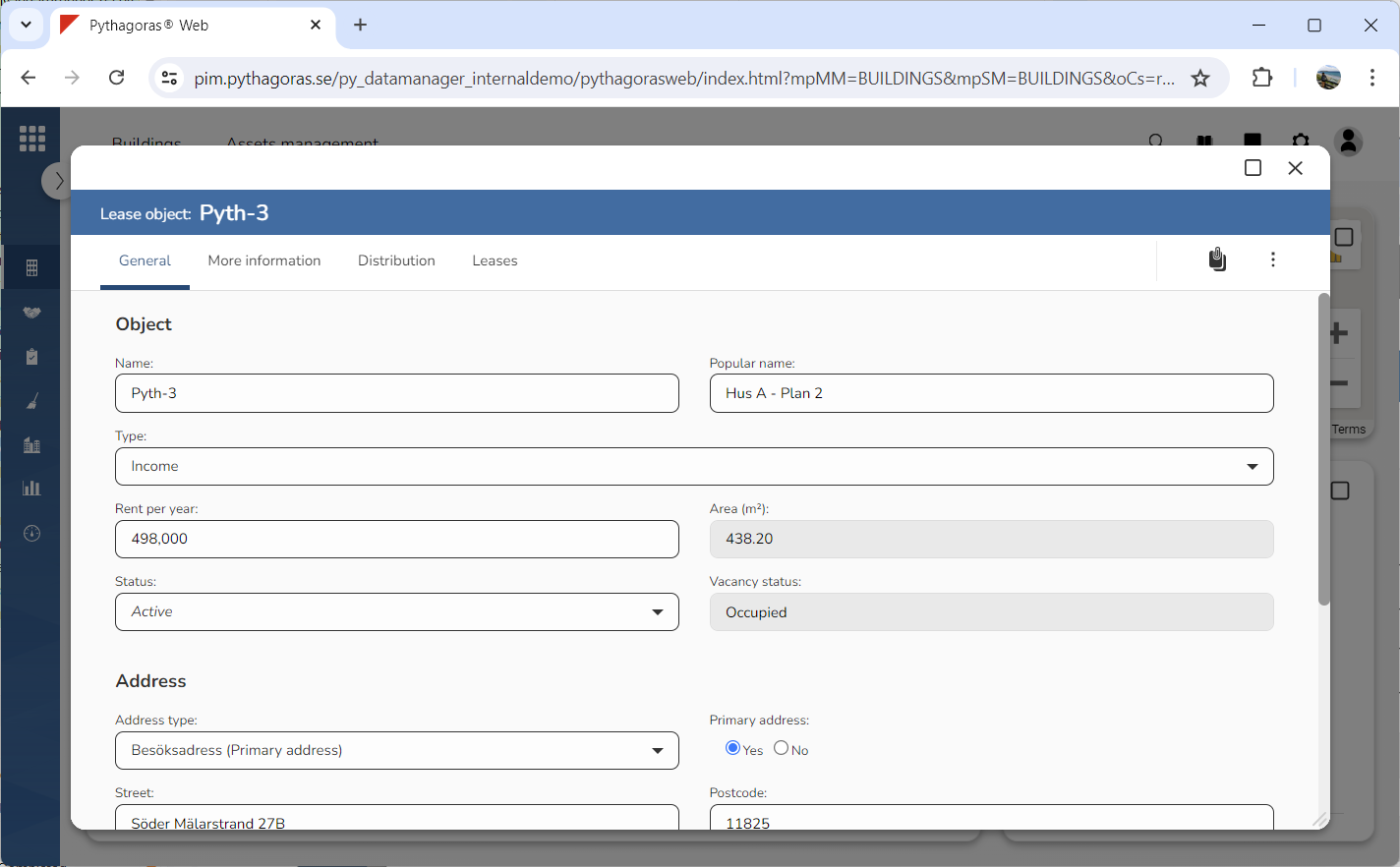
Go to the lease object card (see image below).
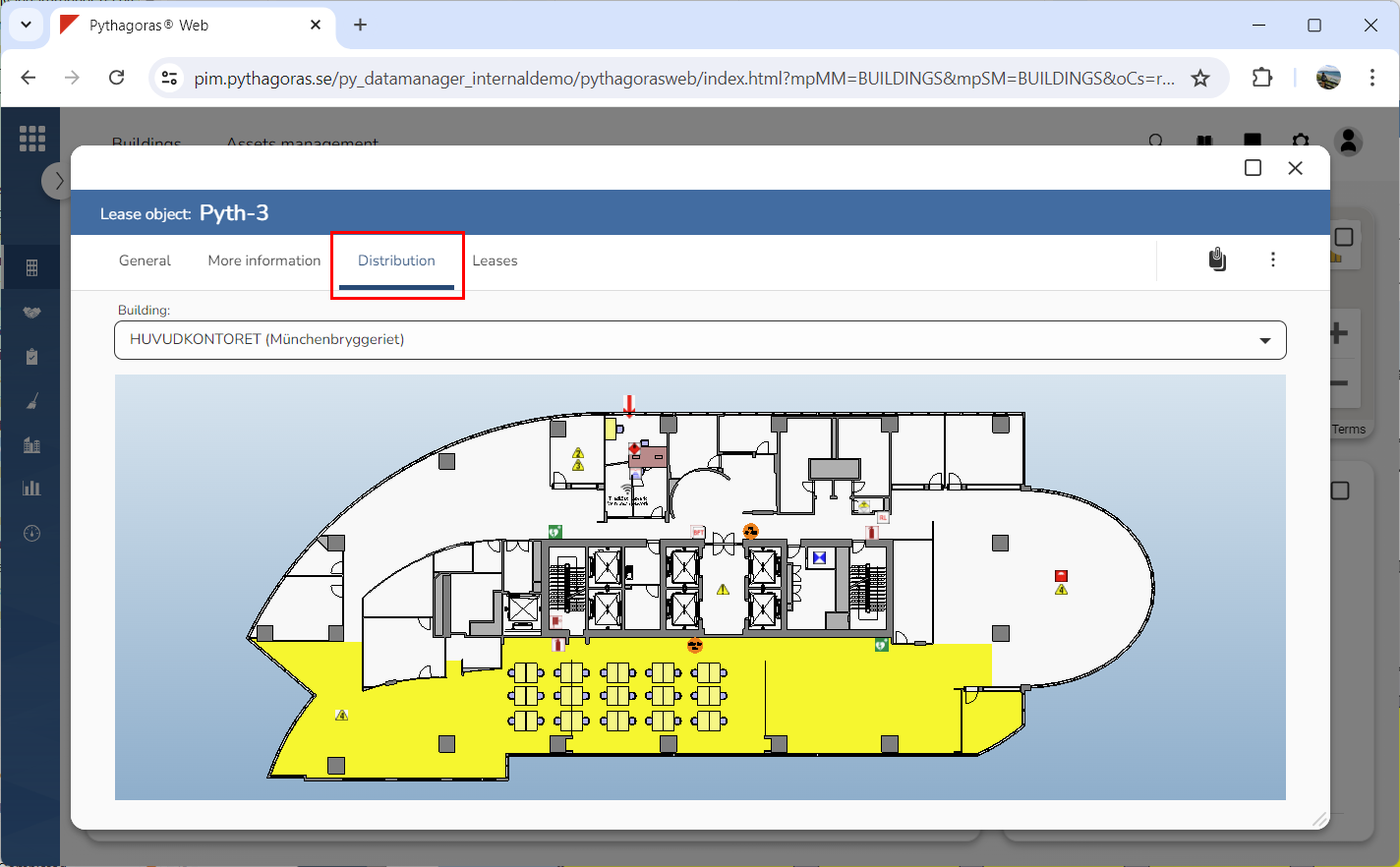
Click the tab called "Distribution" (see image below). Within the tab called "Distribution", the area of a lease object you are working with will be shown. If the lease object you are working with stretches over multiple buildings, you can chose which building you would like to view the area for by selecting a building via the field "Building".