6.3. Update the object list
When updating the object list, you provide it with the latest information about the objects it shows.
To update the object list:
-
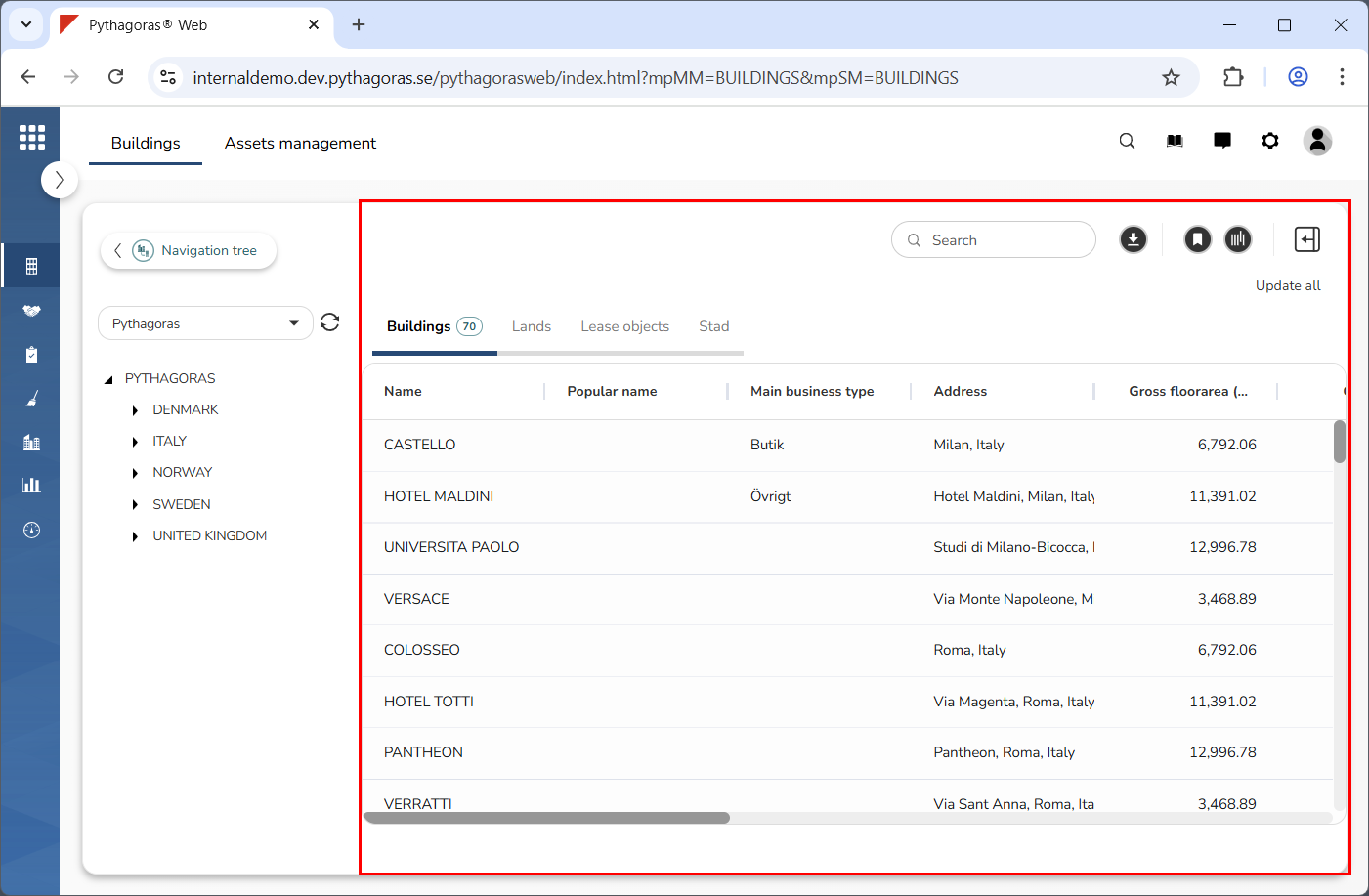
Go to the object list (see image below).
-
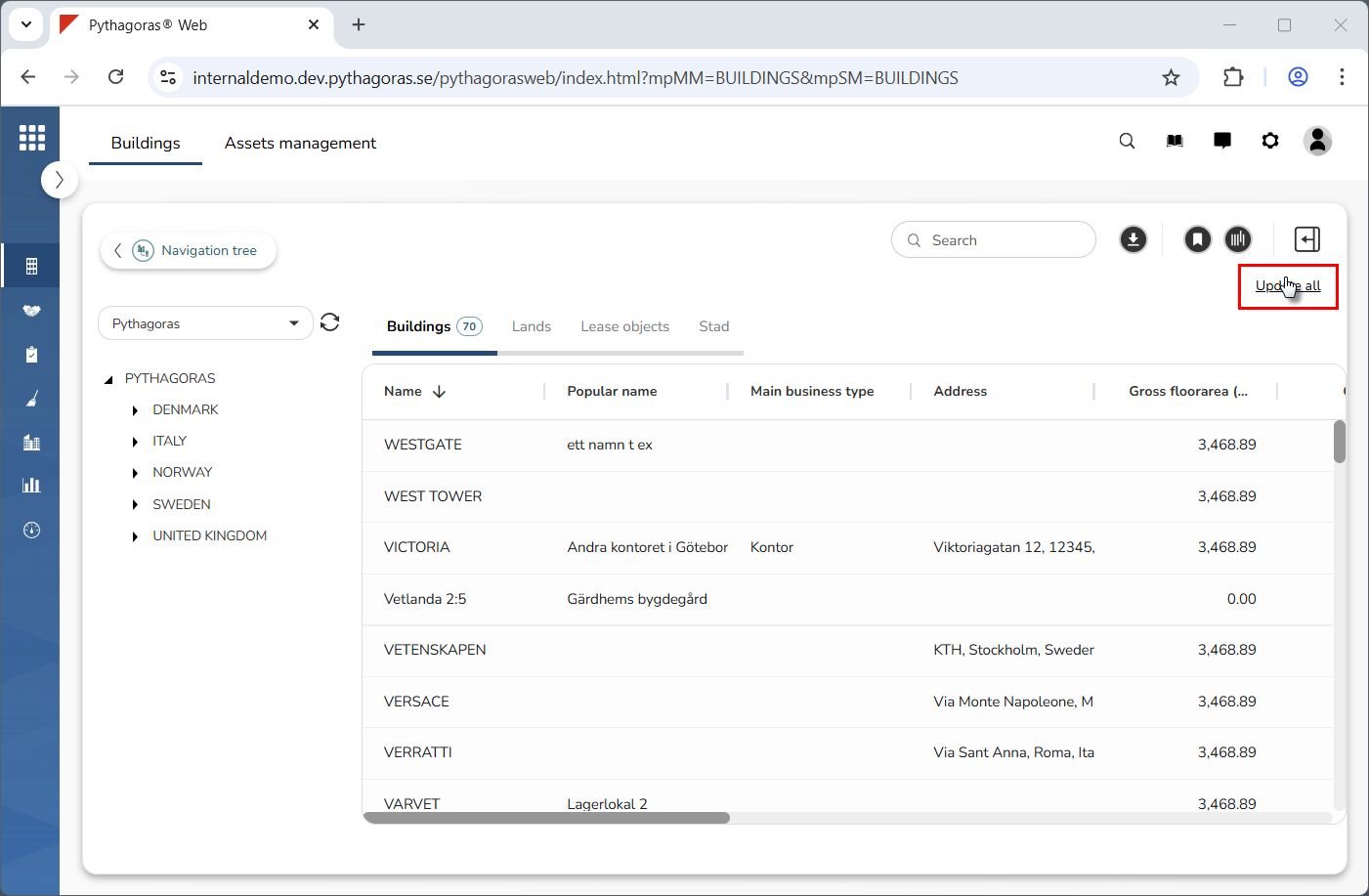
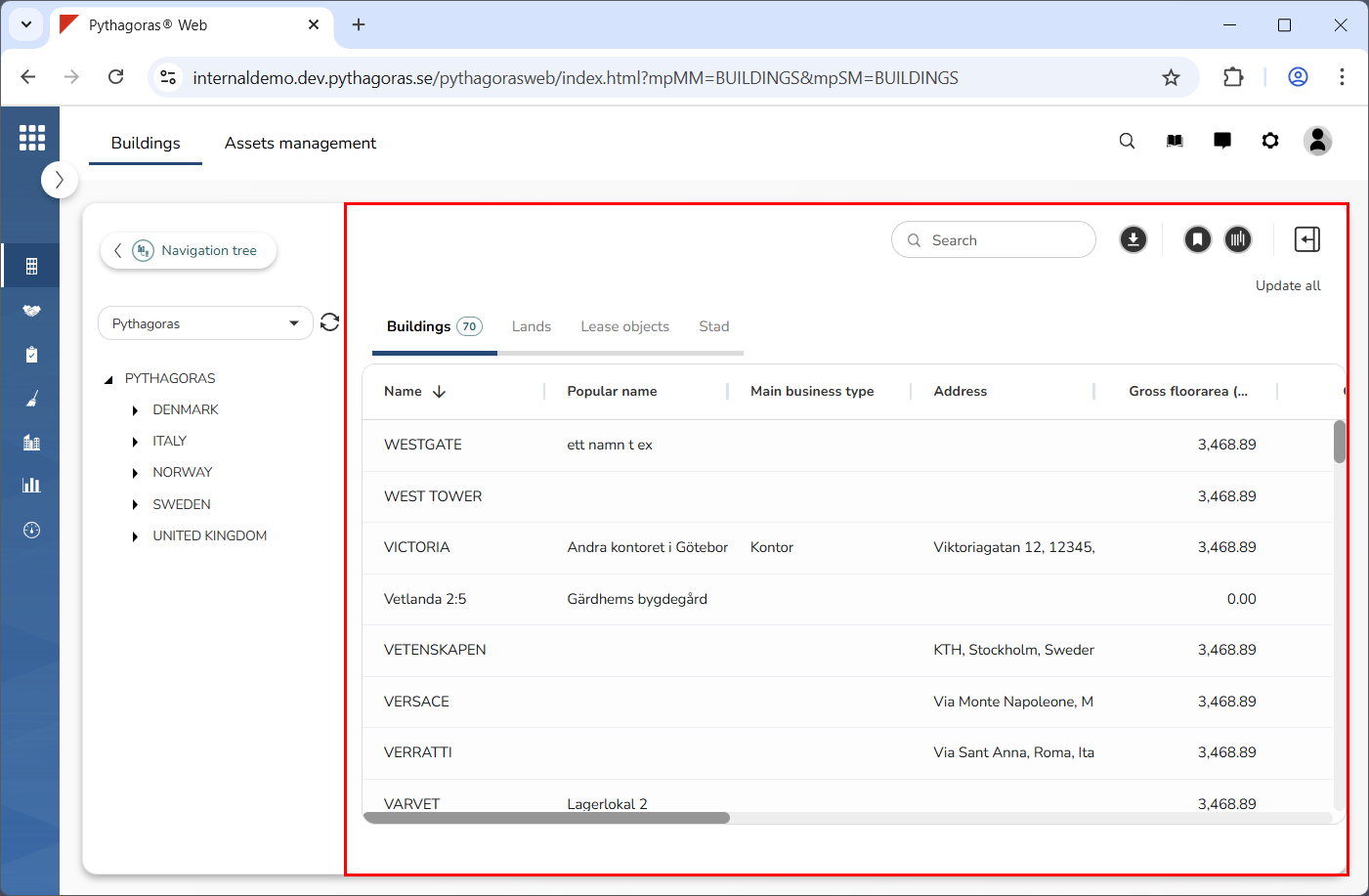
Click "Update all" (see the first image below). When you do so, the object list will be updated (see the second image below).