When updating the leases list, you provide it with the latest information about the leases it shows.
To update the leases list:
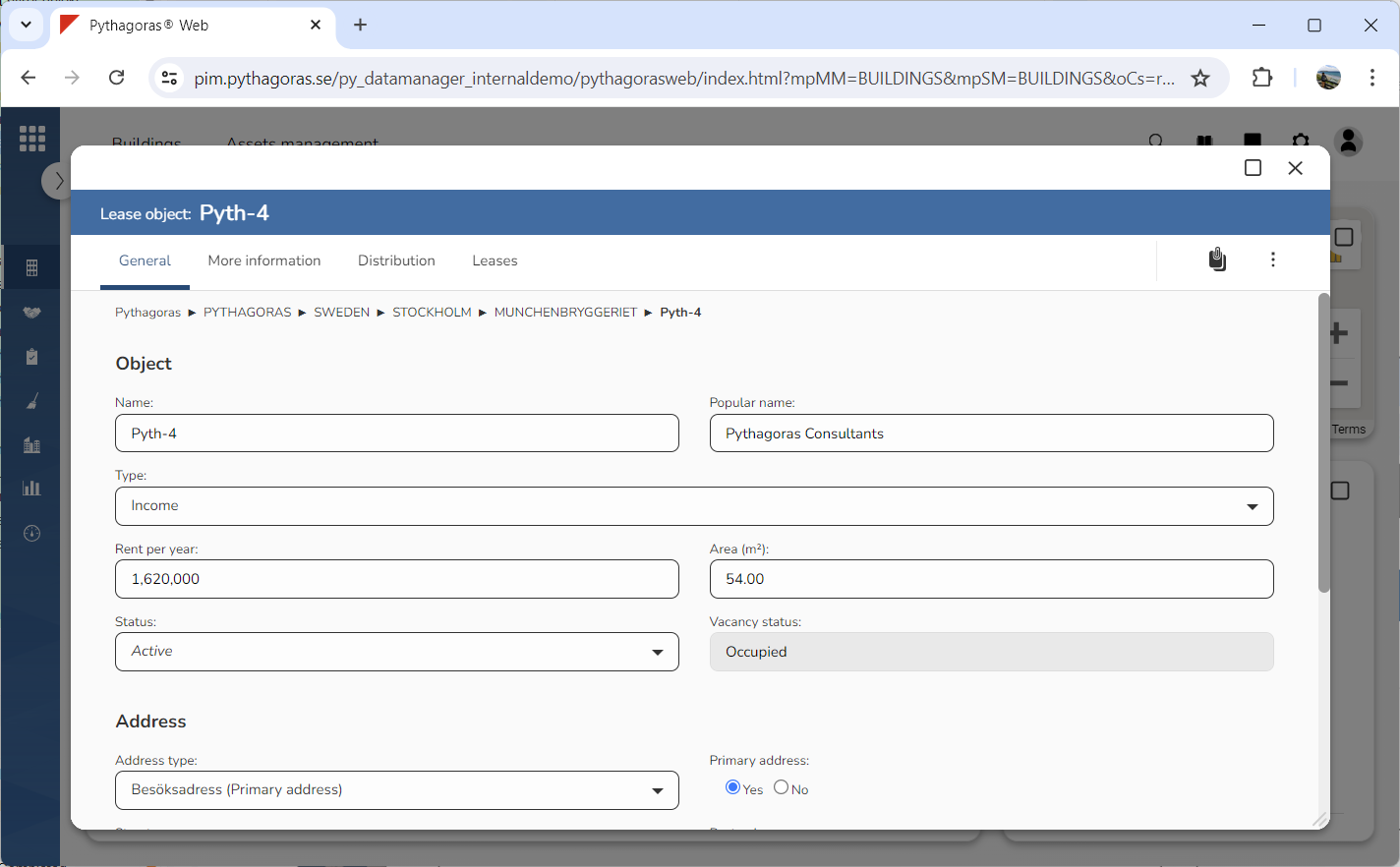
Open a lease object. For more information on how to do so, see section 11.1.
Go to the lease object card (see image below).
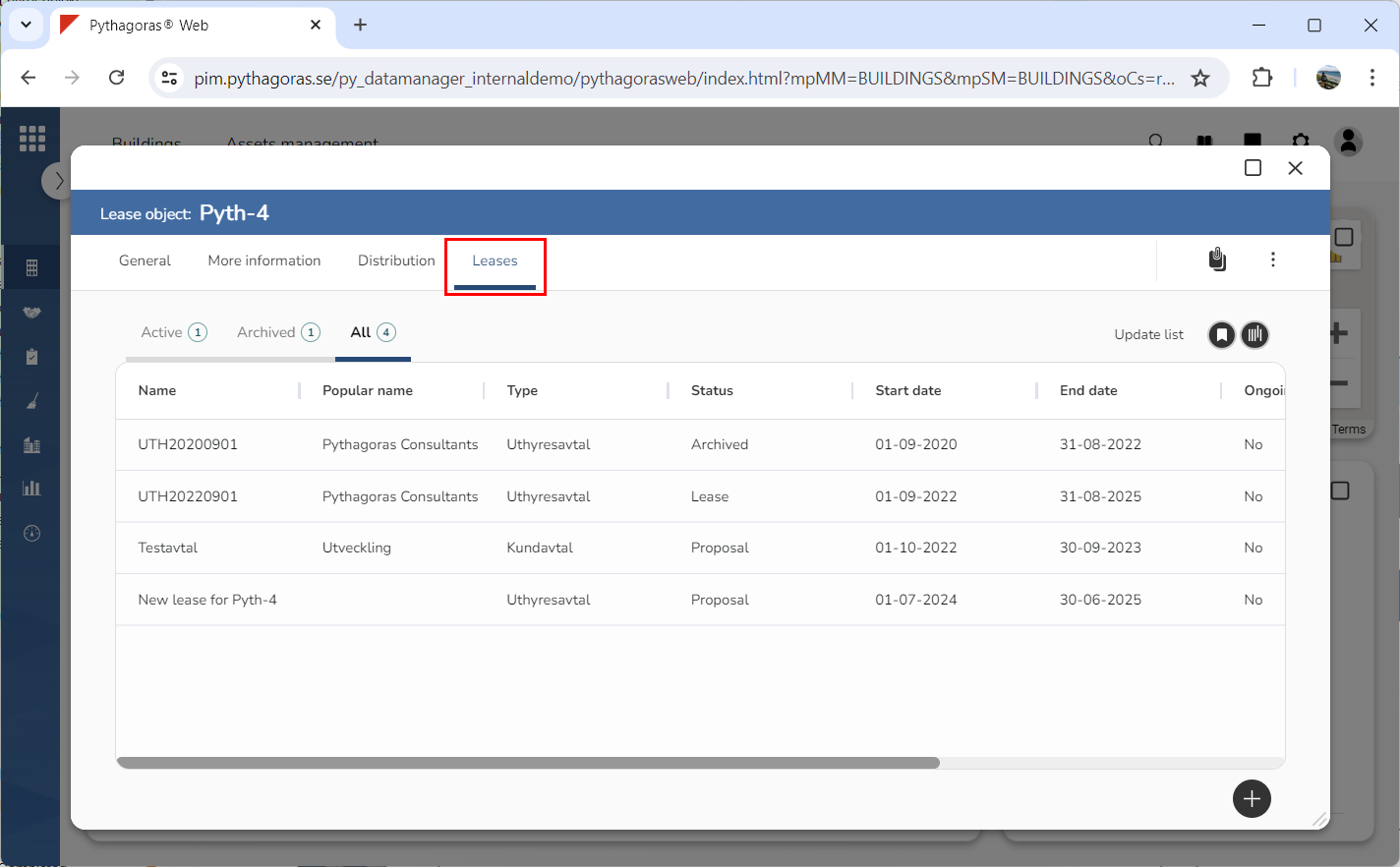
Click the tab called "Leases" (see image below). Within the tab called "Leases" you will find a leases list. In the leases list you will see the leases associated with the lease object you are working with.
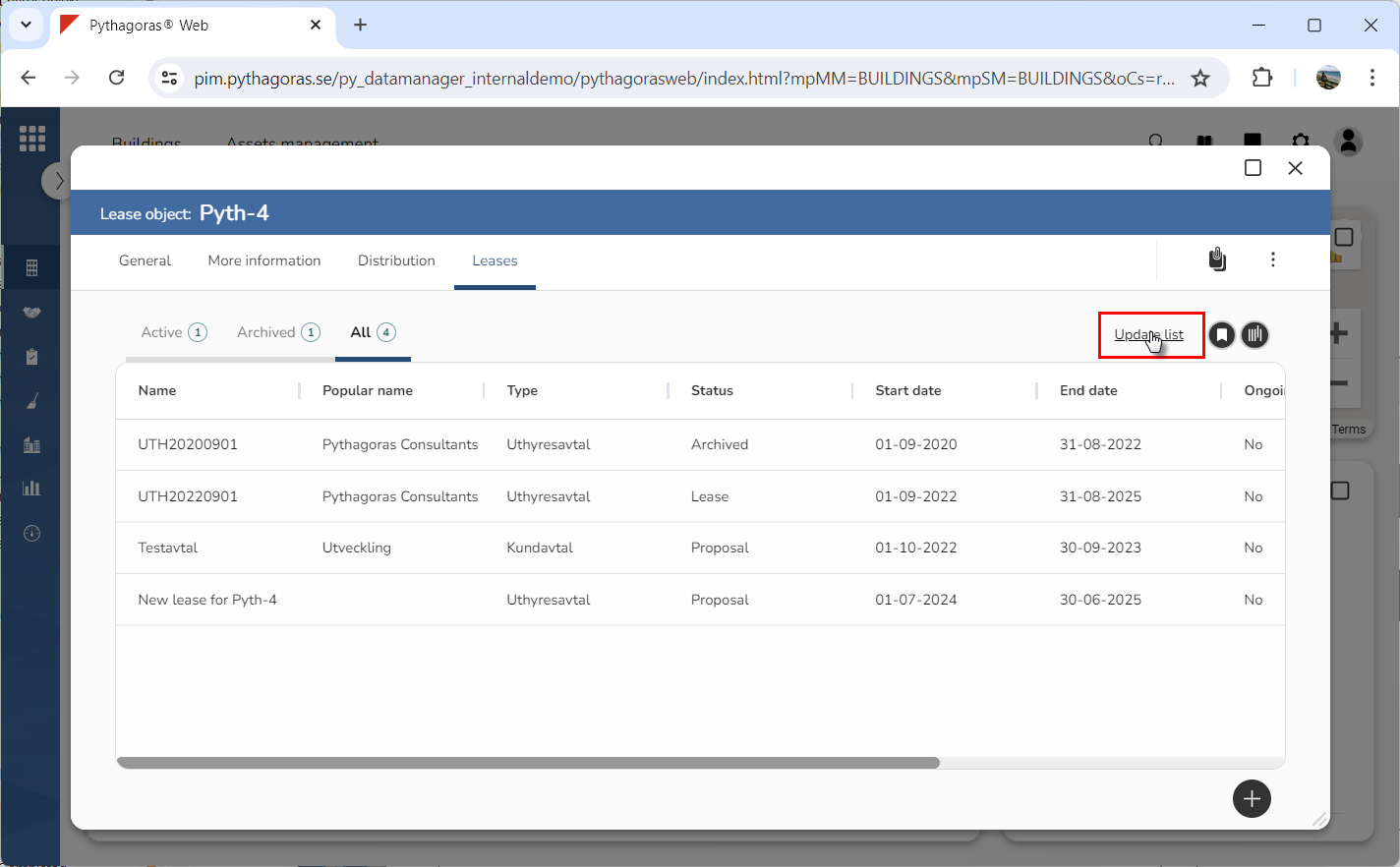
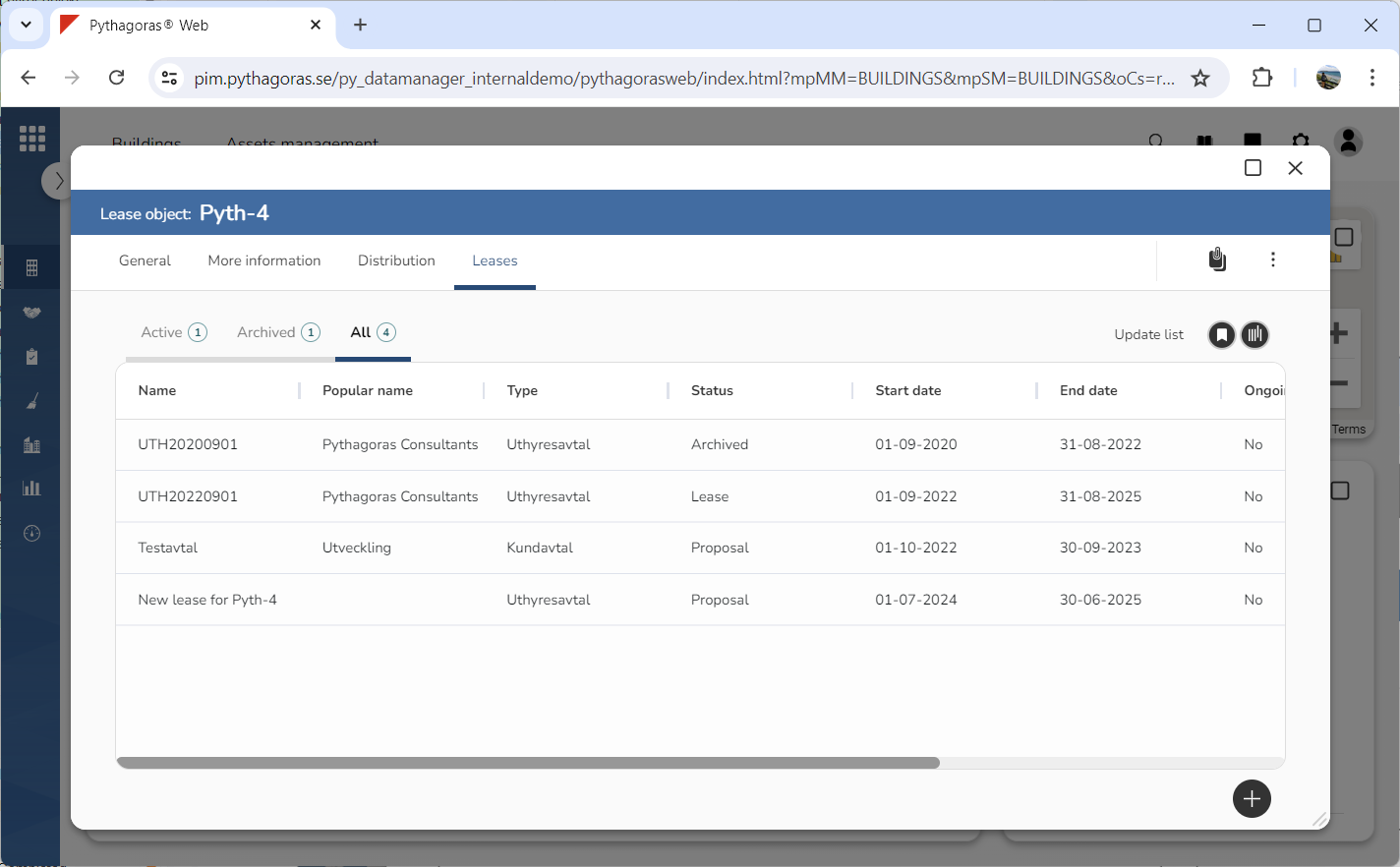
Click "Update list" (see the first image below). When you do so, the leases list will be updated (see the second image below).