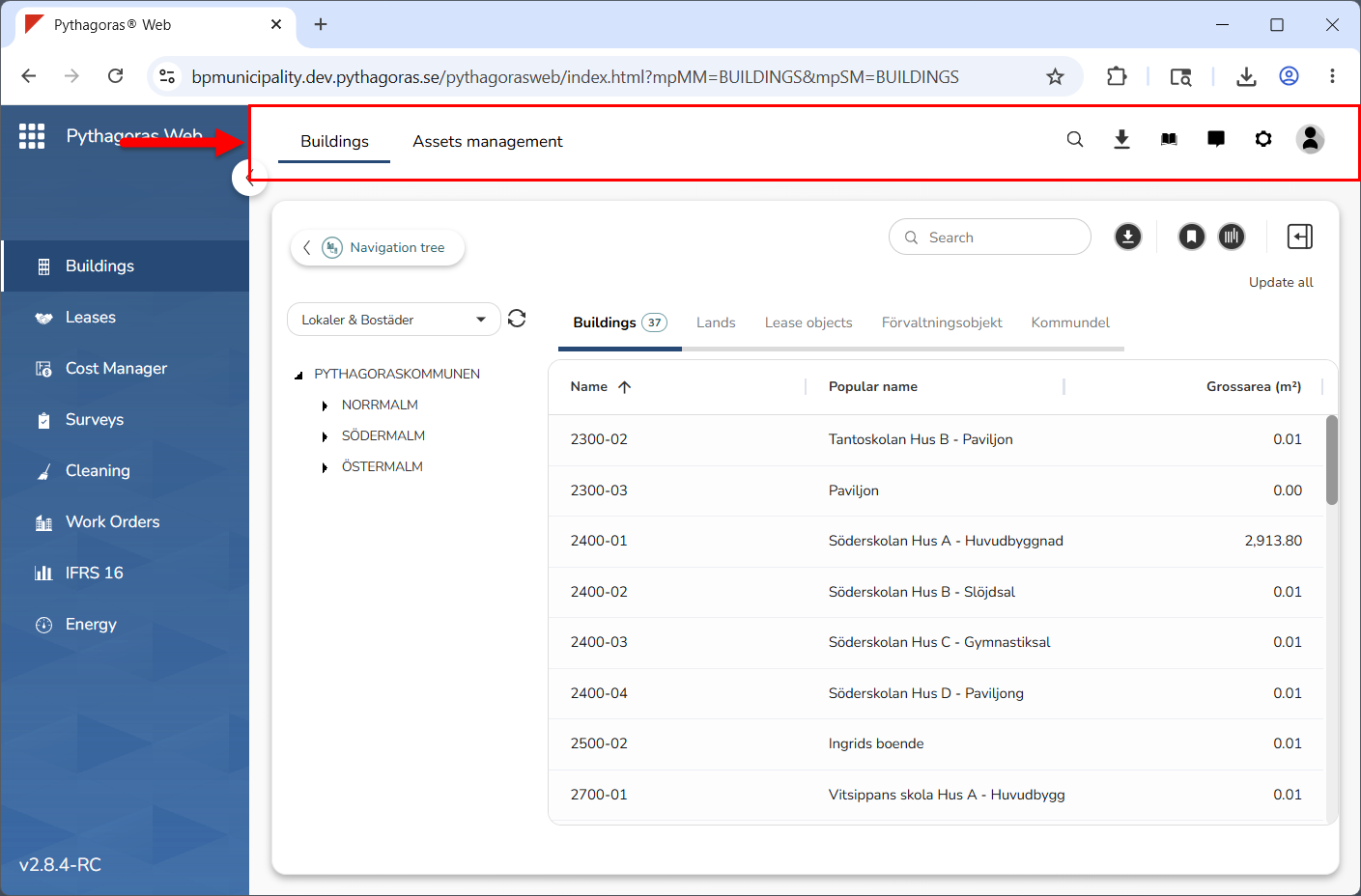
The global settings area is located at the top of Buildings (see image below).
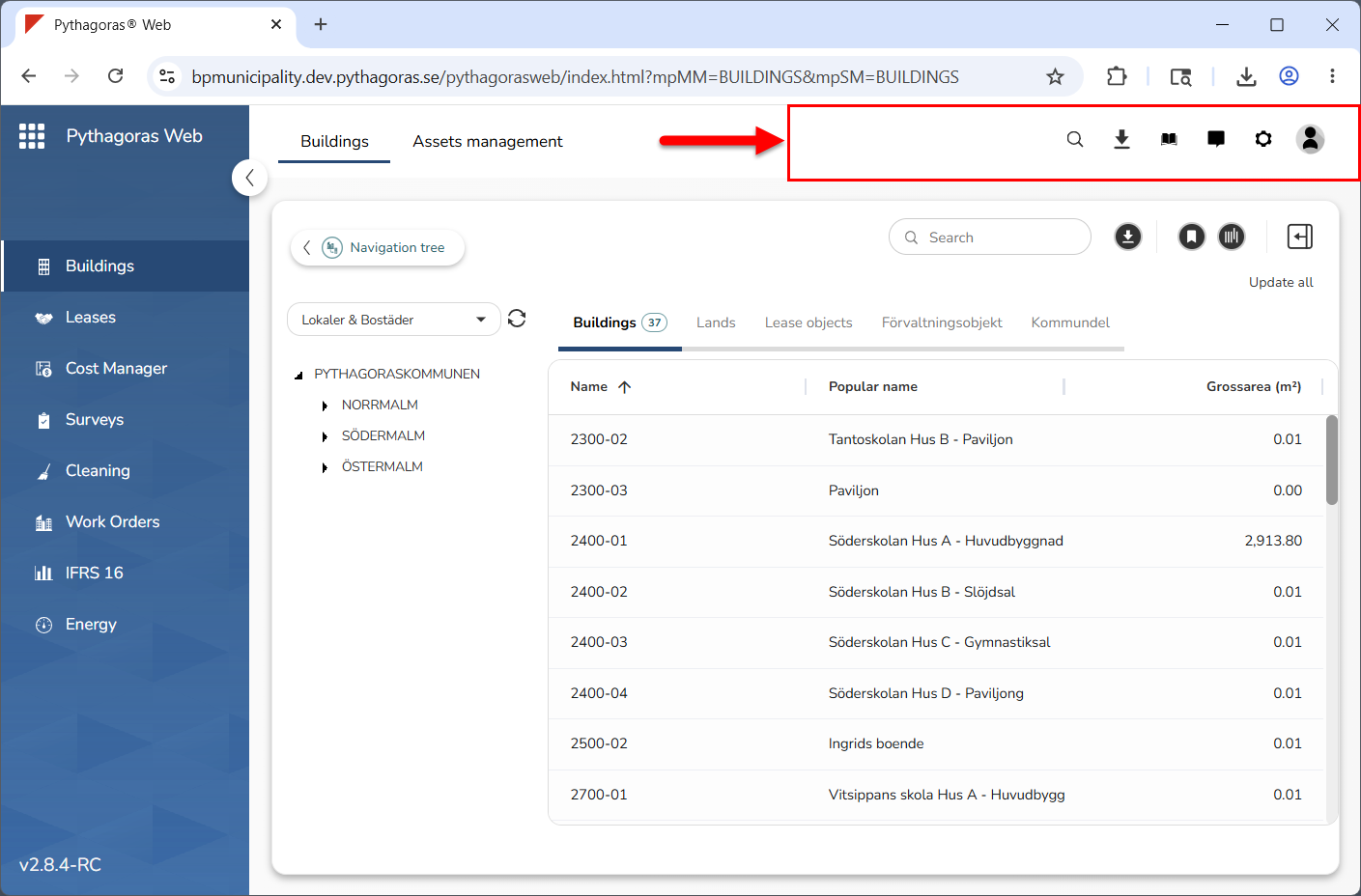
To the right in the global setting area you will find six icons: "Search", "Reports", "Manual", "Messages", "Settings" and "My page" (see image below).
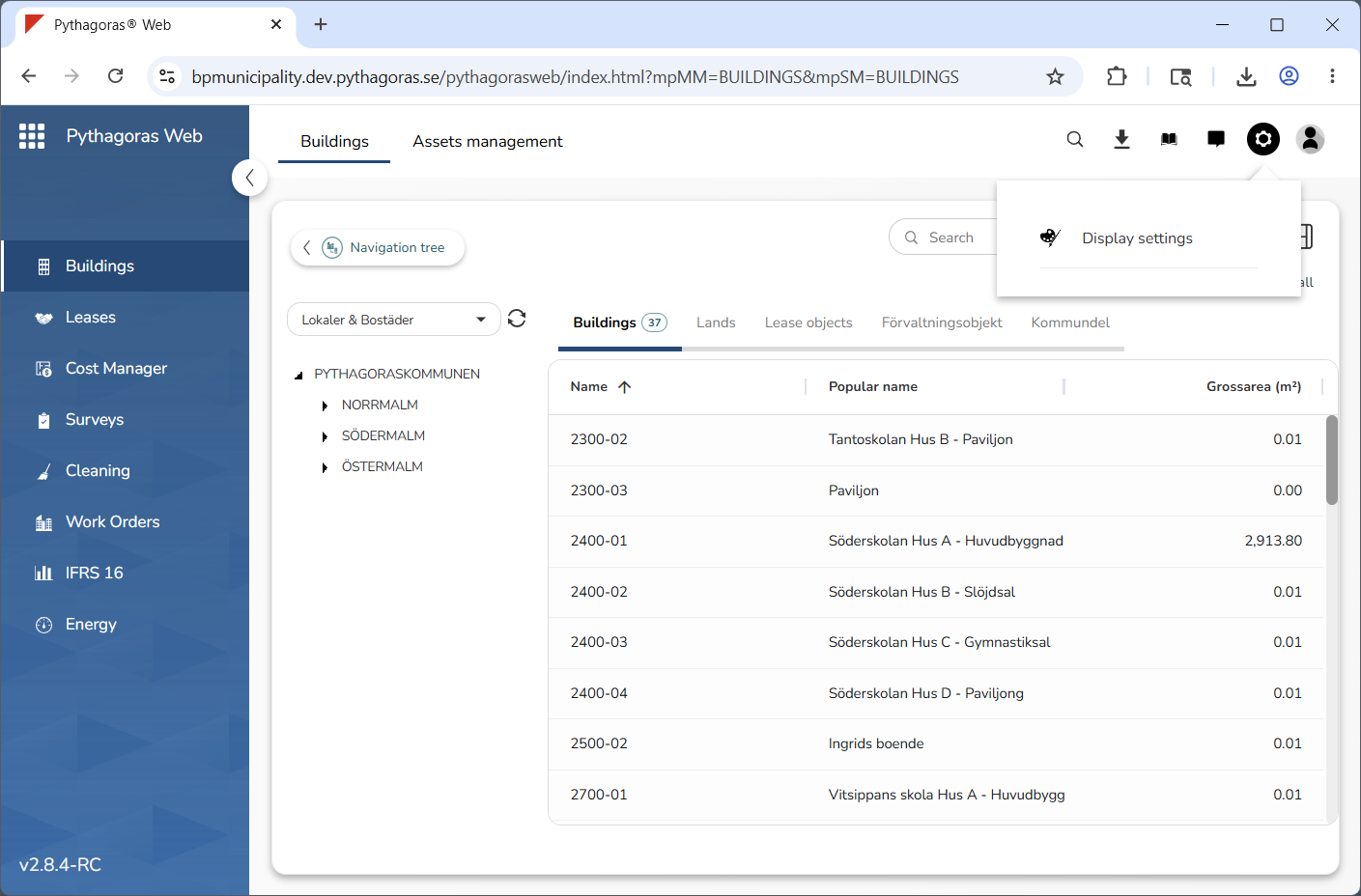
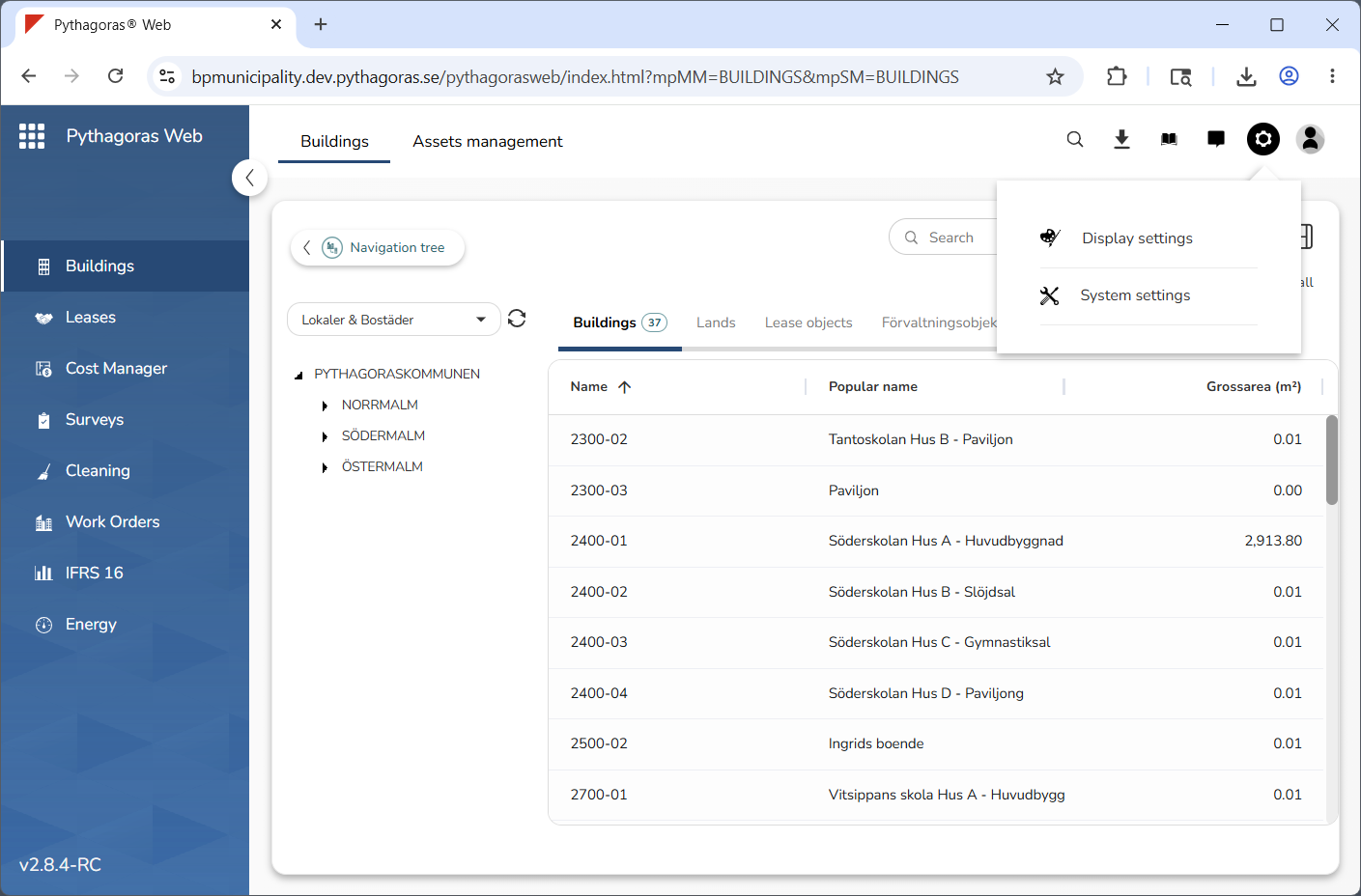
By clicking the icon "Settings", you will get access to either Display settings or Display settings and System settings (see images below). The display settings are available to all users available in Pythagoras Web, while the system settings are permission-controlled. In order to access the system settings, you must be an organisation administrator or belong to a user group which has administrator rights in Pythagoras Web. Note that in this manual you will only find information about the display settings. For more information about the system settings, click here.
Via the global settings area you can work with the global settings.
When working with the global settings you can:
search for someone or something available in Pythagoras Web
download reports that you have created within the past 24 hours
open the manual for Buildings
work with messages
work with the display settings for your user account
work with the general settings for your user account
view news demos
log out of Pythagoras Web.
For more information on how to work with the global settings, see chapter 3 in the manual for the menu and the global settings. You will find it here.