When showing the map and KPIs, it is good to know that your map and KPIs settings only apply to your current work session. They will be reset if you log out of Pythagoras Web or close your browser.
To show the map and KPIs:
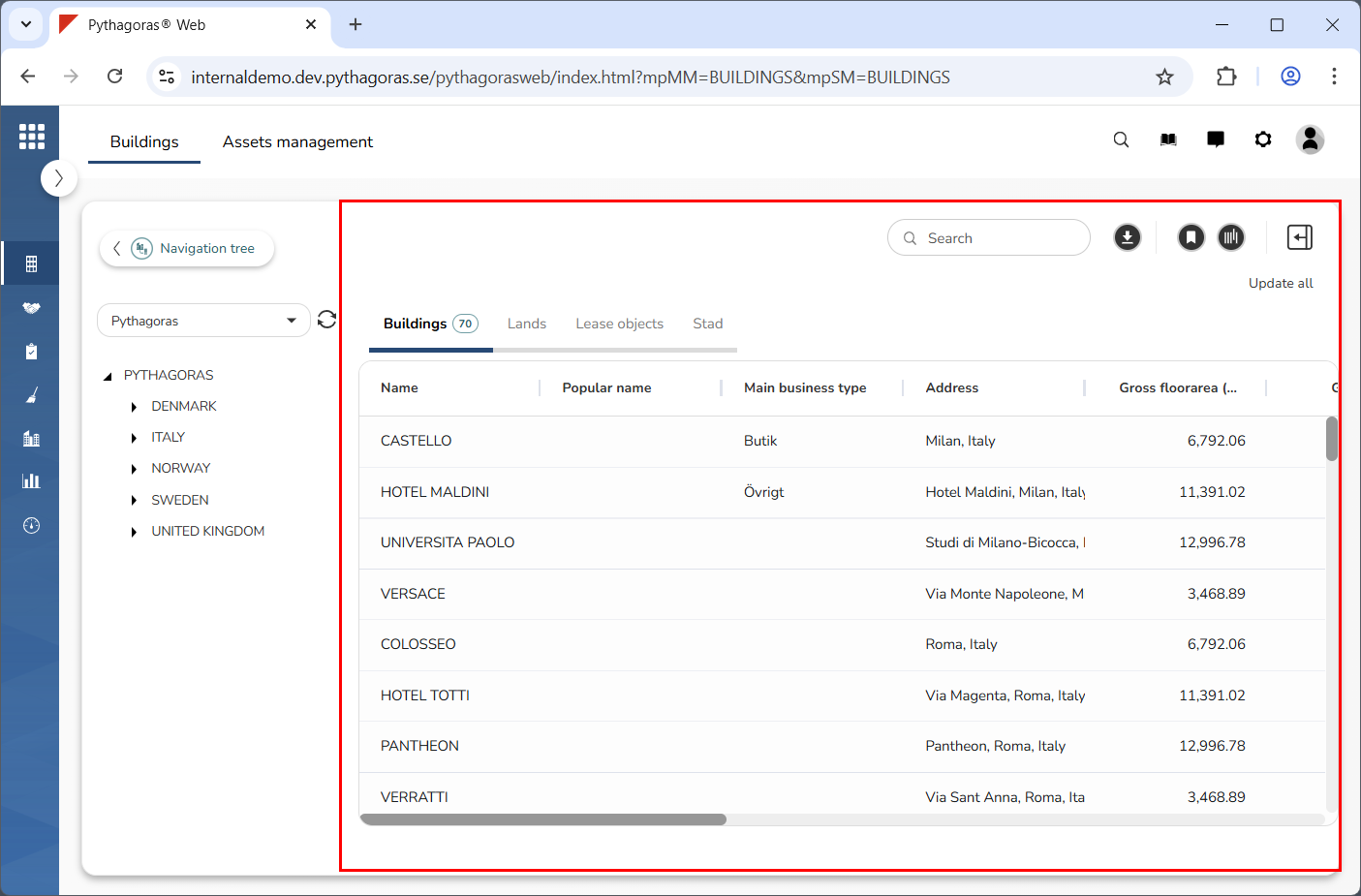
Go to the object list (see image below).
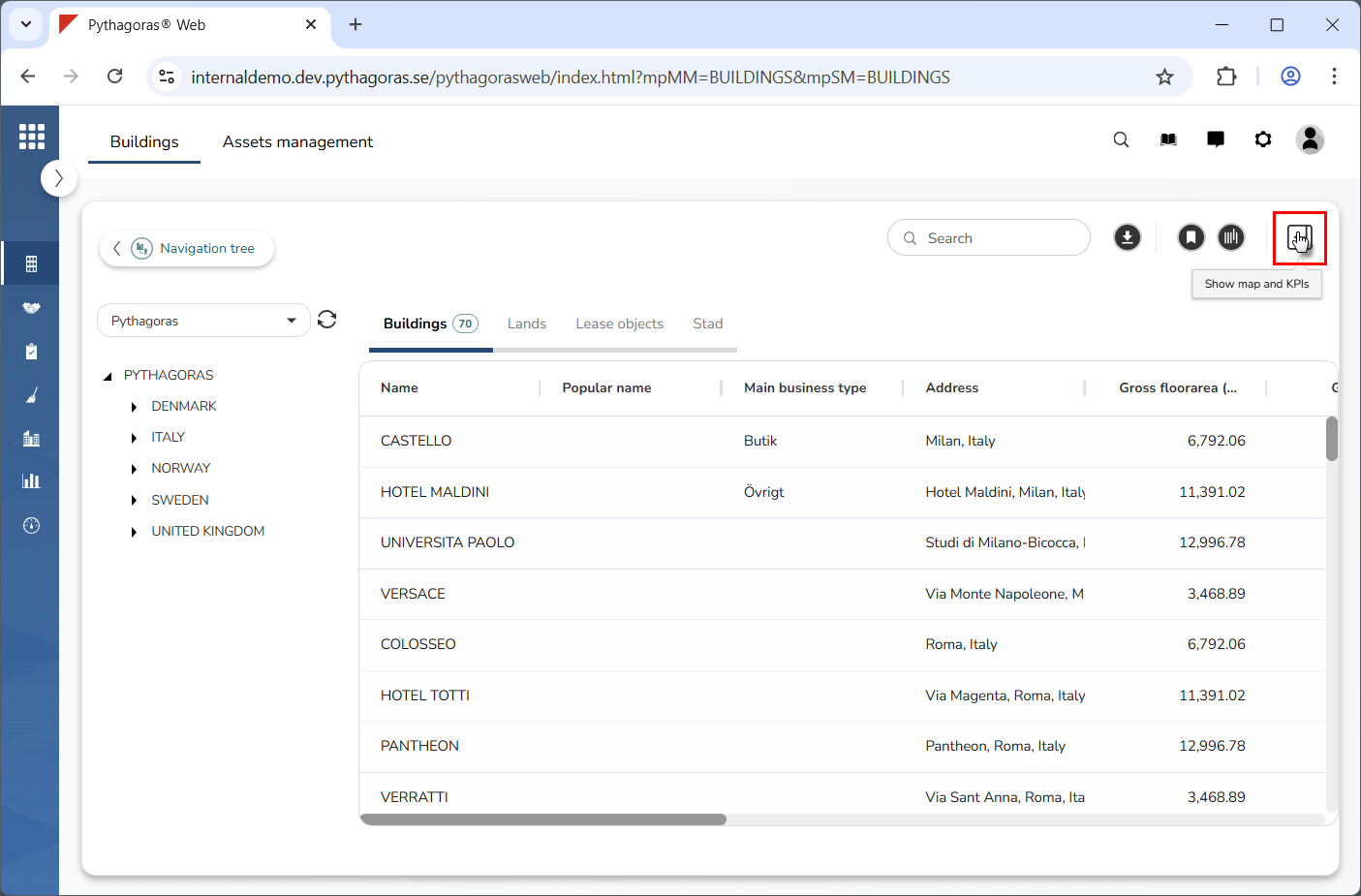
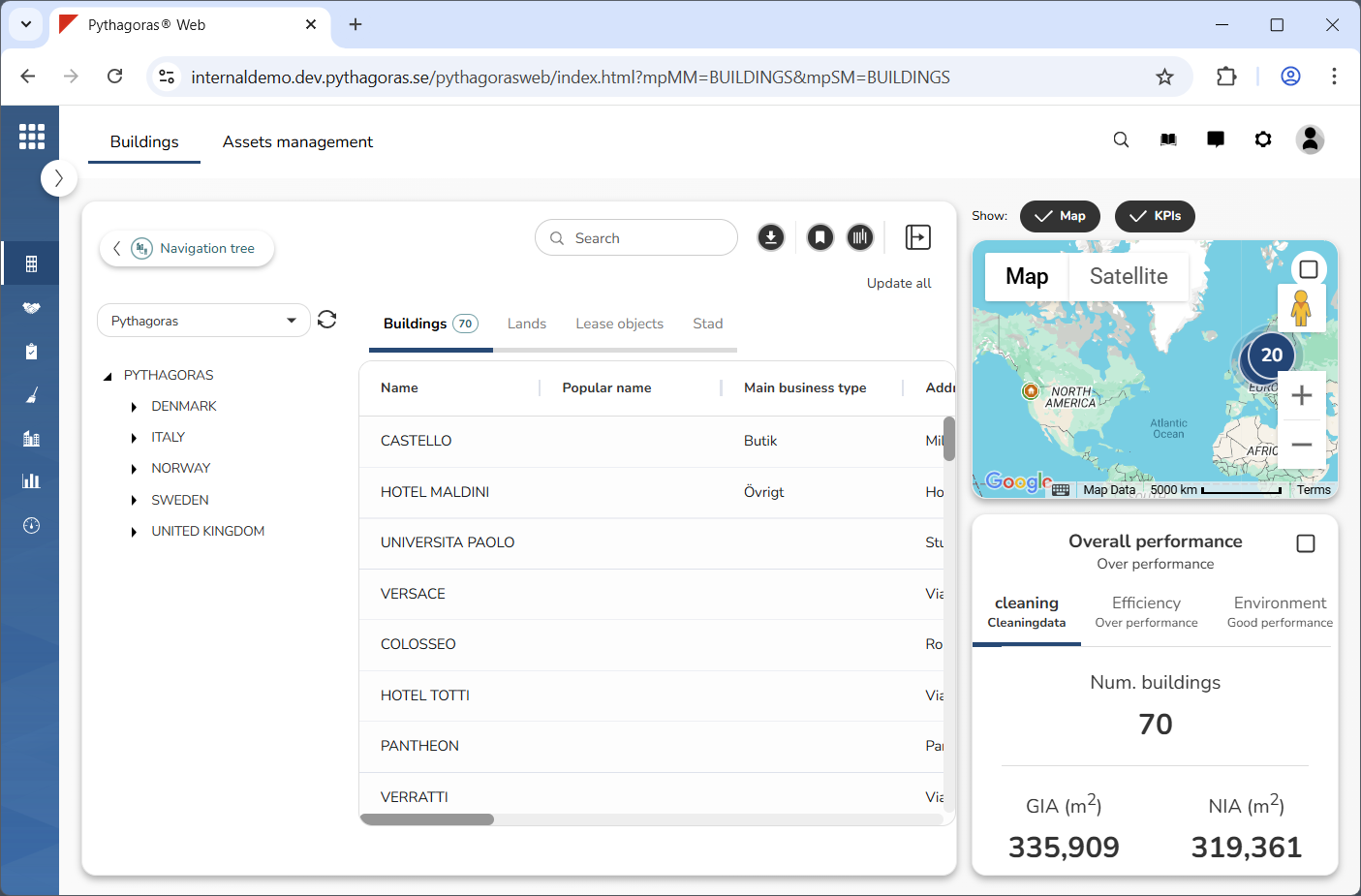
Click "Show map and KPIs" (see the first image below). When you do so, the map and KPIs will become visible (see the second image below).