11.8.1. Add an accounting entry post for a lease object
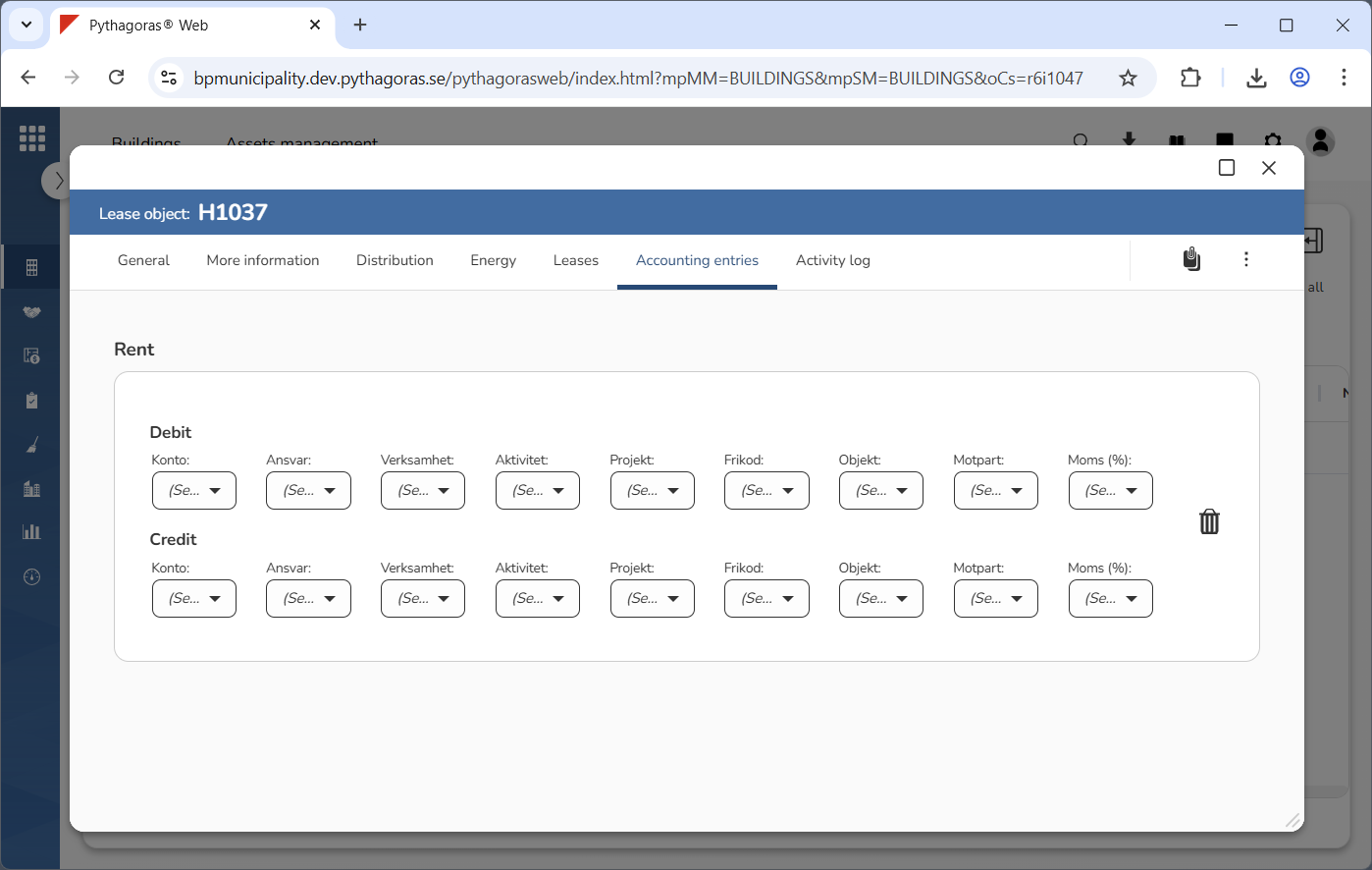
An accounting entry post consists of a number of accounting types to which you can assign accounting codes. Accounting entry posts are customer-specific, which means they will probably not consist of the same accounting types as the accounting entry post you encounter at the end of the instructions below. The way you add an accounting entry post for a lease object is the same regardless of which accounting types an accounting entry post consists of. You can only add one accounting entry post per lease object.
To add an accounting entry post for a lease object:
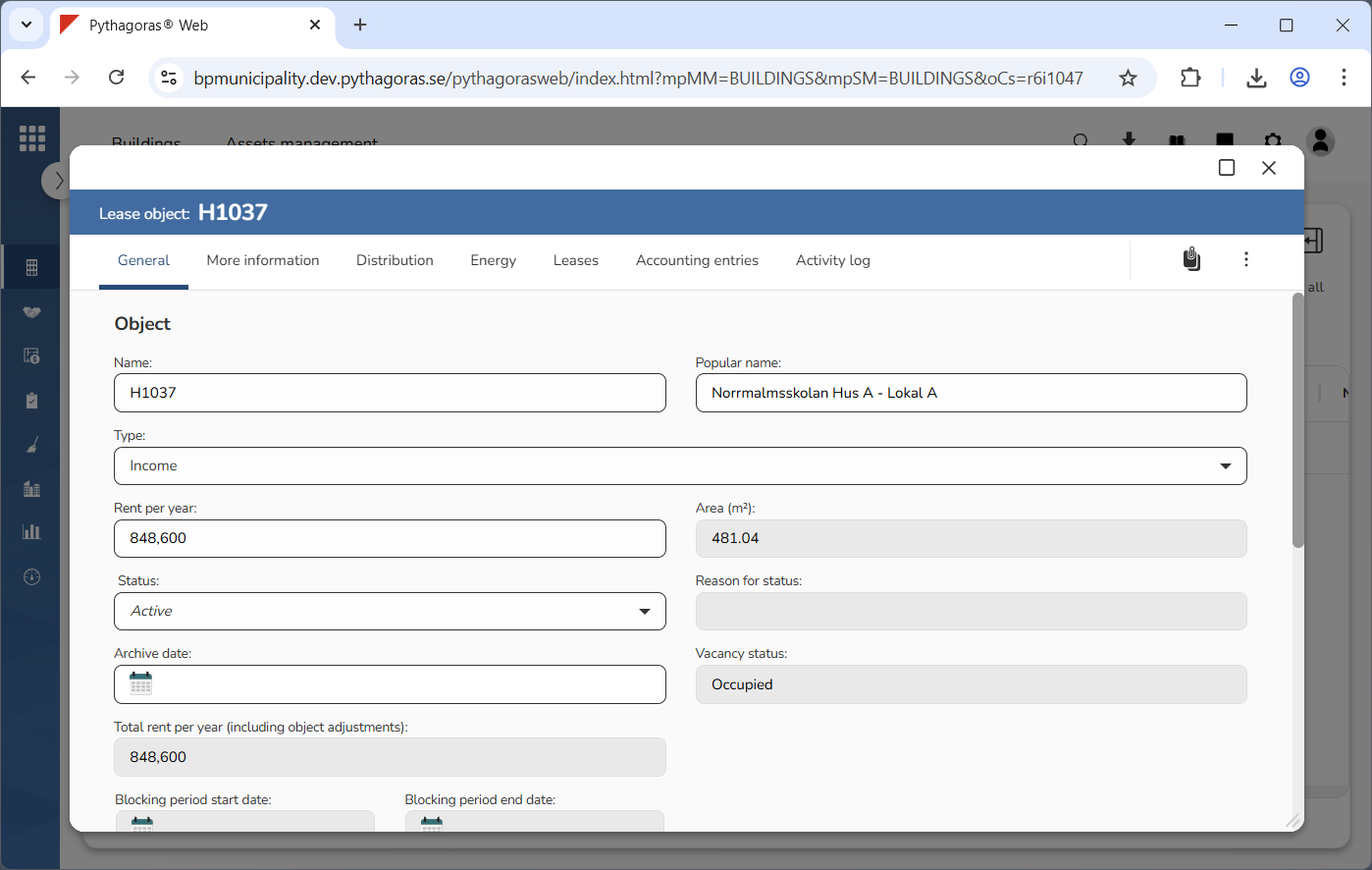
Open a lease object. For more information on how to do so, see section 11.1.
Go to the lease object card (see image below).
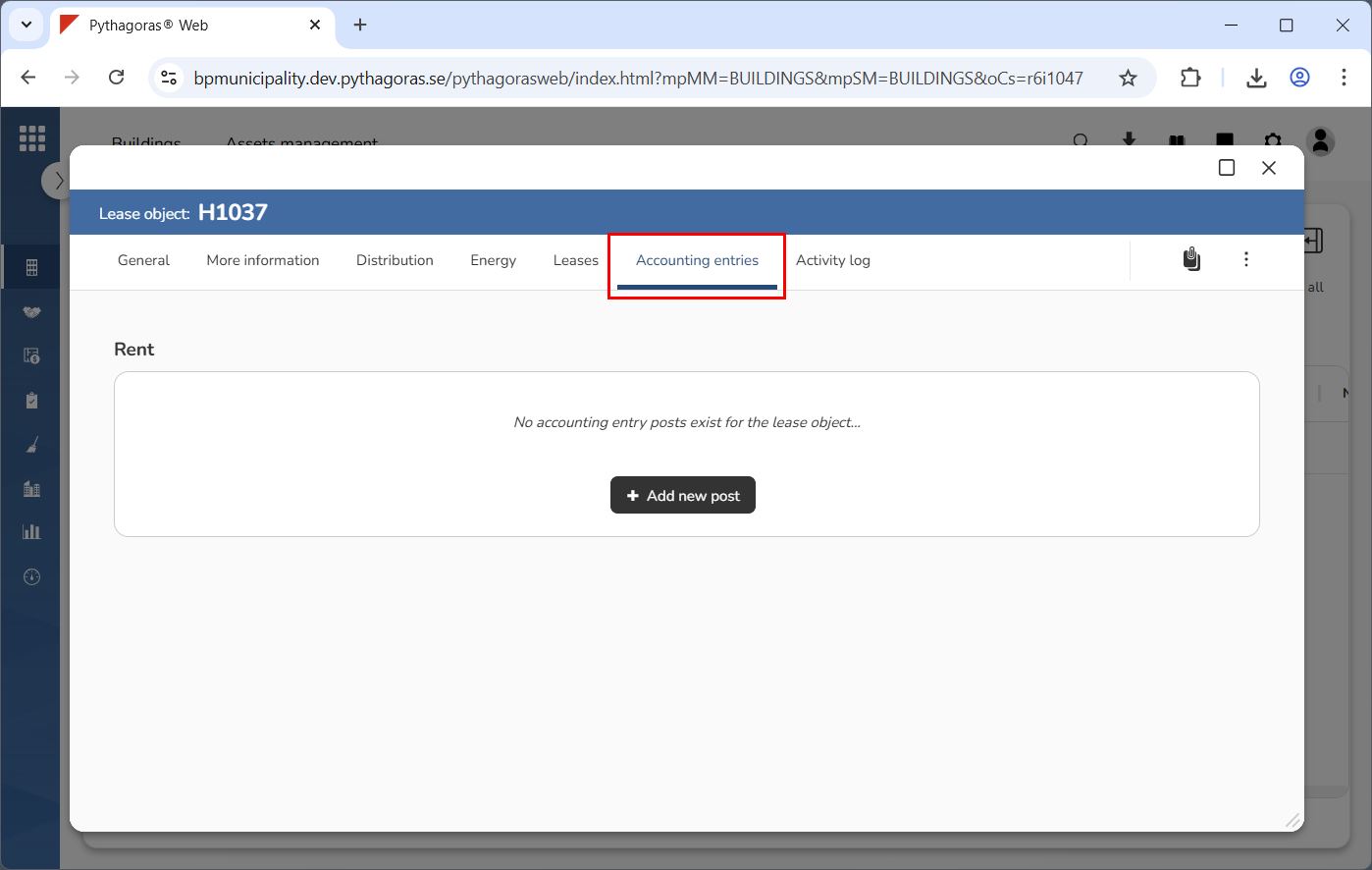
Click the tab called "Accounting entries" (see image below).
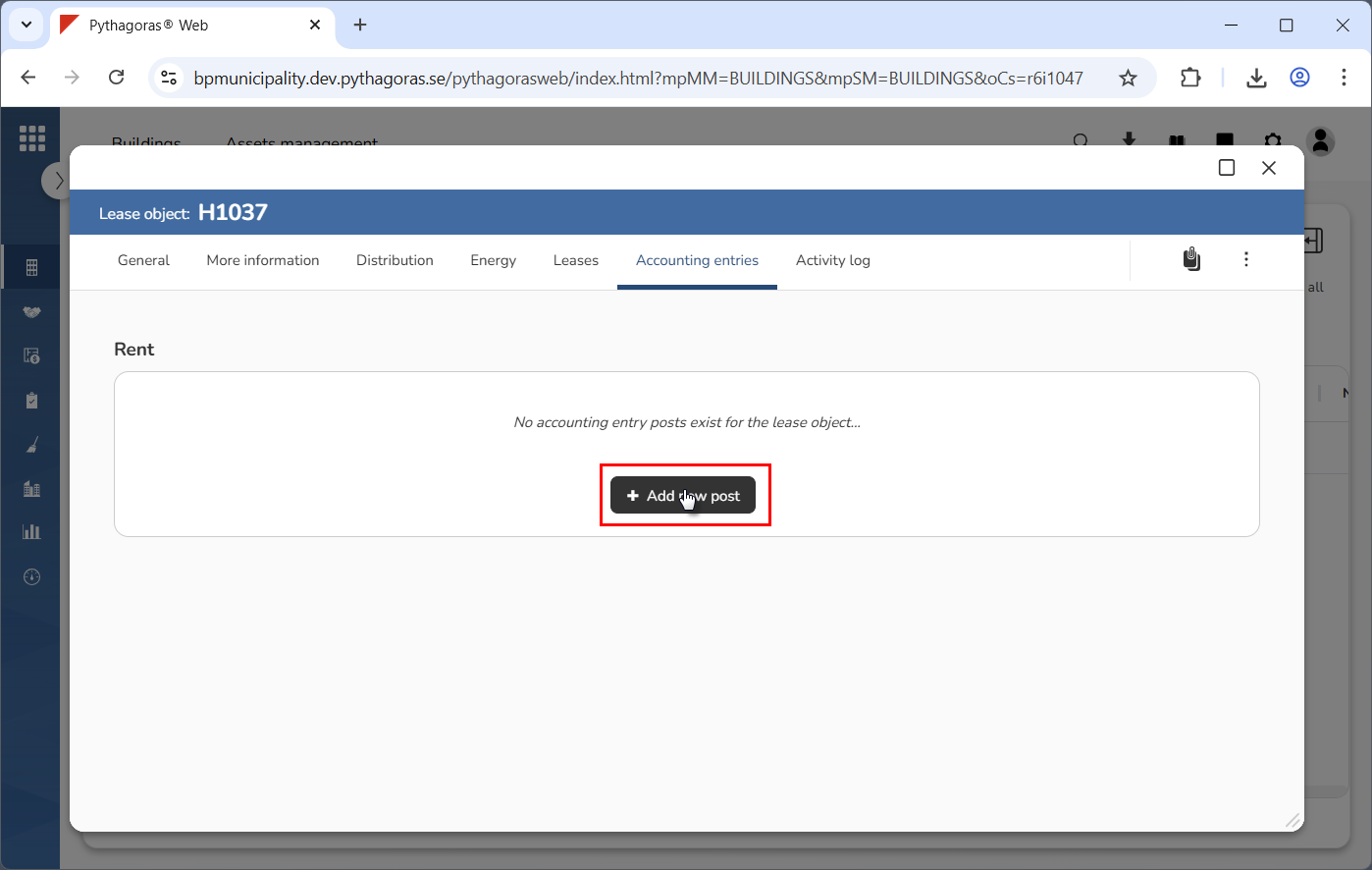
Click "Add new post" (see the first image below). When you do so, an accounting entry post will be added for the lease object you are working with (see the second image below).
Assign accounting codes to the accounting types that make up the accounting entry post you are working with.